A security.txt file helps someone report a suspected security issue to the team that can handle it. For a small site, the first useful version needs a working reporting URI, an expiry date, and a predictable place to find the file. After publishing it, ask a colleague to follow the route from the public URL through to a test ticket.
On this page

Start here. Choose the person or team that will answer reports before writing the file. If the inbox has no owner or backup, publishing its address will only make an unstaffed queue easier to find.
See the minimum file and pass checks · See the completed verification record
Minimum security.txt file and pass checks
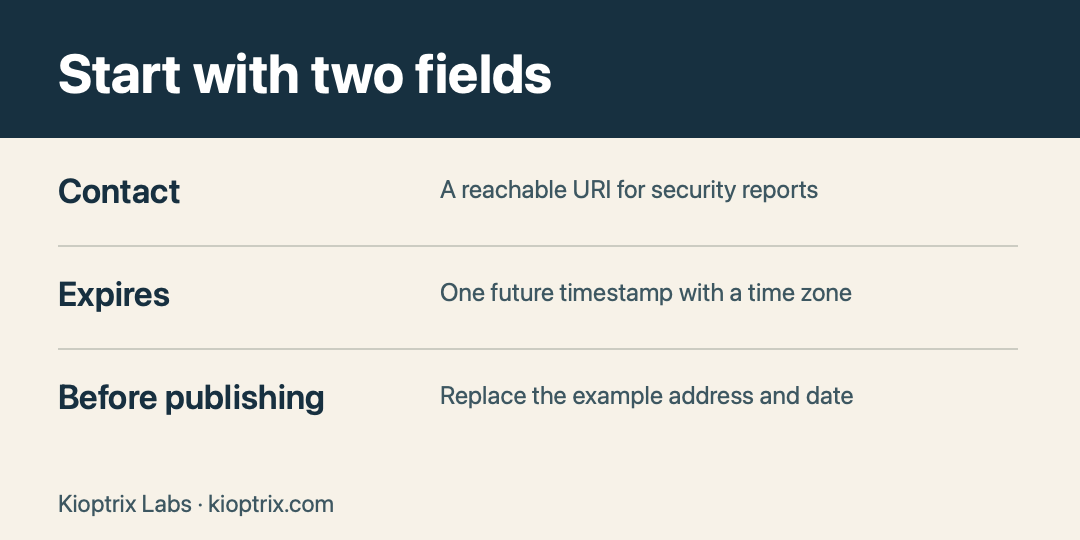
A minimum security.txt file has at least one Contact and exactly one Expires. Here is the smallest example for a site using email. Substitute your monitored reporting address and set an expiry that is in the future when you publish.
Contact: mailto:security@example.com
Expires: 2027-05-23T00:00:00Z
Pass the public-file check when the intended HTTPS URL at /.well-known/security.txt yields the file, the final response is 200 OK, the media type is text/plain with UTF-8, and the required fields match the release copy. Log the final URL if the request redirected. Then run a separately approved test to confirm where a report lands.
Use the optional Canonical and Policy example below when you have an authoritative HTTPS location and a published disclosure policy. The contact in the sample uses the reserved example.com domain. It is a placeholder for your own reporting route.
1. Assign a reporting owner
Choose a role-based address or an HTTPS reporting form that your team can maintain when people change roles. Name a primary owner and a backup, decide who acknowledges new reports, and write down where responsibility moves if the issue belongs to a third-party service. Keep the owners and escalation route in an internal runbook. Publish the reporting channel that an external reader needs.
Before adding a second contact, decide when someone should use it. A form may be the primary channel and an email address may serve as a fallback when the form is unavailable. List preferred channels first. If readers need a way to send sensitive details, explain the approved method on the reporting page. The site’s vulnerability disclosure intake guide covers what happens after a report reaches the team.
2. Write the required fields
RFC 9116 requires one or more Contact fields and exactly one Expires field. Use a URI such as mailto: or an HTTPS reporting page for contact. Set the expiry using an RFC 3339 date and time. The RFC recommends an expiry less than one year into the future. Canonical and Policy are optional. Add the policy link if you have an active disclosure policy to point to.
# Illustrative values for a file published on November 23, 2026.
Contact: mailto:security@example.com
Expires: 2027-05-23T00:00:00Z
Canonical: https://example.com/.well-known/security.txt
Policy: https://example.com/vulnerability-disclosure
Replace the example domain, contact and expiry before publishing. If you keep Canonical, use the actual HTTPS URL where this file is served. Remove the example policy line if your organization has no published disclosure policy. Avoid adding employee names or instructions that depend on an internal tool.
Keep the release copy where the people who deploy the site can review it. Include the planned host, contact URI and expiry in the change request, and have the reporting owner confirm the contact before it goes live. If your site is managed by a hosting provider, ask who controls the well-known path and where the file will be served. A normal content page rendered by the CMS can return HTML even if its slug looks correct. In that case, ask the person who controls the host routing for a plain-text response and retest the actual public URL.
3. Serve the file on the right host
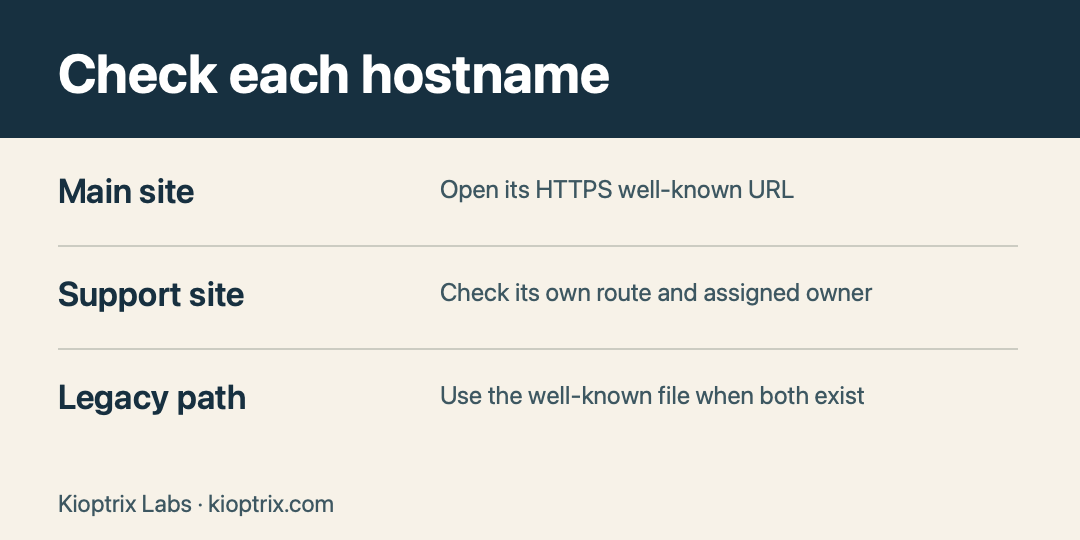
For websites, the standardized location is /.well-known/security.txt on the relevant HTTPS host. The file normally applies to the domain or IP address used to retrieve it, so review your host inventory instead of assuming the main domain covers each subdomain. Start with hosts you operate, such as a marketing site and a support portal, and document who handles reports on each. Coordinate with the service owner before changing any delegated host.
The standard allows a legacy top-level file or a redirect to the well-known path. When both locations contain a file, RFC 9116 requires readers to use the /.well-known/ copy. If the two versions disagree, record the discrepancy and update the legacy route before you close the release ticket. See RFC 9116’s location and scope rules for details.
Consider a main site at example.com and a support portal at support.example.com. If they share a reporting team, each owner can verify the correct public URL and establish where that host’s reports go. A passing main-site check leaves the support host unverified until its URL and routing have been checked separately. If the portal is vendor-operated, confirm who controls the route and have that owner document how reports get to the right team.
If you include multiple Canonical entries, verify the URI you opened on each host. Treat the entries as location declarations. Maintain scope separately according to where the file was retrieved and any relevant policy. The RFC’s Canonical definition explains the trust considerations, including digital signatures.
4. Verify the public response
Open the intended public URL in a logged-out browser session and make sure it displays the text file. Then inspect the response in the browser’s network panel. The RFC requires HTTPS and a text/plain response with UTF-8 as the default charset. Record the final response URL if your site redirects the initial request. Check all public hostnames included in the rollout, even if they share a deployment.
| Observation | Next check |
|---|---|
| The browser displays the homepage or an HTML error page | Check the final response and have the site owner inspect routing for the well-known path. |
| The file displays a former contact | Compare it with the deployed copy and check whether a cache is serving an older response. |
| The file loads on one hostname only | Confirm the intended host list and record which owner is responsible for each missing response. |
| The expiry timestamp has passed | Verify the contact and policy before replacing the timestamp. |
In developer tools, use the response for the exact well-known request. A site can return a branded HTML page with status 200 on an unknown path. Check the status, media type, response body, and final hostname together. Record a failed result when the body is HTML or the required fields are missing, even if the server reports success. Retest from a fresh browsing session after the route owner publishes a fix.
5. Test the reporting handoff
Ask a colleague who is authorized to test the reporting channel to send a harmless message marked “TEST — no vulnerability.” Include a date and a test reference. Keep customer details, credentials and attachments out of the test. Check that the receiving team can open the report, acknowledge it through the expected channel, and assign it to the right queue. If a contact form asks for credentials from an external reporter, review whether that route is usable by your intended audience.
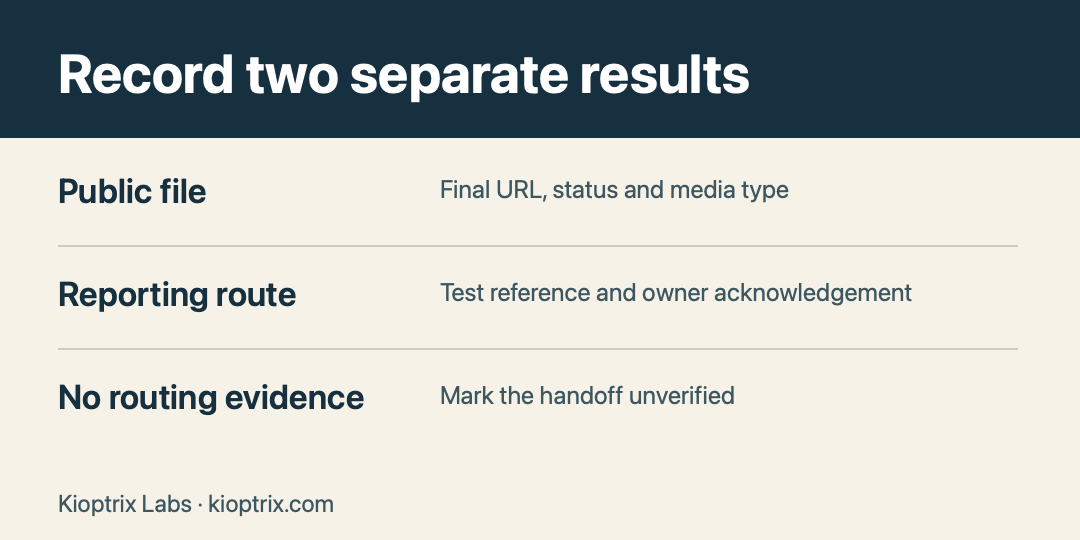
Use a simple verdict. Pass if the report reached the assigned queue and an owner could act on it, fail if it went to the wrong destination or could not be submitted, and unverified if delivery has not been checked. Save a ticket reference or acknowledgement time as evidence. A successful visit to the text file establishes that it was served. The test message establishes whether the reporting handoff worked.
For a fallback email route, verify the mailbox separately if your file lists it. A working form does not exercise the email route. Give each route its own test reference when the team needs to know which channel delivered the report. If you can validate only one route in the current release, record the other as unverified and give it an owner and review date.
6. Schedule review before expiry
Put a review date on the owner’s calendar before Expires. During review, confirm the reporting contact is staffed, open any policy URL, and check the response again after deployment. Recheck whenever mail routing changes, your policy moves, or a domain is transferred. A reminder a month before expiry is one workable starting point for a small team with a stable contact.
Completed security.txt verification record
Illustrative release record. The following host, times and ticket reference are fictional. The example shows how to retain a public-file pass while leaving the reporting handoff unverified until the receiving team confirms it.
| Record field | Example result |
|---|---|
| Host and expected location | example.com · https://example.com/.well-known/security.txt |
| Observed final response | 200 OK · text/plain; charset=utf-8 · expected hostname and path |
| Fields and freshness | Contact matches the approved mailbox. Expires: 2027-05-23T00:00:00Z. |
| Public-file verdict | Pass · checked November 23, 2026 at 09:00 UTC. |
| Handoff verdict | Unverified · test message RPT-DEMO-017 was submitted. Queue receipt and owner acknowledgement are pending. |
| Follow-up | Reporting owner checks the queue before the next release. Support hostname gets a separate record. |
If the reporting owner later finds the test message and confirms the handoff, add the acknowledgement time and ticket reference to the same record. If it landed in a generic support inbox and no one owns the escalation, record the routing failure even if the form displayed a success message. Keep only the reference needed for follow-up in the release record.
For a newly launched hostname, hand over a blank copy of the record to its owner. Ask them to enter both verdicts and a review date. A launch reviewer can use the completed records to distinguish open work from verified coverage without rechecking a different team’s mailbox.
7. Keep a short verification record
Keep one short verification record per host. A deploy ticket works well if it preserves the date, the live URL, and an issue owner. If a check fails, record what someone observed and the next person who can resolve it.
Hostname and public security.txt URL:
Review date and reviewer:
Final response URL, HTTP status and Content-Type:
Primary report route and internal owner:
Expiry timestamp and next review date:
Public-file verdict / date / evidence location:
Handoff verdict / test reference / acknowledgement time:
Open issue, next action and owner:
Use the same record during renewal. Confirm that the expiry is in the future, that the file still points to an owned route, and that the links on the reporting page still work as intended. If the policy or contact changed after the last test, record which part was retested and assign an owner to any open item. A recurring calendar reminder should point to the host inventory and verification record so a new owner can complete the review.
Frequently asked questions
Does publishing security.txt grant permission to test a site?
The file provides a reporting route. Read the site’s applicable disclosure policy for its testing terms and scope. See RFC 9116’s policy guidance.
Can a small team start with an email address?
Yes. A staffed mailto URI and a valid expiry are enough to start the file. Document who monitors the reporting address and exercise the handoff before relying on it.
What if the file expired yesterday?
Confirm the contact and policy, publish a fresh expiry, and verify the public file again. Record the review so the team can see why the new date was chosen.
The sample file and test record are illustrative. The field definitions and hosting requirements come from RFC 9116.