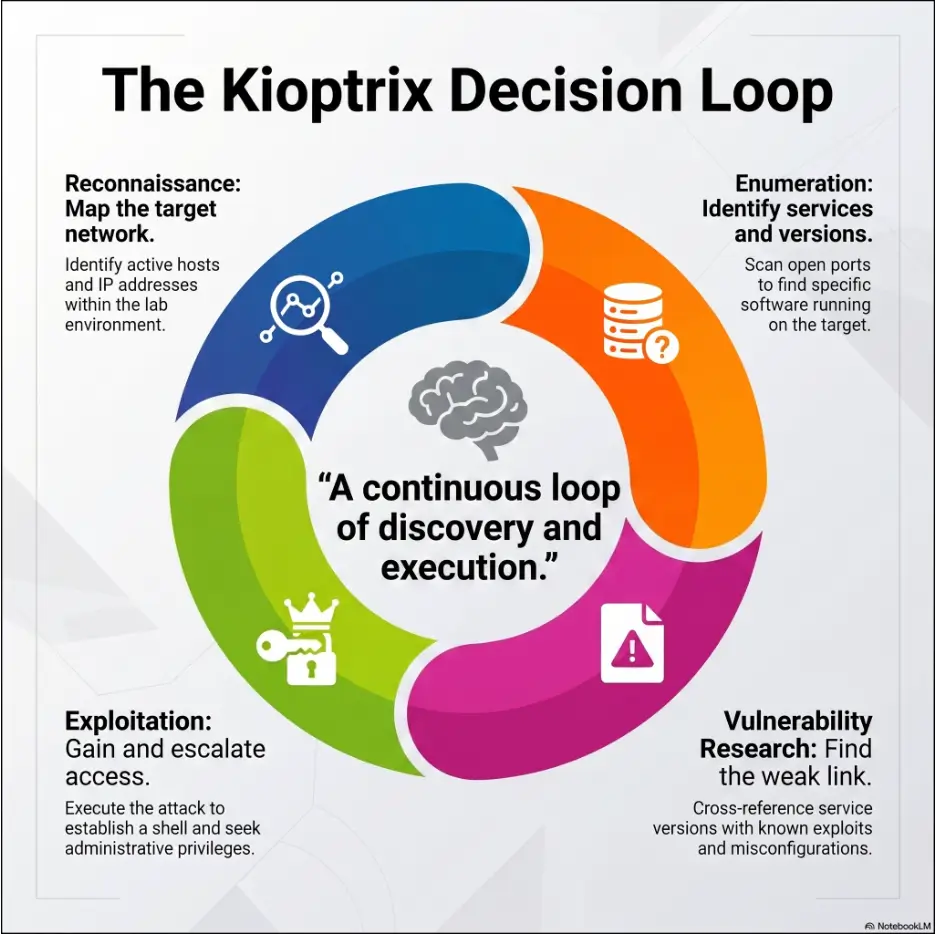
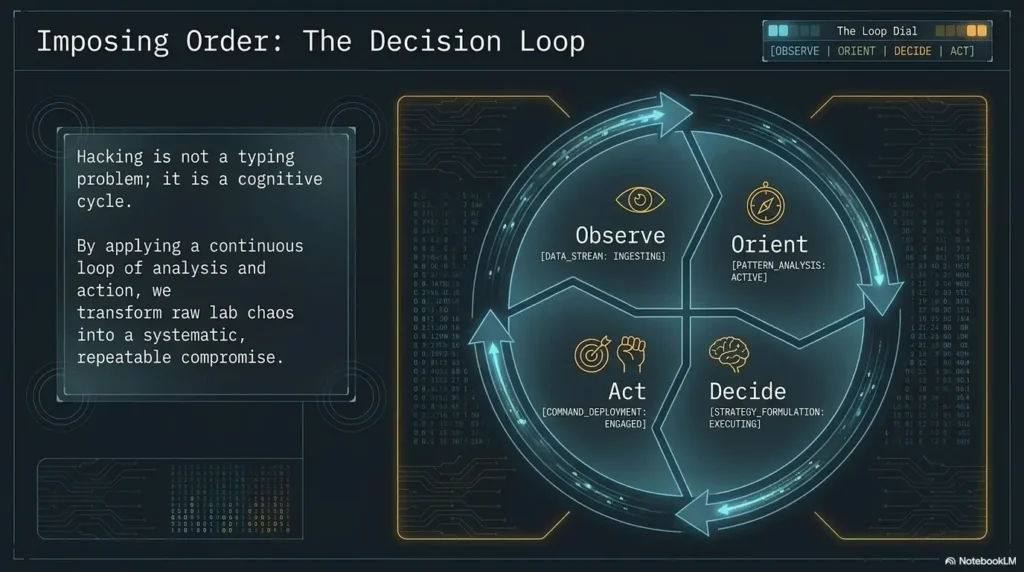
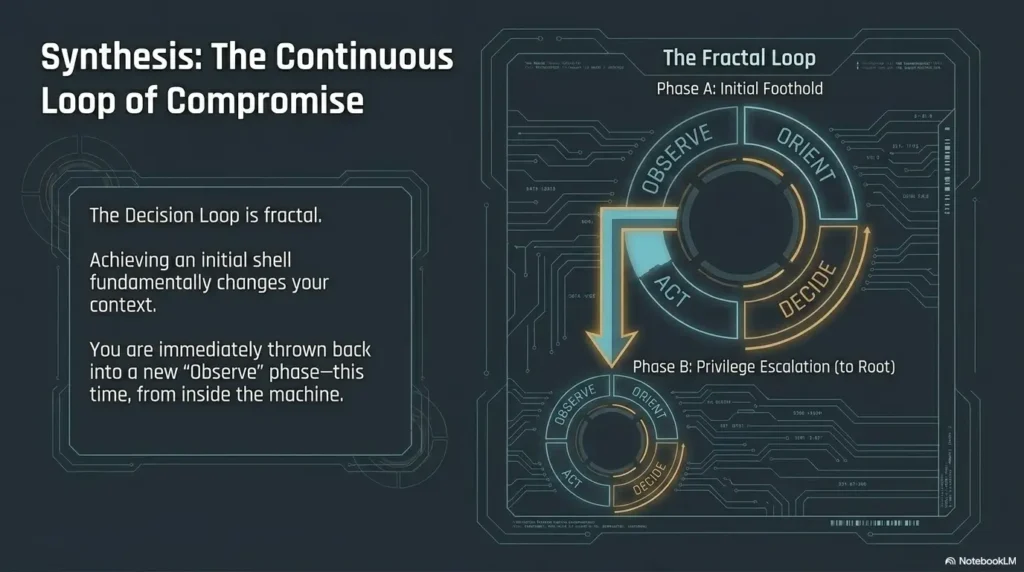
After the first scan, choose a task by what remains unknown. This page is a next-step selector: it does not repeat the setup guide or provide a guaranteed route to root. Keep the original scan and target identity available while using it.

Evidence status: the situations below are illustrative examples. They are not captured results from a new Kioptrix run.
Check prerequisites before selecting a tool
- Have you confirmed the image, virtual network, target MAC and current IP? If not, return to setup.
- Did the tool finish, and what hosts, ports, protocols and authentication context did it cover? Missing coverage is not a negative finding.
- Is there an exact error? Use error diagnosis before drawing a vulnerability conclusion.
- Is the next action inside your authorization and recoverable? If not, stop and redesign the check.
Translate the result into a next question
- HTTP is indicated, but the application is unknown
- Inspect the confirmed target’s visible page and response. Record the final URL, headers and actual links. Do not assume a login form exists on every Kioptrix release.
- A service version appears old
- Read the vendor advisory and compare product, version/build, configuration and prerequisites. Treat a banner as a research lead. A patched package may retain an old-looking version string.
- SMB responds but the client reports an error
- Record whether failure occurred during transport, negotiation, authentication or share access. Those observations answer different questions; an access error does not establish remote code execution.
- A scanner reports a path or missing header
- Capture the matching request and response, compare a missing-resource control, and assess impact in context. Use the Nikto triage guide.
- No useful response
- Check target identity, route, VM state and scan coverage. Do not compensate by scanning a wider physical network.
- A shell is available
- Record actual identity and target context. If already root, document the result; do not add a fictional privilege-escalation stage.
Compare two leads without inventing a score
Illustrative Example: one lead is a generic old-version banner; another is a reachable directory listing containing only lab files. Start with the latter if inspection is authorized and addresses your question, because it provides observable content. This is a decision about evidence, not a universal severity ranking. A version issue may ultimately have greater impact after applicability is established.
For each lead, write the supporting observation, missing prerequisite, smallest distinguishing check and stop condition. Prefer a check whose possible outcomes change your decision. Do not convert an informal preference into a probability of exploitation.
What belongs before an exploit attempt?
Confirm the implementation and source, read the technique’s assumptions, define the expected result, keep the target in scope, and prepare recovery. A published success on another image does not establish applicability to yours. If the hypothesis is unclear, use the testable-claim guide.
When should I ask for a hint?
When a focused explanation would help resolve the current question. Save your last confirmed fact and exact uncertainty first. Record the assistance used so the report accurately describes your work. Completing the roadmap is practice, not certification of competence.
Next-step selection record
Complete one record, then generate a summary to copy or download. Use sanitized notes only. This tool has no server submission or automatic local saving; page reloads clear the form.
References: Nmap reference for scan behavior, OWASP WSTG for web-testing categories, and our evidence policy. The selection framework is an editorial aid.
Revised October 20, 2026 (UTC). Reduced repeated motivation and general workflow sections; added an evidence-based branch selector. No new lab execution is claimed.