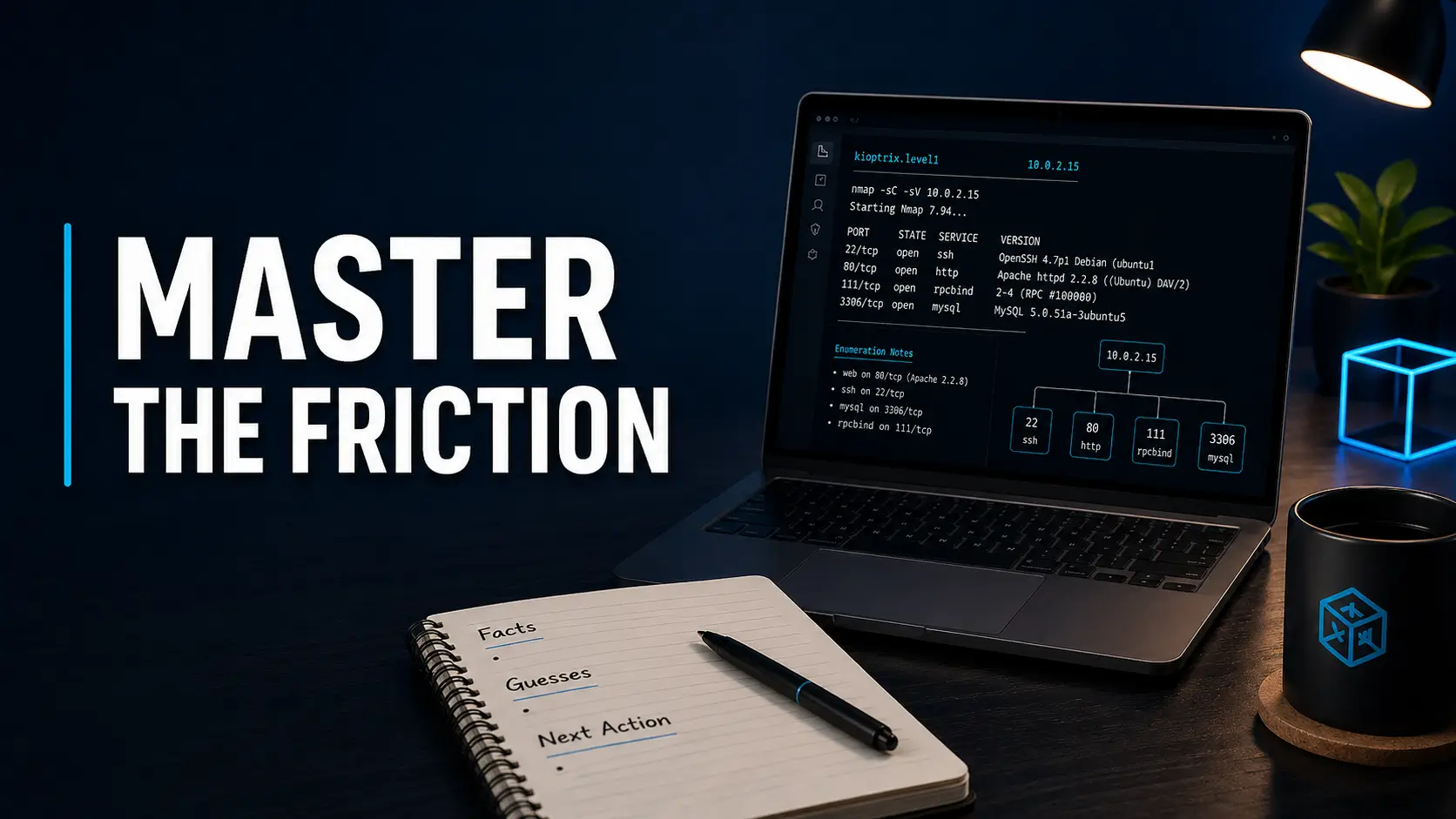
When a Kioptrix command fails, first locate the failing layer: local syntax, VM state, network identity, transport, or application protocol. This guide helps you preserve the error and choose one corrective check without changing several settings at once.
Evidence status: diagnostic examples below are illustrative. No new VM test or reader case study was performed for this revision.
Capture a baseline before changing settings
Record the archive/release, host CPU architecture, hypervisor version, VM power state, named lab network, target MAC/current IP, and last known good snapshot. Copy the exact command and error including capitalization. Replace secrets and personal paths before sharing notes.
In Kali, these local inspection commands show interfaces and routes; they do not establish which address belongs to the target:
ip -br addr
ip route
nmap --iflist
Compare the target MAC in hypervisor settings with the current lease or authorized discovery result. Do not substitute a walkthrough IP or treat a matching MAC vendor as identity proof.
Choose the branch that matches the actual symptom
- Archive will not extract
- Check download completion, archive support, and published release details. Preserve the untouched archive. VM network changes cannot fix a damaged download.
- VM will not boot or reports an architecture error
- Check guest/host compatibility and the supplied VM configuration/disk relationship. Do not rename a VMDK into an OVA. Use the VM import checklist.
- No DHCP address
- Check power, virtual cable, exact network membership, and DHCP availability. Internal networking needs an addressing plan. Keep isolation in place while repairing it; bridged mode is not a troubleshooting shortcut.
- Connection times out
- Reconfirm the current IP, route, service state and test coverage. A timeout can have several causes; do not conclude the host is down from ping alone.
- Connection refused
- Record the destination and time. This suggests an active rejection, not proof of an exploitable service. Check whether you used the intended port and whether the VM/service is running.
- Protocol negotiation or authentication error
- Separate connectivity from protocol compatibility and credentials. Record the client version and exact error. Do not make broad security-setting changes on the host to accommodate a legacy lab.
Change one variable, then compare
Illustrative Example: a client times out after the VM was restored. The earlier IP may be stale, but that is a hypothesis. Recheck the MAC-to-lease mapping first. If the IP changed, repeat only the same authorized check against the confirmed current address. Preserve both results with timestamps.
If the result remains ambiguous, restore a known baseline only after saving the evidence you need. Record what the restore changes. Restoring a snapshot does not necessarily reset external DHCP leases or files on the host.
Prepare a useful help request
Include the environment, expected behavior, exact sanitized error, what you changed, and the last confirmed fact. Ask one bounded question. You may use a hint whenever it helps learning; record assistance rather than presenting it as an unassisted result.
When the environment works but you cannot select the next task, use the next-step guide. For a first complete note, use the four-field practice guide.
One-variable troubleshooting record
Complete one record, then generate a summary to copy or download. Use sanitized notes only. This tool has no server submission or automatic local saving; page reloads clear the form.
Official Documentation: Nmap host discovery explains discovery limits; Oracle networking documentation distinguishes network modes. The diagnostic order here is an editorial aid, not a guaranteed fix.
Revised October 20, 2026 (UTC). Replaced overlapping motivation sections and an unsupported reader anecdote with symptom-based diagnosis. See author and evidence policy.