Kioptrix archive errors should be diagnosed before you change a single virtual-machine setting. A RAR file that will not open, a CRC warning during extraction, and a missing virtual disk after extraction are different failures. This guide helps you identify which one you have, verify the original download locally, and decide whether to download again, change your extraction method, or continue to the import guide.
Table of Contents
Start with the Kioptrix downloads index to choose the release. Use this page when you already have a file but cannot confidently extract it. For a successfully extracted VM that will not open or boot, continue to the VM import and architecture checklist. No challenge solutions or exploit steps are included here.
Quick answer: confirm the exact package, finish the download, compare its checksum using the same algorithm, test the archive, and extract its complete contents into a fresh folder. If the digest differs, resolve that mismatch before importing. A matching legacy checksum is an integrity clue, not proof of authenticity or safety.
1. Identify the exact Kioptrix archive package
Write down the release title, filename and source page before troubleshooting. Different releases are separate challenges, and the same level may have more than one package. A checksum for one package cannot validate another. Do not use the visible filename as your only evidence: a browser can add a suffix to duplicate downloads, and a file can be renamed without changing its contents.
For the worked example below, the reference is VulnHub’s Level 1 (#1) release listing. It lists Kioptrix_Level_1.rar, a rounded size of 186 MB, and VMware format. These details identify this example; they are not instructions to apply its hash to every Kioptrix release.
| File or package | What to check | Common wrong comparison |
|---|---|---|
| Original Level 1 RAR | Level 1 (#1) file information | A hash copied from a different level |
| Level 2 updated package | The exact update filename on its release page | An older package with a similar name |
| Level 4 VMware or Hyper-V package | The checksum belonging to that package | Treating the two packages as identical files |
| Kioptrix 2014 main archive or fix | Whether you have the full VM or a supplementary fix | Trying to import the fix as the whole appliance |
The downloads index links to each release’s own details. Use those pages for the current filename and reference digest. This article concentrates on the verification process rather than maintaining a second download catalogue.
2. Check whether the Kioptrix archive download finished
Inspect your browser’s download panel. A file still marked in progress, interrupted or failed is not ready to extract. Temporary download extensions and a suspiciously small file are useful clues, but neither an extension nor a rounded size establishes completeness. Check the completion status and then calculate a checksum of the finished file.
Sometimes a saved file contains an HTML error page rather than the requested archive. For example, a download manager may save a redirect destination or an access-denied response under an archive-like name. If your extractor reports that the format is unrecognized, inspect the file type and source before assuming the VM itself is broken. On macOS or Linux, the local file utility can provide a format clue:
file "Kioptrix_Level_1.rar"A result describing HTML or plain text is a reason to revisit the release page and its listed mirror. Recognizing RAR data is useful, but it still does not establish that every byte arrived. Do not rename an HTML page to RAR, rename RAR to OVA, or repeatedly feed the file into a hypervisor. None of those actions reconstructs missing archive data.
3. Calculate a Kioptrix archive checksum locally
Hash the original compressed Kioptrix archive, not an extracted VMDK, its containing folder, or a screenshot of the filename. Choose the same algorithm as the published value. SHA-1 and SHA-256 produce different digests even for the same file; comparing them tells you nothing about download integrity.
For Level 1 (#1), VulnHub lists the following reference values. Recheck the linked release page if you are working with another package or a changed listing.
| Algorithm | Published reference for Kioptrix_Level_1.rar |
|---|---|
| SHA-1 | 98CA3F4C079254E6B272265608E7D22119350A37 |
| MD5 | 6DF1A7DFA555A220054FB98BA87FACD4 |
Windows: specify SHA1 in PowerShell
Open PowerShell in the folder containing your completed download, or substitute its full path. This reads the file and prints its hash; it does not extract or run the VM. Administrator access is not normally needed just to hash a file you can read.
Get-FileHash -LiteralPath './Kioptrix_Level_1.rar' -Algorithm SHA1Compare the Hash field with the SHA-1 reference above. Microsoft’s Get-FileHash documentation explains that SHA256 is the default, which is why the explicit algorithm matters here. If the command reports a missing path, correct the location or actual filename before drawing any conclusion about corruption.
macOS: use shasum
shasum -a 1 "Kioptrix_Level_1.rar"Run this in the archive’s directory or supply the full path. The output includes a digest followed by the filename. Compare the digest alone. Quoting the path avoids treating spaces as separate arguments. If your browser added (1) to a duplicate download, use the name that actually exists.
Linux: use sha1sum
sha1sum "Kioptrix_Level_1.rar"Again, compare only the hexadecimal digest with the corresponding SHA-1 value. Letter case does not change the digest. A missing utility is an environment issue, not evidence of a broken download. You can also use the local checksum comparator on the downloads index after calculating both strings; that comparator compares text and does not hash your file.
What a match or mismatch means
A match supports consistency with the published reference. It does not certify the source, make the intentionally vulnerable guest trustworthy, or show that your CPU and hypervisor can run it. MD5 and SHA-1 are legacy algorithms with security limitations; Microsoft explicitly limits their use to simple change validation rather than protection against deliberate tampering.
If the Kioptrix archive digest differs, first confirm the release, algorithm and exact package. Recalculate after the download finishes. If it still differs, retain the error details and obtain a fresh copy from the release page’s listed source. Do not describe a mismatch as proof of malware: an incomplete transfer, different release or wrong comparison can also explain it.
4. Test the Kioptrix archive before extracting it
A Kioptrix archive file list is not a full extraction test. An extractor can display filenames yet encounter damaged or unsupported data when reading the actual contents. Use your archive application’s Test function if available, and record the exact result. If it has no test option, extract to a new temporary working folder and retain any error message.
The official 7-Zip FAQ discusses archives that list their contents but fail during Test or Extract with CRC or data errors. It also documents differences in RAR support between old and newer versions. This is general extractor guidance, not a claim that any particular Kioptrix archive uses RAR5 or that upgrading always fixes corruption.
| Observed error | Check next | What the error does not establish |
|---|---|---|
| Cannot open as archive | Completed download, file type, correct package and format support | That the VM needs a different network adapter |
| Unexpected end | Completion status, source digest and any genuinely required parts | That renaming the extension will finish the transfer |
| CRC or data error | Reference hash, extractor/version and exact failing member | That a visible file list means the contents are intact |
| Unsupported method | Extractor support for the actual compression format | That the guest operating system is incompatible |
| Access denied or cannot write | Destination permissions, free space and file locks | That the source bytes are necessarily corrupt |
For Kioptrix archive troubleshooting, keep the algorithm and source comparison separate from the extractor test. A matching download hash combined with a repeatable extraction error suggests checking tool support and the output environment before downloading the same bytes for a third time.
Worked decision examples: three different failures
Example A — a file named RAR contains a webpage. A learner follows an old link, saves a small file, and sees an unrecognized-format error. The filename resembles the expected Kioptrix archive, but the file-type check reports HTML. The next useful action is to return to the release listing and use its listed mirror. Changing the virtual disk controller would not address the saved webpage. This is an illustrative diagnosis, not a report of a mirror failure observed for this article.
Example B — SHA256 is compared with SHA-1. A learner runs Get-FileHash without an algorithm and obtains a 64-character hexadecimal digest. The release lists a 40-character SHA-1 reference. That difference alone does not establish a damaged Kioptrix archive. Recalculate with SHA1 against the original compressed file. If the full digest then matches, record the comparison and move to the archive test. If it still differs, check the package identity before obtaining another copy.
Example C — the hash matches but extraction cannot write. The source comparison supports a consistent Kioptrix archive, while the extractor reports a destination error. Check free space, permissions and whether a previous VM process is using the output files. Extract into a new writable directory and compare the result. If an extraction test instead reports a CRC failure, retain that exact distinction: a write failure and a data-integrity warning justify different next checks.
When to stop repeating the same download
Keep one short comparison record for each Kioptrix archive attempt: source page, package, digest, extractor result and destination. If two completed copies have the same digest and both match the selected reference, another identical download is unlikely to resolve a local permission or format-support problem. Change the diagnostic question: can the selected extractor read this package, and can it write the complete output set?
Conversely, an unresolved digest mismatch is not a reason to experiment with incomplete disks. Pause import, verify the reference belongs to the same Kioptrix archive package, and use the release page’s available download options. Keep the original error and avoid merging partial extraction folders. These stopping rules help you preserve evidence without turning a simple file-preparation issue into several unrelated VM configuration problems.
5. Check space for Kioptrix archive extraction
The compressed download size is not the required extraction space. Virtual disk files can expand substantially, and some extraction workflows also use temporary storage. Check the destination volume and the volume holding the application’s temporary directory. If the archive application shows an unpacked total, use it as a starting point and leave additional room for the working VM.
Choose a short, writable local path such as a dedicated lab folder. Avoid extracting directly over a partly extracted VM, a running guest, or files that a synchronization service is still updating. Preserve the original download and use a fresh output directory so files from two attempts cannot silently mix.
On Windows, 7-Zip’s FAQ explains that dragging extracted files into Explorer can use a temporary folder before copying them to the destination. Its Extract command can avoid that particular drag-and-drop temporary-file workflow. This does not mean every application behaves identically; record the method you used when diagnosing a low-space failure.
6. Extract the complete Kioptrix archive file set
Extract all members while preserving names and directories. Do not open a VM configuration directly from inside an archive viewer and assume its referenced disks are available. A VMware configuration may depend on a virtual disk descriptor and associated data files. Moving only the smallest or largest file can leave an incomplete set.
Keep the untouched Kioptrix archive separately from the extracted working copy. If extraction previously failed, use a fresh folder for the verified attempt. Do not assume that files left after a CRC warning are usable just because their names look plausible. Compare the resulting file set with the archive listing and retain the test result.
A useful checkpoint is simple: the completed original download matches the selected release’s reference, the archive test or extraction reports no unresolved errors, and the full extracted set exists together. This checkpoint concerns file preparation. It does not prove boot compatibility, network isolation or a successful challenge run.
7. Route Kioptrix archive errors to the next guide
Once the Kioptrix archive extracts correctly, stop treating later symptoms as download errors. A rejected VM configuration belongs to the import stage. A guest that boots but has no address belongs to network diagnosis. Changing several layers at once makes it harder to tell which action helped.
- Need the correct source? Return to the release and mirror index.
- Level 1 extracted successfully? Continue to the Level 1 setup sequence.
- VMX, VMDK, OVF or architecture problem? Use the import checklist.
- Setup works and you want a plan? Follow the beginner practice roadmap.
Copyable extraction incident record
Release title and source URL:
Exact archive filename:
Download status and local file size:
Reference algorithm and digest:
Locally calculated digest:
Extractor name and version:
Test result and exact failing filename:
Destination path and available space:
Extraction result / complete file set:
Next action and unresolved question:
Record actual results rather than filling in the expected digest as if you measured it. When asking for help, share the error, release, tool version and sanitized file list. Remove personal directory names and unrelated information. You usually do not need to upload the entire VM to explain an extraction failure.
Kioptrix archive FAQ
Can I rename the RAR file to OVA or ISO?
No. Renaming changes the label, not the underlying format. Extract the archive first, inspect the supplied file set, and use the matching hypervisor workflow. A RAR containing VMware files is not automatically an appliance package or an installation disc.
Why is my PowerShell hash different from the website?
Check the algorithm first. Get-FileHash defaults to SHA256, while the Level 1 listing provides MD5 and SHA-1. Then check the exact package and whether you hashed the compressed archive rather than an extracted disk. If the correct comparison still fails, obtain a fresh copy before importing.
Does a matching checksum mean Kioptrix is safe to boot?
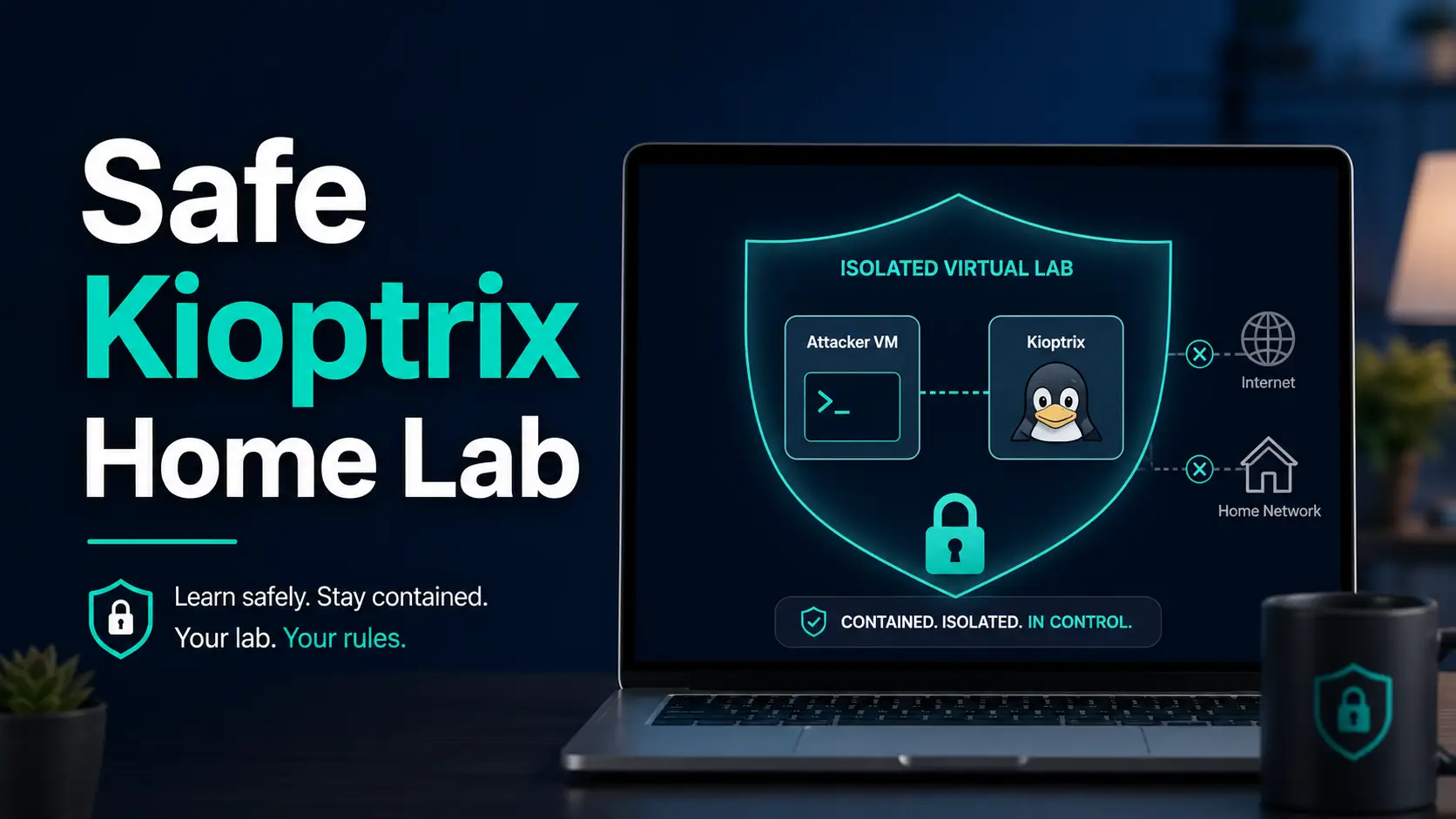
No. The image is deliberately vulnerable, and a legacy checksum does not establish cryptographic authenticity. Use an isolated lab you control, review all enabled network adapters, and keep personal files and everyday credentials out of the guest. File integrity and lab isolation are separate checks.
Should I download again if extraction succeeds but the VM will not boot?
Not as the first step when the reference hash matches and extraction completes without errors. Record the boot message and investigate architecture, supported format and disk configuration in the import guide. More copies of the same verified archive will not convert an incompatible guest architecture.
Evidence and scope: Source documentation reviewed October 27, 2026. The Level 1 reference values come from VulnHub; command behavior and extraction caveats are linked to vendor documentation. The diagnostic sequence and incident record are editorial guidance. No archive was downloaded, extracted or boot-tested for this article, and the commands are provided as reader-run examples.