Kioptrix Archive Errors: 7 Practical Checks Before Import
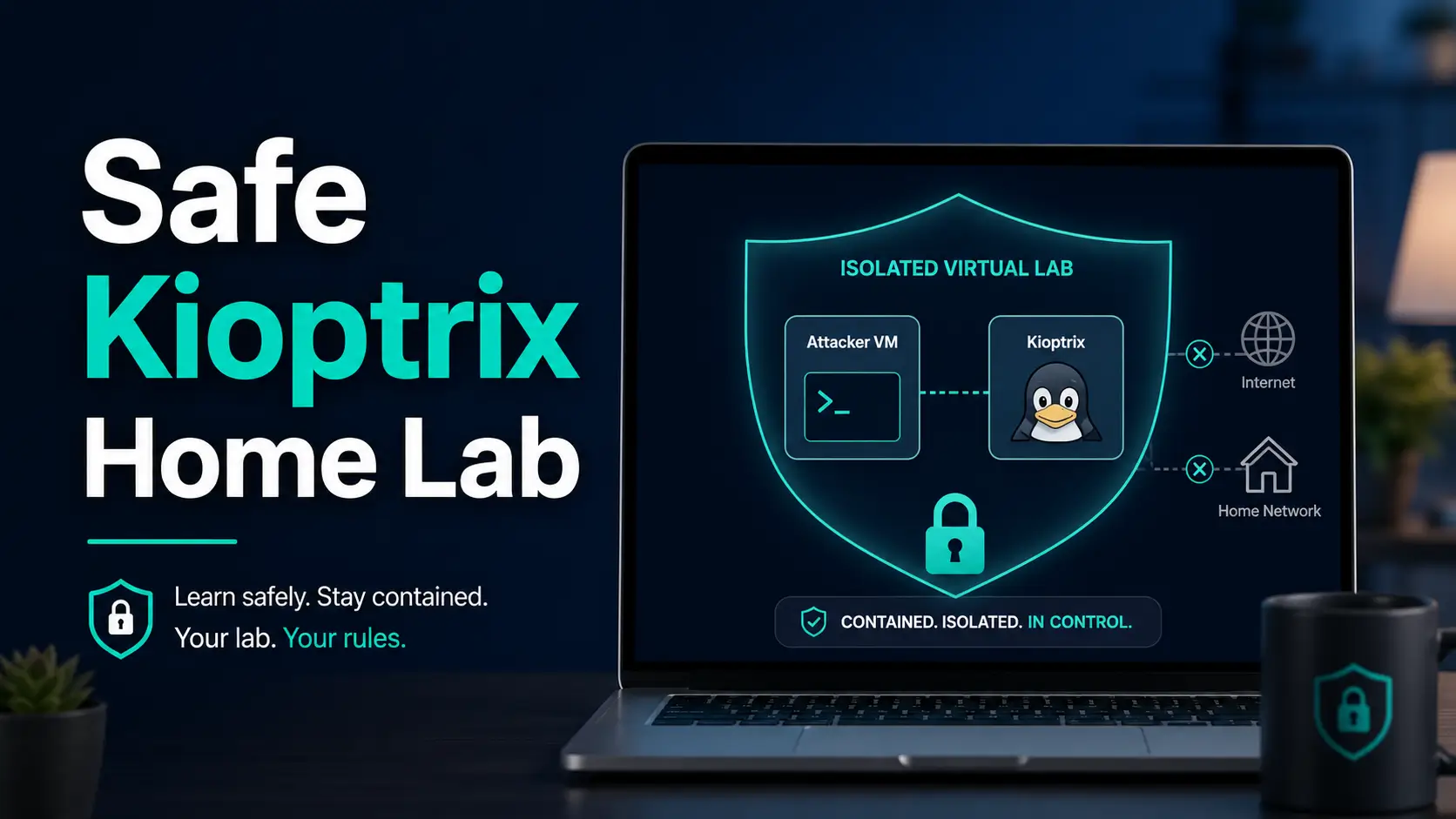
Diagnose Kioptrix archive errors before import: verify checksums on Windows, macOS and Linux, resolve CRC failures, and preserve the complete VM file set.
Practical cybersecurity guides, labs & compliance
Diagnose Kioptrix archive errors before import: verify checksums on Windows, macOS and Linux, resolve CRC failures, and preserve the complete VM file set.
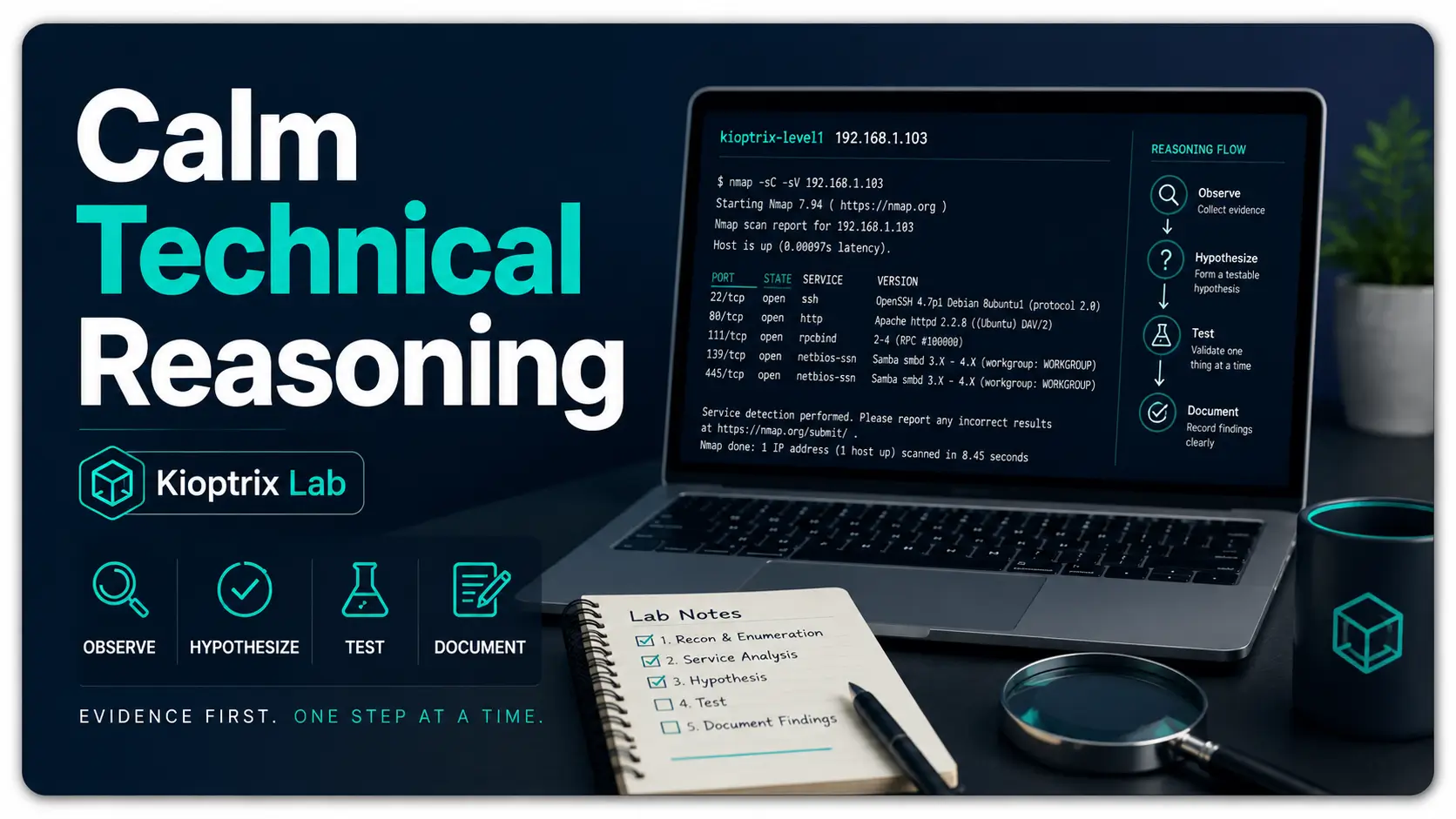
Turn a Kioptrix scan result into a testable question. Separate observations from assumptions, compare competing explanations, and use the downloadable session record to document one authorized check and its limits.
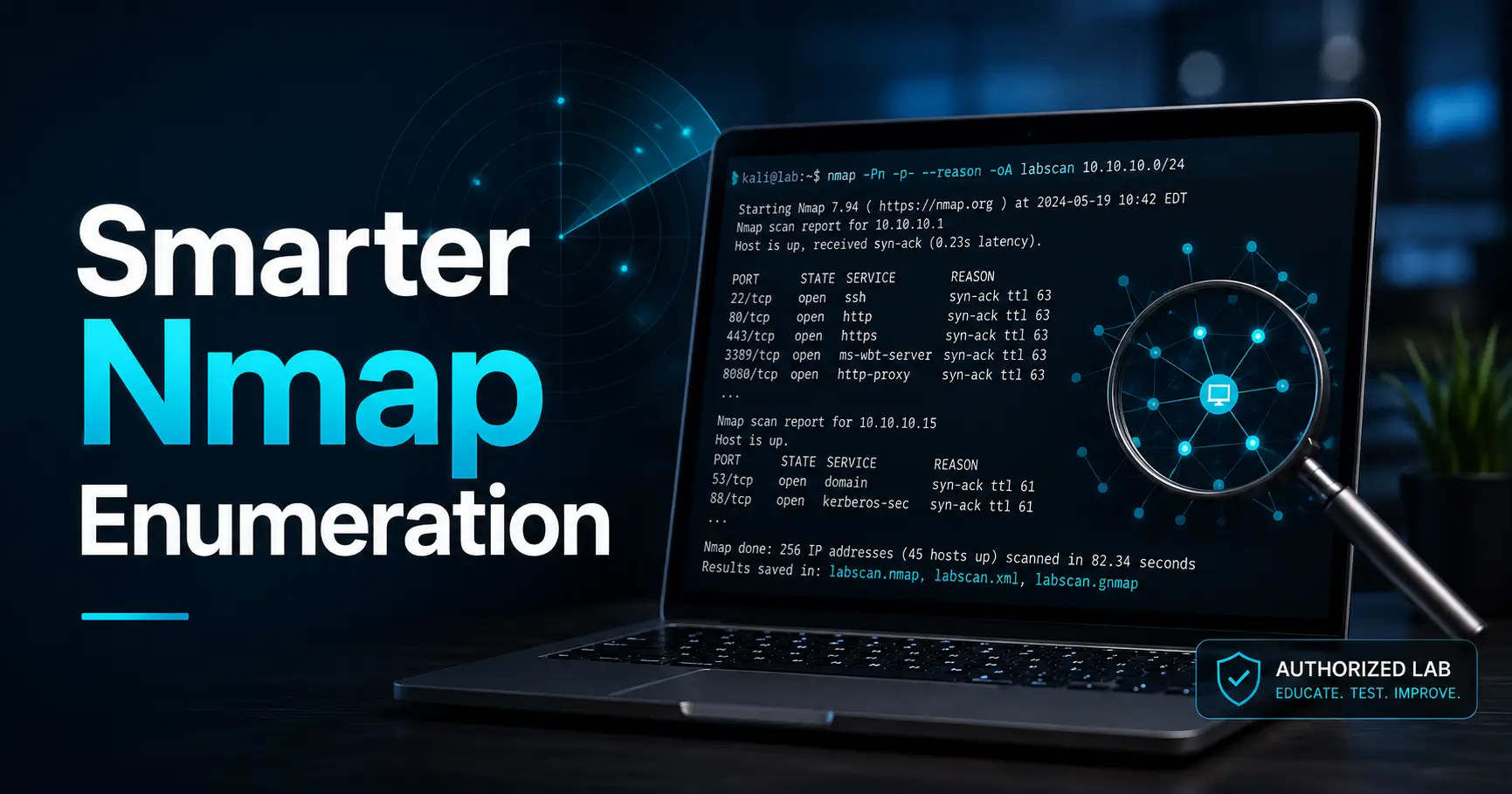
Build an Nmap command you can explain: targets, discovery, ports, service probes and saved output. Includes a flag reference, isolated-lab command ladder and five review questions before rerunning a scan.
Choose a named Kioptrix VM or DVWA exercise for one learning question. Compare setup and task scope, plan a session, and use the editable selection record to document evidence, assistance and remaining limits.
Compare a specific Kioptrix release with another VulnHub VM using the same learning task. Check host compatibility, prerequisites and recovery, then complete the release comparison card and plan one evidence-based session.
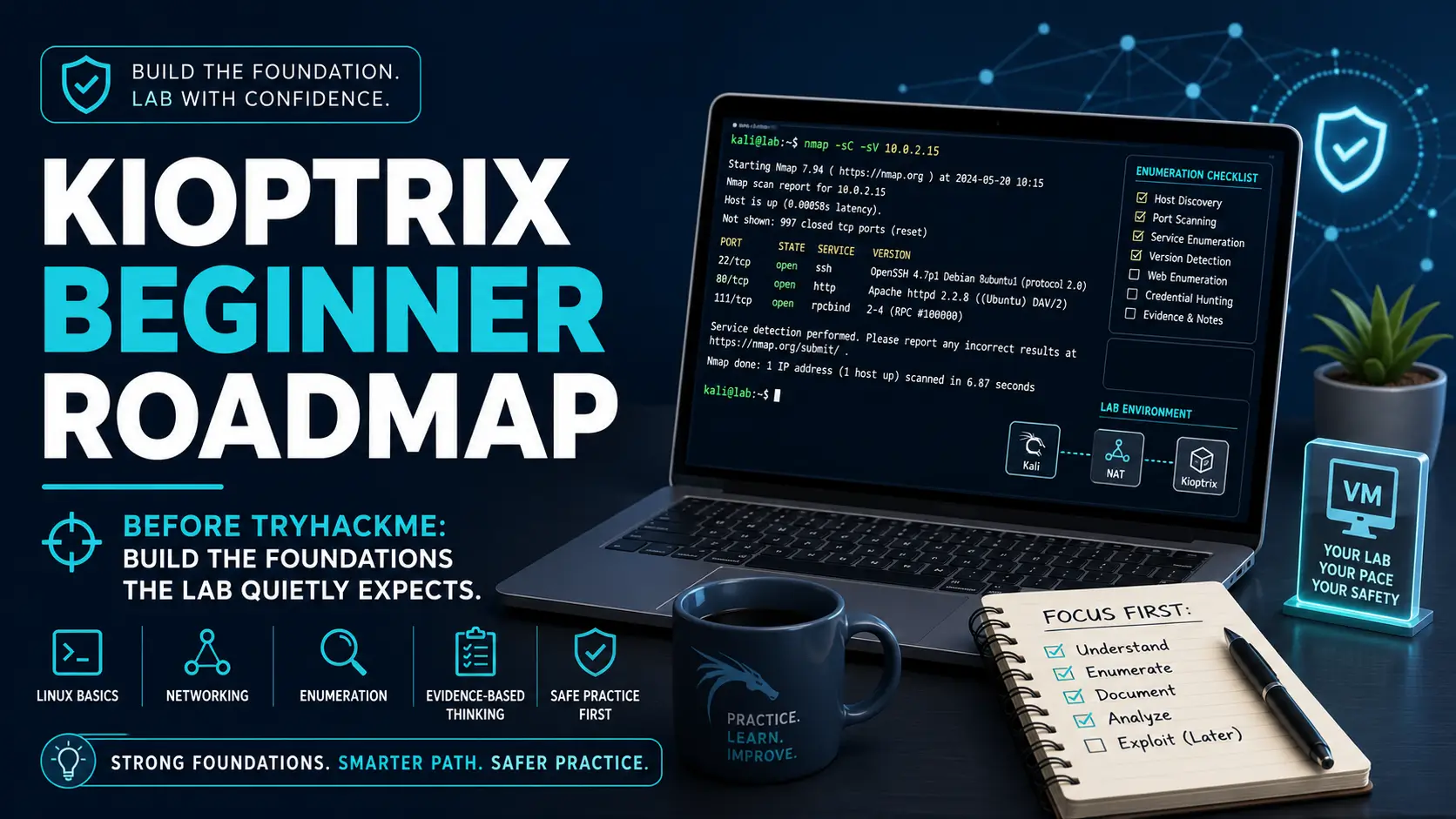
Find your current Kioptrix lab stage, choose the next check and keep a useful evidence record. Follow seven flexible stages with return paths, task guides and a progress helper with JSON backup and restore.
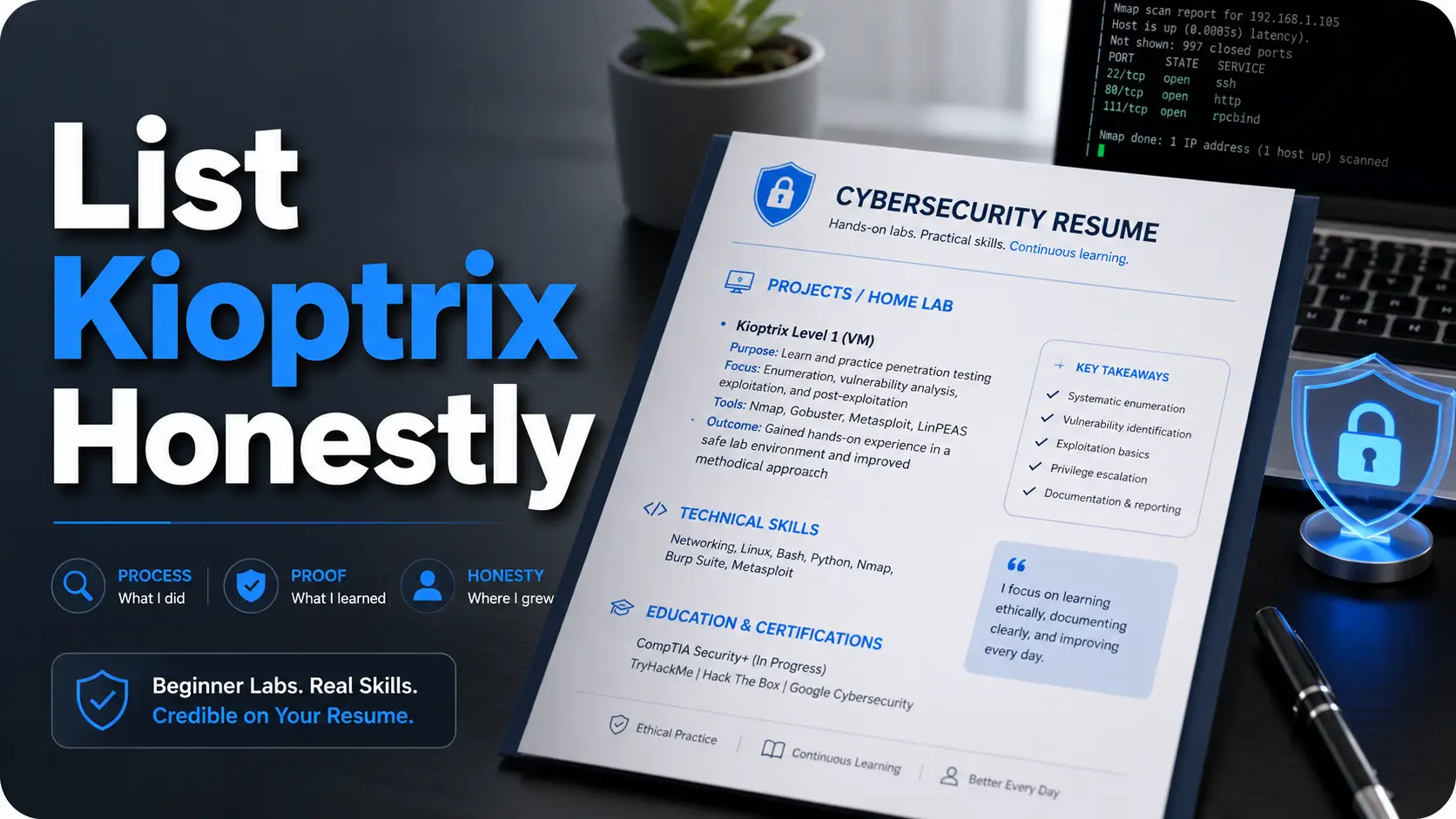
Describe your Kioptrix project accurately on a resume. Choose wording for guided study, unfinished attempts or verified work, then use the claim-review record to connect each bullet to evidence and disclosed assistance.
Prepare your first Kioptrix session by checking the VM image, network paths, target identity and recovery point. Use the readiness record to distinguish setup failures from target-analysis questions.

Organize one Kioptrix Level 1 investigation into five resumable sessions. Each session names its inputs, evidence artifact, stopping condition and resume note, with a copyable schedule for short study blocks.
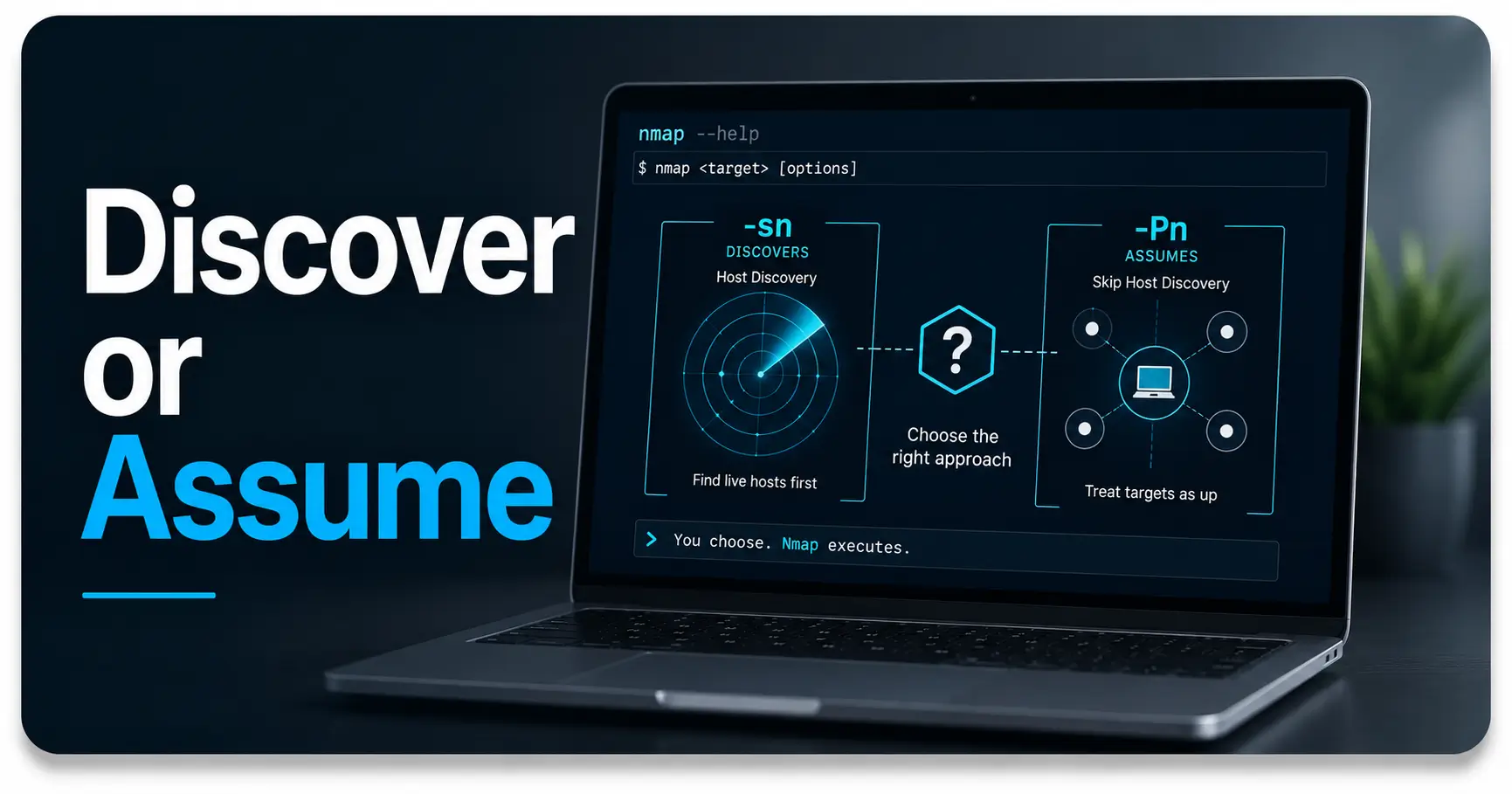
Compare Nmap -sn and -Pn on the same identified lab VM. Follow the paired command patterns, account for local-network behavior, and save a comparison record showing requested work and limits of non-response.