
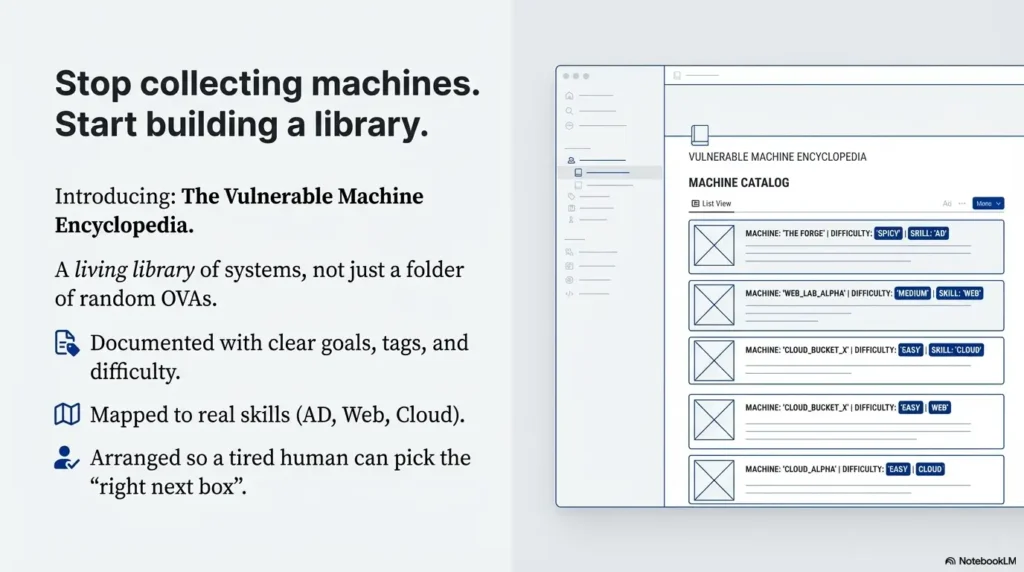
A vulnerable machine encyclopedia is a searchable catalogue of authorized practice targets, their learning goals and the evidence needed to repeat an exercise. Start with a few well-documented entries. Keep the public reading list separate from any private, deliberately vulnerable runtime.
This guide shows how to organize your own catalogue. It does not provide a hosted collection, downloadable VM bundle or verified walkthrough for every named project. Example entries are planning templates, not results from machines tested for this article.
What a Vulnerable Machine Encyclopedia Contains
The useful unit is an entry you can trust later: an original source link, exact release or revision, prerequisites, the exercise question, deployment notes, permitted activity and your verification status. A folder of unexplained images cannot tell you which machine fits a particular goal.
Separate “not yet tried,” “deployment checked” and “exercise reproduced.” A successful boot is not evidence that the intended learning path works. Keep the date and configuration beside each status so another reader can judge what the label means.
For example, the DVWA project describes a deliberately vulnerable web application for controlled learning. OWASP Juice Shop is another intentionally insecure training application. Catalogue each against its own project instructions; neither name identifies a universal VM image, deployment layout or completion time.
1. Choose One Learning Goal
Write one question before selecting a target. “Can I explain why a discovered HTTP path is not yet a vulnerability?” is narrower and easier to assess than “get better at pentesting.” Choose an authorized exercise that addresses the question and note what you must already understand.
You can maintain an index of links and personal notes without operating every target yourself. Consider a managed training environment when infrastructure maintenance would displace the skill you need to practise. Consider a local lab when inspecting the configuration or resetting it is part of the learning goal.
No monthly spending threshold makes a self-hosted lab automatically worthwhile. Compare your actual entitlements, equipment, maintenance time and restrictions. A free download does not remove setup effort, power use or the need to check its terms.
2. Record Prerequisites and Evidence
Use prerequisite tags that a learner can act on: basic shell navigation, HTTP requests, local VM networking or familiarity with a particular operating system. Add the access context and intended output, such as a response comparison, a short report or an explanation of relevant logs.
Keep author-rated difficulty separate from your own observation. If you record duration, say whether it was measured, which help was used and what the session included. An estimate can help scheduling, but it is not a promise that a beginner will finish in the same time.
For a path-discovery entry, the Gobuster path-validation walkthrough demonstrates candidate paths, response controls and reporting limits. An appropriate task is to explain an observation; collecting a longer list alone is not proof of learning.
3. Compare Your Own Costs
Build a planning total from your own bills or current quotes, using one currency and a clear period. Separate ongoing subscriptions from other recurring costs and one-off purchases. Include the items that apply to you, such as electricity, storage, backups and taxes, without counting the same item twice.
The calculator below assumes the two monthly amounts stay constant for twelve months. It does not price a particular provider, predict savings or value unpaid study time. Variable usage, renewals, exchange rates and missing expenses can change the actual total.
First-year planning total (USD)
Formula: 12 × (monthly subscriptions + other monthly costs) + one-off costs. Enter each expense once, include applicable taxes, and use 0 for a category with no cost. Inputs are not transmitted by this calculator. It requires JavaScript; the formula works without it.
Hypothetical example: monthly subscriptions of $20, other monthly costs of $10 and one-off costs of $100 give 12 × ($20 + $10) + $100 = $460 for the year. This is an arithmetic illustration, not a market-price estimate or a recommended budget.
4. Define Permission and Network Boundaries
For each runtime, write down who authorized the activity, which endpoints belong to the exercise, what actions are allowed, who can use it and when access ends. Use synthetic data and lab-specific credentials. A scope note is an operating record; it does not determine legal liability, insurance coverage or compliance.
DVWA’s project warning says not to deploy it on internet-facing servers or a public hosting directory. Publishing a catalogue of source links is different from exposing the vulnerable applications themselves. Keep a WordPress reading page separate from the practice runtime.
The VirtualBox networking reference distinguishes internal networks, which connect selected guests, from host-only networks, which also include the host. NAT permits outbound connectivity; bridged networking connects through a physical host interface. These modes have different reachability, not interchangeable guarantees of isolation.
Inspect every enabled adapter, route, forwarding rule and shared integration for the configuration you actually use. An extra adapter or host routing can defeat the boundary you intended. Keep vulnerable guests away from everyday devices and sensitive files. Do not treat a VPN, password or a single network-mode label as proof that exposure is controlled.
5. Use a Consistent Entry Template
Use the same small set of fields for each entry. The following is a proposed record, not a verified deployment:
- Entry and source
- Project name, original URL, release or revision, date checked.
- Learning question
- One skill to practise, prerequisites and the expected written explanation.
- Environment
- Required architecture and resources from the project, actual deployment settings, approved target and network boundary.
- Use and distribution terms
- Link to applicable licence and terms; intended use and any unresolved permission question.
- Verification
- Not tried, deployment checked or exercise reproduced; by whom, when and with which assistance.
- Evidence and reset
- Private note location, relevant synthetic logs, observed limits and tested reset procedure.
Keep credentials and detailed solution notes out of a public index. Link to a separate private record where appropriate. If you use a hash to compare a download with a publisher’s checksum, record the algorithm and source; a matching hash is not a certificate that the image is harmless.
Use cross-references to explain progression: which prerequisite to practise first and which question to tackle next. Avoid marking a lab “exam equivalent” or suggesting it predicts certification performance without supporting evidence.
6. Prepare a Reproducible Teaching Exercise
Before sharing an exercise, verify that you may use and distribute each component in the intended way. Record the specific licence and platform terms instead of assuming every free download has identical permissions. Linking to the original source is different from rehosting an image, modifying it or selling access.
Make a facilitator note with setup, the learner’s task, permitted hints, expected evidence and reset steps. Test the exercise under the same access conditions the learner will have. A proposed teaching outcome should describe an observable task, not promise job readiness or exam success.
Add a defensive question only when evidence is available: which synthetic event was generated, where it appears in logs, and what the record does not show. Do not invent alerts or say a security product detected an action merely because you expected it to.
7. Review Entries Without Losing Their History
Review entries when a source changes, setup fails or a learner reports a reproducibility issue. A scheduled review can help, but a quarterly date is a personal maintenance choice rather than proof that an entry remains current.
Record changes instead of silently replacing a known version. A legacy lab may intentionally retain old software to teach a historical pattern. Label that purpose, preserve the release context and reassess its deployment boundary. Keeping the host and hypervisor maintained is a different decision from changing the vulnerable lesson itself.
Mark unresolved entries as unavailable or unverified in your own catalogue and retain the reason. A broken download link, an unclear licence and an exercise that no longer reproduces are different problems and need different follow-up.
A Starter Sequence You Can Adapt
The original seven-day idea works better as a flexible sequence. Take longer wherever verification requires it; there is no requirement to deploy five machines in a week.
- Choose the learner and one observable goal.
- Inventory resources you already have permission to use.
- Select a small candidate set from original project sources.
- Record versions, prerequisites, terms and intended boundaries.
- Create a searchable index, clearly marking untested entries.
- Reproduce one bounded exercise and its reset in your authorized environment.
- Review the explanation, costs and unresolved questions before expanding.
For your first entry, prioritize completeness over catalogue size. If no runtime is ready, finish the source and permission record first and leave verification explicitly pending.
The Catalogue Review Cycle
- Select: one question and an appropriate source.
- Check: terms, prerequisites and boundaries.
- Practise: a bounded exercise in an authorized environment.
- Record: observations, evidence and limitations.
- Review: changes, reset behavior and the next learning question.
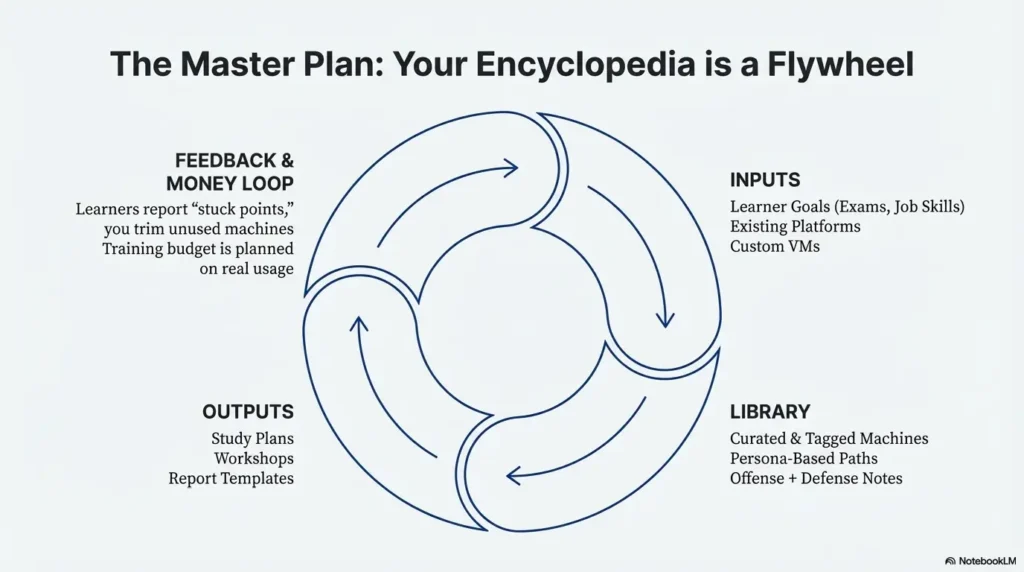
The cycle is a documentation method, not a measured time-saving system. Expand only when an additional entry answers a question your current set cannot.
Common Questions
Is this a ready-to-download machine library?
No. It is a guide to building a catalogue, with links to original training projects and a record template. Download and deployment decisions require checking each project’s current instructions.
Must I run everything locally?
No. An index can reference permitted managed exercises as well as local projects. Record access requirements and terms for each, and avoid presenting untested entries as reproduced.
Is a free machine free to resell?
Check the exact licence and terms for your intended activity. The word “free” alone does not answer the distribution or commercial-use question. Resolve uncertainty before sharing or charging.
Can I put the vulnerable runtime on my blog server?
Keep the reading page separate from deliberately vulnerable services. Follow the project’s deployment restrictions; DVWA explicitly warns against internet-facing deployment.
Will this reduce training costs or improve exam results?
No result is guaranteed. Compare actual spending and observable practice outcomes. A tidy catalogue is useful only if its entries are accurate and fit the task.
Build Your First Verified Entry
Create one entry with a source, version, question, prerequisites, terms, network plan and verification status. The next useful step is to resolve its largest uncertainty, not to add another untested download.
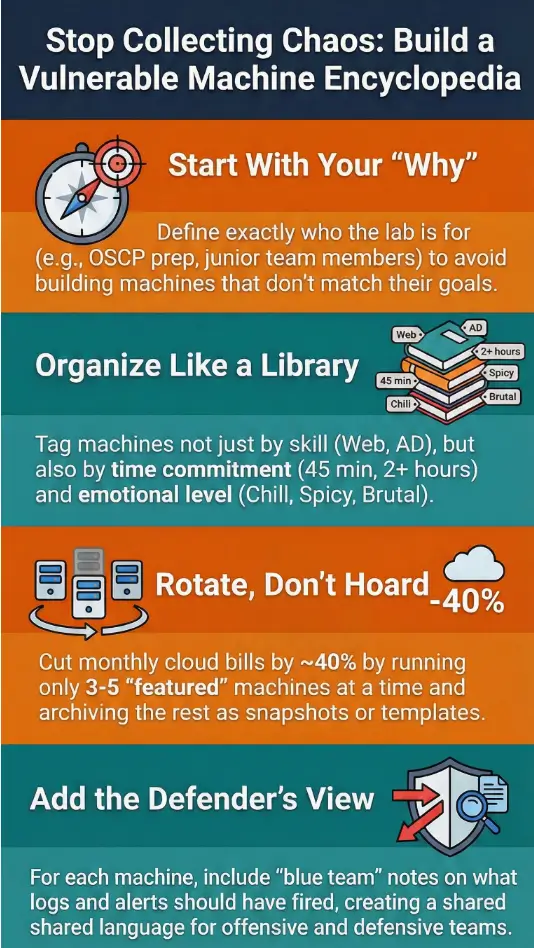
Reviewed October 16, 2026. Project descriptions and network-mode distinctions were checked against the linked original documentation. The entry template, review sequence and budget example are editorial planning aids. No VM was downloaded, scanned or independently reproduced for this revision. Retained illustrations are not proof of a tested lab or teaching results.