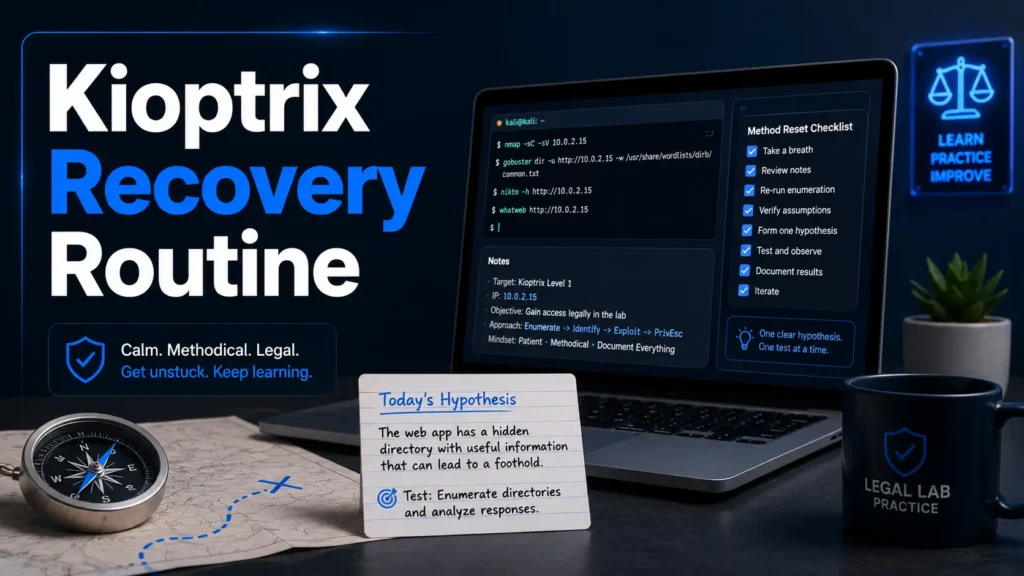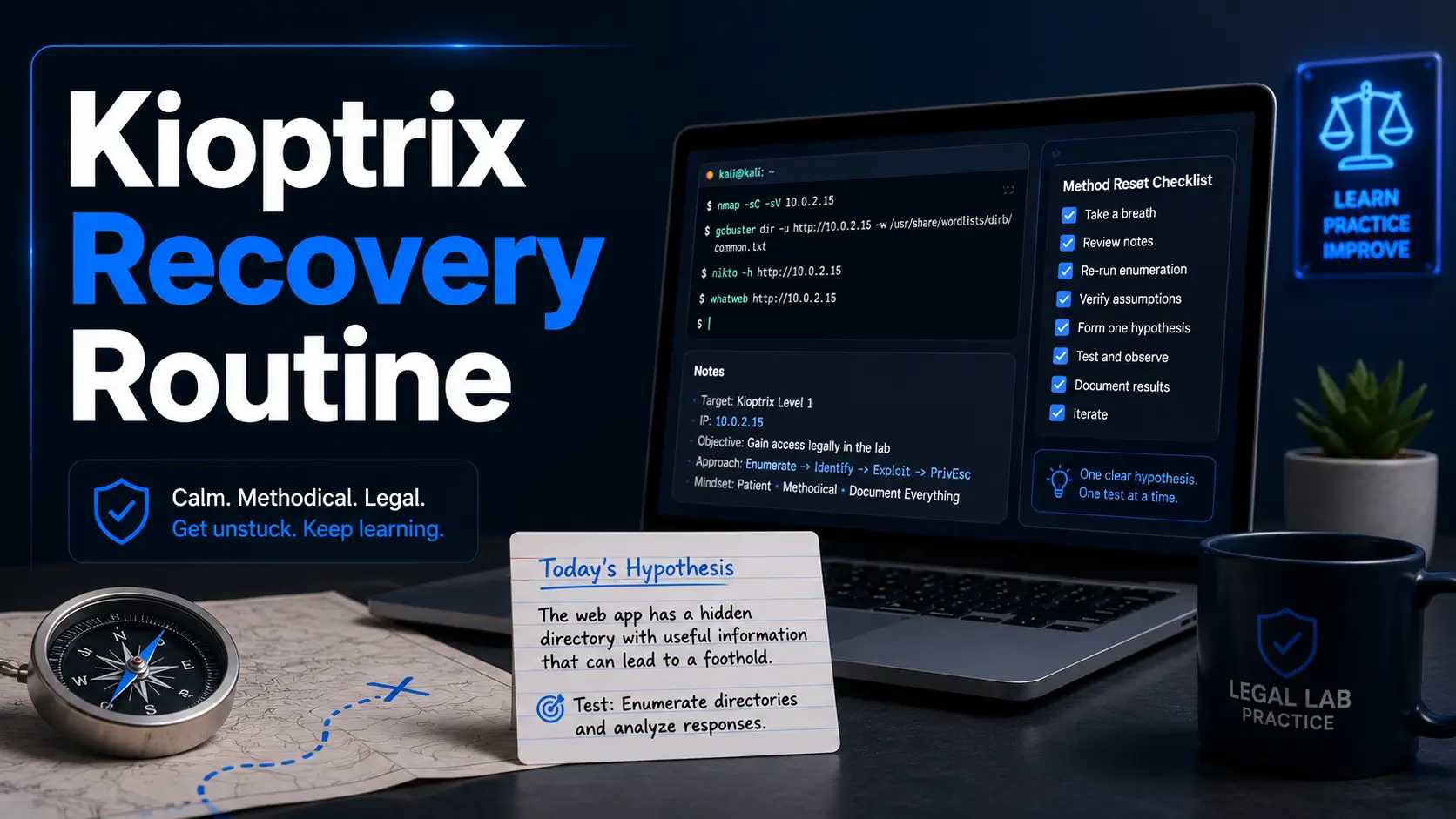
Kioptrix Lab Recovery Guide
Best Recovery Routine for Kioptrix Level
When You Feel Stuck
Getting stuck on a Kioptrix level can feel strangely personal. The terminal keeps blinking, the web page looks innocent, the scan output has become wallpaper, and your notes begin to resemble a drawer full of tangled charging cables. That does not mean you are bad at cybersecurity. It usually means your method needs a reset.
This guide is not a spoiler farm or a copy-paste exploitation trail. It is a recovery routine for beginners and early-intermediate learners who want to keep learning inside legal lab environments without turning every stuck moment into a walkthrough binge.
The goal is simple: slow the box down. Rebuild your map, name the blocker, test one hypothesis at a time, and learn how to use hints without handing your brain over to someone else’s write-up.
Recover your method
Turn “nothing works” into one clear, testable next step.
Avoid walkthrough dependence
Use hints as signposts, not as a borrowed steering wheel.
Build better notes
Separate facts, guesses, clues, failed tests, and next actions.
One calm page of notes can beat an hour of noisy tool-stacking. 🧭
Snapshot
This article is for cybersecurity learners practicing on authorized Kioptrix, VulnHub-style, home-lab, or CTF machines. It helps you recover when enumeration feels foggy, initial access stalls, privilege escalation goes quiet, or walkthrough temptation starts tapping on the glass. By the end, you will have a repeatable recovery sprint, a clue audit, and a one-page reset template you can use before touching another tool.
Table of Contents

Scope Note: Keep the Lab in the Lab
This recovery routine is designed for legal cybersecurity practice: Kioptrix, intentionally vulnerable VMs, private home labs, CTFs, and training platforms where you have permission to test. It is about learning method, not attacking strangers on the internet.
That line matters. In a lab, mistakes are part of the curriculum. On real systems, the same behavior can create legal, ethical, and operational harm. Treat permission as the first control, not as paperwork you remember after the coffee cools.
Use this for authorized practice boxes
Use this workflow when you are practicing on machines you own, downloaded training VMs, private virtual networks, or platforms that clearly define the rules of engagement.
If you are new to safe lab design, a practical next read is how to build a safe hacking lab at home. A clean lab setup saves beginners from the spicy confusion of broken networking, accidental exposure, and “why can’t I ping anything?” evenings.
Do not aim this at real systems
Do not run scans, credential tests, exploit checks, payload experiments, or password attacks against websites, companies, school networks, cloud systems, routers, or devices you do not own or have written authorization to test.
Even “just checking” can still be unauthorized. Curiosity is a fine engine, but it needs brakes.
Before You Act
This article gives general learning guidance for authorized lab practice. It does not provide permission to test real targets, replace formal training, or create a professional penetration testing plan. If you are working on a real assessment, confirm scope, rules, reporting expectations, and legal authorization with a qualified supervisor, client, or security professional before touching any system.
Why Stuck Usually Means Your Map Broke
Most Kioptrix stalls do not happen because the learner lacks intelligence or because the box has turned into a steel refrigerator with feelings. They happen because enumeration has become a pile instead of a map.
A pile is a directory of screenshots, scan outputs, copied commands, and half-remembered guesses. A map shows relationships: service to version, version to possible weakness, web path to user clue, credential to login surface, low-privilege shell to local escalation idea.
Enumeration fog is a method problem
Enumeration fog feels like this: you have open ports, maybe a web page, maybe a banner, maybe a suspicious old service, but no clean next move.
The fix is not always another scan. Often, the fix is organizing what you already have so your brain can see the path again. A version number, page title, forgotten directory, or plain-looking config file may be more useful than ten new lines of noisy output.
Frustration makes clues look ordinary
When you are calm, a strange redirect looks interesting. When you are tired, it looks like “probably nothing.” That is how clues become wallpaper.
Good recovery work is partly technical and partly emotional. You are not trying to become a robot. You are trying to keep your thinking from sprinting through a dark room with a bucket on its head.
Key takeaway
When you feel stuck, ask whether you lack information or whether your existing information is simply unorganized. Those are different problems, and they need different fixes.
The exploit is often not the hard part
Beginners often imagine the winning move will be a dramatic command. Sometimes it is. More often, the real skill is deciding which boring clue deserves a second look.
That is why Kioptrix remains useful for learners. It rewards patience, note discipline, service understanding, and careful hypothesis testing. Tiny hinges. Large doors.
Freeze the Spiral Before You Add Another Tool
The first recovery move is not technical. It is stopping the spiral. If you keep adding tools while your notes are muddy, you create more mud. It is very artisanal mud, perhaps, but still mud.
Stop adding tools for ten minutes
Before launching anything new, write down what you already know. Do not polish. Do not format beautifully. Just get the facts out of your head and onto one page.
- Target IP and network mode
- Open ports and service names
- Service versions and banners
- Web paths, pages, forms, and odd responses
- Usernames, credentials, or hints found
- Current access level
- What you tried and what happened
Name the exact stuck point
“I’m stuck” is too foggy to fix. Try naming the stage instead.
| Stuck feeling | More useful sentence | What it suggests |
|---|---|---|
| Nothing works | I can reach the host, but I cannot explain which service matters. | Rebuild service meaning. |
| No exploit works | I have a version clue, but I have not confirmed whether it fits this lab. | Research more carefully. |
| I got a shell but cannot root it | I have local access, but I have not inventoried users, permissions, and scheduled behavior. | Run a calm local audit. |
| I keep restarting | I am using resets to avoid deciding what to test next. | Use a one-hypothesis loop. |
Turn “nothing works” into one blocker
A useful blocker sentence has two parts: what you can verify, and what you cannot yet explain.
For example: “I can access the web server and found two directories, but I cannot yet identify a login path, default file, or version clue that explains the intended direction.” That sentence is already better than another hour of frantic tab-switching.
Key takeaway
Do not try to solve the entire Kioptrix level when you feel stuck. Solve the next sentence: “I can reach X, but I cannot yet explain Y.”

Rebuild Your Enumeration Map Like a Case File
A good Kioptrix recovery routine turns scattered output into a case file. Not a novel. Not a museum. A working document that helps you decide what to do next.
Start with assets, not commands
Beginners often organize notes by tool: Nmap output here, directory scan there, web notes somewhere else. That is workable for storage, but not always great for thinking.
For recovery, organize by asset and clue type. Put ports, services, paths, users, credentials, files, and local findings in separate sections. This makes relationships easier to see.
| Note section | What to record | Why it helps |
|---|---|---|
| Network | IP, network mode, reachability, open ports | Catches VM setup problems before you blame the box. |
| Services | Service names, versions, banners, behavior | Connects exposed services to likely research paths. |
| Web | Pages, paths, forms, titles, comments, redirects | Prevents web clues from dissolving into browser history. |
| Identity | Usernames, emails, passwords, naming patterns | Supports safe credential reuse checks inside the lab. |
| Local access | Users, files, permissions, services, scheduled tasks | Turns low-privilege shell time into methodical privesc work. |
| Hypotheses | Clue, theory, test, result, next step | Keeps your thinking from becoming a command treadmill. |
Separate facts from guesses
A banner is a fact. “This must be vulnerable” is a guess wearing a fake mustache.
Write facts and guesses in different columns. This tiny habit prevents your brain from treating assumptions as evidence. It also makes your eventual technical write-up cleaner if you want to turn the lab into a portfolio piece.
For a deeper note workflow, pair this article with note-taking systems for pentesting. Better notes are not cosmetic. They are thinking tools with shoes on.
Mark every untested clue
Untested clues are where stalled Kioptrix sessions often hide the exit sign. Mark them clearly.
- A service version you copied but never researched
- A directory found once but never opened manually
- A login page you saw but never paired with discovered usernames
- A file permission that looked odd but was never inspected
- A failed attempt that produced a useful error message
Key takeaway
A Kioptrix note is not just a record of what happened. It is a control panel for what to test next.
The Three-Layer Check That Catches Boring Clues
When your notes are rebuilt, run a three-layer check: network exposure, service meaning, and user path. This keeps you from staring at one layer while the useful clue is quietly drinking tea in another.
The Kioptrix Recovery Flow
1. Network exposure
Can you reach the target, and which services are actually exposed?
2. Service meaning
What does each service do, and what does its behavior suggest?
3. User path
Where do identities, paths, credentials, files, and permissions connect?
Next move
Choose one clue, write one theory, run one safe lab check, record one result.
Layer one: network exposure
Before assuming the box is hard, confirm that your lab network is behaving. VM networking can impersonate a difficult challenge with surprisingly convincing acting.
- Is the target IP correct?
- Are your attacker VM and target VM on compatible virtual networks?
- Are services reachable from your machine?
- Did a filtered or closed result change after a restart?
- Are you confusing host-only, NAT, and bridged behavior?
If this layer feels shaky, read VirtualBox NAT vs host-only vs bridged networking before going deeper. A broken lab network can waste more time than a difficult exploit path.
Layer two: service meaning
Service meaning is where beginners often rush. A port number tells you what might be there. Behavior tells you what matters.
For each service, ask: What is it supposed to do? What version does it claim? Does the response look default, customized, old, broken, restricted, or misconfigured? Does it reveal usernames, paths, server-side technology, or file names?
Layer three: user path
Kioptrix-style labs often reward connecting identity clues across services. A username in a web page, a share name, a file owner, or a login hint may become useful later.
Keep identity clues in one place. Do not leave them scattered across screenshots like confetti after a very nerdy parade.
The One-Hypothesis Loop for Kioptrix Recovery
The one-hypothesis loop is the heart of this recovery routine. It prevents tool-stacking, reduces frustration, and makes your progress measurable even when the box refuses to applaud.
Choose one clue
Pick one service, path, version, username, permission oddity, error message, or file. Not five. One.
The clue should be specific enough that you can test it. “Web server seems weird” is vague. “The login form returns different behavior for one username” is testable.
Write one theory
A theory is not a command. It is a sentence that explains what you think may be true.
- This service may expose information that helps identify a user.
- This web path may reveal an older application component.
- These credentials may be reused across another lab service.
- This local file may contain configuration data relevant to privilege escalation.
Test the smallest safe thing
Inside an authorized lab, the smallest test is usually better than the most dramatic one. You are trying to prove or disprove the theory, not fill the terminal with fireworks.
Keep the test narrow. Then record the result: success, failure, timeout, permission denied, redirect, version mismatch, different error, or “not enough data yet.” Failure is not wasted work when it changes your next decision.
Show me the nerdy details
A good hypothesis has three parts: the clue, the expected behavior, and the decision rule.
Example structure: “Because I observed [clue], I think [theory]. If the test shows [result], I will [next action]. If it does not, I will stop testing this idea and return to the clue list.”
This protects you from rabbit holes. The decision rule matters because it tells you when to quit an idea before it steals your evening and starts paying rent in your head.
Record the result before moving on
Do not trust memory during a lab session. Memory is a charming intern with a jazz schedule. Write down what happened before you run the next thing.
| Clue | Theory | Test | Result | Next move |
|---|---|---|---|---|
| Old-looking web app | May expose a known lab-safe weakness | Confirm version and behavior | Version clue found | Research category, not full answer |
| Possible username | May be valid on another service | Check intended lab login surfaces | One service rejects, one behaves differently | Record and investigate gently |
| Readable config file | May reveal credentials or paths | Inspect file contents | Path found, no password | Follow path clue |
Recovery Routine by Stuck Stage
Not all stuck moments are the same. The right recovery move depends on where the session has stalled: before initial access, after credentials, after a shell, or during privilege escalation.
If you are stuck before initial access
Before initial access, your job is to identify the most promising path without turning the session into random scanning soup.
- Revisit service versions and banners.
- Open web pages manually, not only through tool output.
- Check page titles, comments, forms, redirects, and default content.
- Group usernames, emails, and file names in one note section.
- Research service categories carefully without jumping straight to full walkthroughs.
If your first wall is basic enumeration, this Kioptrix recon routine can help you tighten the front half of your process.
If you have credentials but no shell
Credentials are not always the finish line. Sometimes they are a key without a label.
Inside the lab’s intended scope, check where those credentials might logically apply: web panels, shares, local access points, admin areas, or other services exposed by the VM. Record where they work, where they fail, and whether the failure behavior differs.
If you have a low-privilege shell
When you get a low-privilege shell, do not immediately sprint toward the loudest privilege escalation trick you remember. Inventory first.
- Who are you?
- What users exist?
- What files can you read?
- What paths are writable?
- What services, scheduled tasks, or scripts are present?
- What old software or unusual permissions appear?
If privilege escalation feels impossible
Privilege escalation can make beginners chase cinematic exploits while the answer sits in a readable config, a reused password, an odd permission, or an old local component.
Start with boring things: permissions, local users, scripts, service configs, home directories, SUID-style clues, writable paths, and files you can read but never inspected. Boring is not the enemy. In old labs, boring often owns a crowbar.
Key takeaway
Match your recovery routine to your stage. Initial access, credential reuse, shell stabilization, and privilege escalation are different puzzles wearing the same hoodie.
Tools, Notes, and Budget Choices That Actually Help
Kioptrix learning can be almost free, but your setup still matters. The “best” option is not always the most expensive one. It is the one that keeps your lab stable, your notes searchable, and your practice sessions repeatable.
Free is enough for most beginners
For most Kioptrix learners, free tools are enough: a virtualization app, a Linux attacker VM, a note app, screenshots, and careful habits. You do not need a premium tool stack to learn enumeration discipline.
Paid options may become useful when you need better hardware, smoother snapshots, a dedicated note system, cloud backups, structured training, or exam preparation. But do not buy tools to avoid the thinking work. That is expensive fog.
Good / Better / Best lab recovery setup
| Setup tier | Best for | What to include | Watch out for |
|---|---|---|---|
| Good | Budget-conscious beginners | Free VM software, Kali or similar lab VM, plain text notes, manual screenshots | Messy file names and no snapshot habit |
| Better | Consistent learners | Dedicated lab folder, snapshot routine, structured notes, screenshot naming system | Over-organizing instead of practicing |
| Best | Career switchers and exam-minded learners | Stable hypervisor, searchable knowledge base, report templates, time-boxed practice plan | Buying courses before fixing basic methodology |
What to compare before paying for training
Cybersecurity training can be worth paying for, but only when it matches your current bottleneck. If your issue is note hygiene, a pricey course may not fix it. If your issue is structured feedback, a good course or mentor may save months.
- Does it teach methodology, or only show answers?
- Does it include legal lab practice?
- Does it explain why a clue matters?
- Does it offer exercises at your level?
- Does it include reporting, notes, and review habits?
- Can you try a free sample before paying?
Common Mistakes That Make Kioptrix Feel Harder
Kioptrix can be challenging, but beginners often add extra difficulty by working in ways that hide the signal. These mistakes are common, fixable, and slightly sneaky.
Mistake: walkthrough-hopping too early
A walkthrough can solve the box while leaving your method untouched. That feels productive for ten minutes and hollow afterward.
A safer approach is to read only enough to identify the category of the missed step. Did you miss web enumeration? Credential reuse? Local permissions? Service research? Once you know the category, close the tab and reproduce the reasoning yourself.
Mistake: tool-stacking without a theory
Running every scanner you know can feel like progress. Sometimes it is just procrastination wearing a terminal window.
Output is only useful when it changes your next decision. If a scan does not answer a question you wrote down beforehand, ask whether it is helping or simply making the haystack more luxurious.
Mistake: ignoring failed attempts
Failed attempts are not dead ends. They are labels on the maze.
Record failures with the same care as successes. A timeout, permission error, strange redirect, or version mismatch may tell you what the box is not, which is useful when the next clue appears.
Real-world example: the half-missed directory
A beginner spends two hours rerunning scans because the web server feels empty. In the first ten minutes, their directory tool found a path that returned a plain page. They opened it once, shrugged, and moved on.
During a recovery sprint, they rebuild the web notes and mark that path as “seen but not inspected.” On the second pass, they notice a page title, a file name pattern, and a small identity clue. None of it is dramatic. Together, it gives them the next testable theory.
The lesson is not “always stare harder at directories.” The lesson is that untested clues should not be buried under newer output. Old clues can become useful once the rest of the map exists.
Key takeaway
Walkthroughs, scanners, and resets are not bad. They become bad when they replace the habit of forming and testing one clear theory.

FAQ
Why do I keep getting stuck on Kioptrix levels?
You are probably not organizing enumeration well enough to show relationships between services, users, files, paths, and possible attack paths. Rebuild your notes as a map, not a pile.
Should I restart the VM when I feel stuck?
Restart only after checking your lab networking, current access state, and notes. Restarting can fix lab weirdness, but it should not replace analysis.
Is it okay to use walkthroughs for Kioptrix?
Yes, but use them carefully. A walkthrough is best as a learning mirror, not a steering wheel. Read only enough to identify the missed category, then return to your notes.
What should I write in my Kioptrix notes?
Track the target IP, network mode, open ports, service versions, web paths, credentials, suspicious files, tested theories, failed attempts, and next hypotheses.
How long should I stay stuck before taking a hint?
After one focused recovery sprint, a narrow hint is reasonable. Avoid hours of random commands that teach frustration instead of method.
What is the biggest beginner mistake in Kioptrix?
Jumping to exploitation before understanding the service map. Kioptrix rewards patient enumeration more than terminal fireworks.
How do I know whether I missed something obvious?
Recheck untested clues, default pages, source comments, credentials, writable files, service versions, and failed attempts. Obvious clues usually become obvious on the second pass.
What should I do after finishing a Kioptrix level?
Write a short post-game report: initial foothold, missed clue, privilege escalation path, tools used, failed paths, and one habit to improve next time.
Your Next 15 Minutes: The One-Page Reset
The next step is not to become more intense. It is to become more precise.
Open a blank note and write five lines: target IP, open services, current access level, strongest clue, and next single hypothesis. Then test only that hypothesis before adding anything else.
If the test fails, record how it failed. If it works, record why it worked. Either way, you have replaced the fog with a trail. That is the quiet craft of getting better at Kioptrix: not never getting stuck, but knowing how to come back when the box stops speaking plainly.
15-minute reset template
- Write the target IP and confirm your lab network mode.
- List open services without adding new guesses.
- Name your current stage: pre-access, credentials, low shell, or privesc.
- Circle one clue you have not fully tested.
- Write one theory and one smallest safe lab test.
Last reviewed: 2026-06