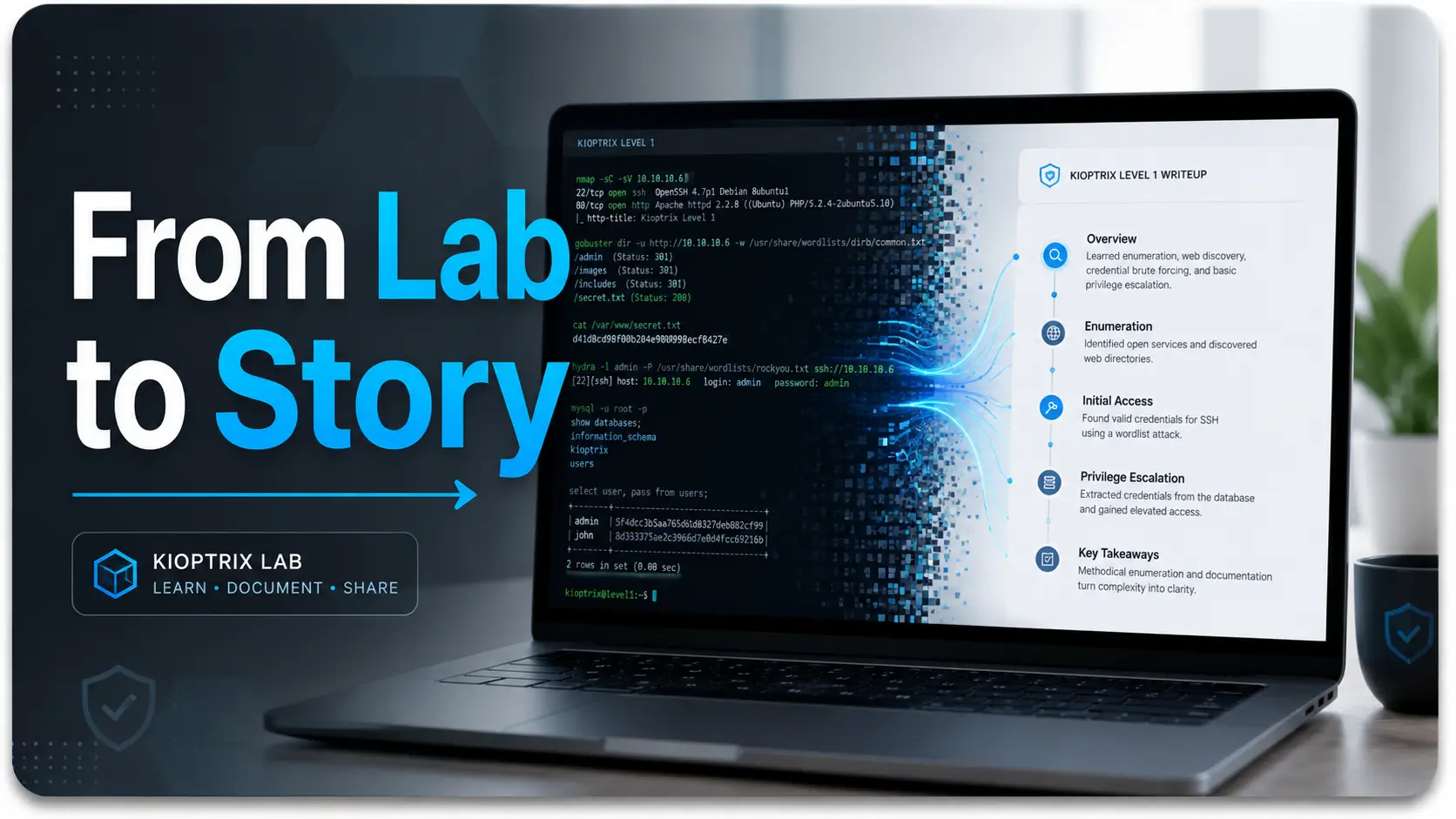
From Technical Chaos to a Clean Story
A messy lab note has a special sound. It is the soft clatter of ten terminal windows, three screenshots named
“final-final-2.png,”
and one future reader quietly whispering, “But why did you do that?”
Kioptrix Level for learning how to explain technical work more clearly is a useful exercise because a legal, contained vulnerable machine can turn technical chaos into a clean story. You practice observing, testing, deciding, documenting, and translating. That is the skill employers, peers, instructors, and future-you actually need.
The danger is not only writing too little. It is writing a lab post that looks busy but teaches nothing. Commands pile up. Screenshots sparkle. Meaning vanishes through the floorboards.
Here is the better path:
- Use the lab as a writing gym.
- Make evidence visible.
- Keep ethics in the frame.
- Explain the work so a human can follow it without carrying a decoder ring.
The Real Win Is Not “I Finished the Lab”
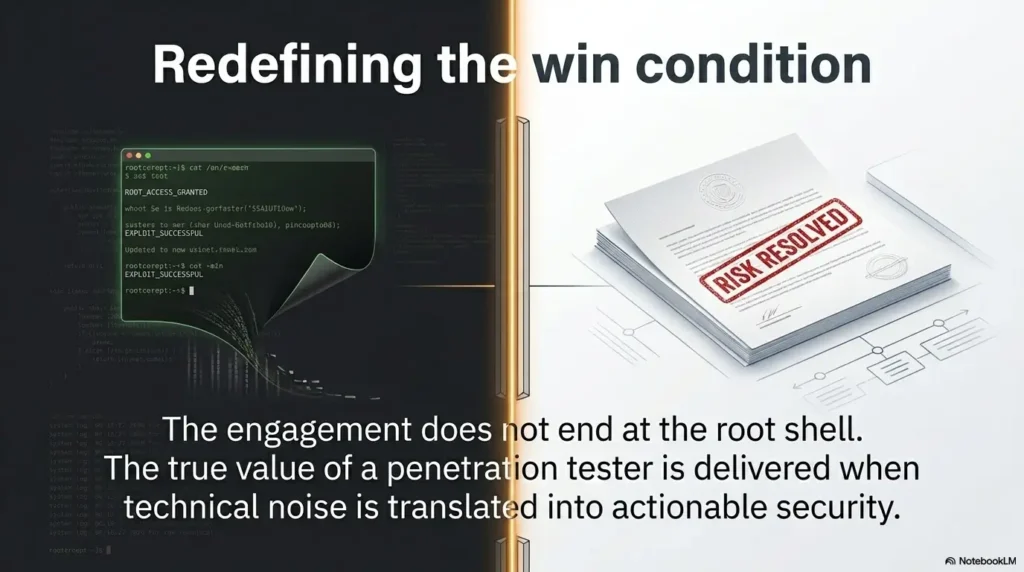
The real win is being able to say what you saw, why it mattered, what you tested next, and what a safer system would need. Kioptrix can teach security basics, but it can also teach something quieter and more valuable: technical judgment in plain English.
Think of the lab as a small stage. The terminal is only one actor. Your reasoning is the plot.
Table of Contents
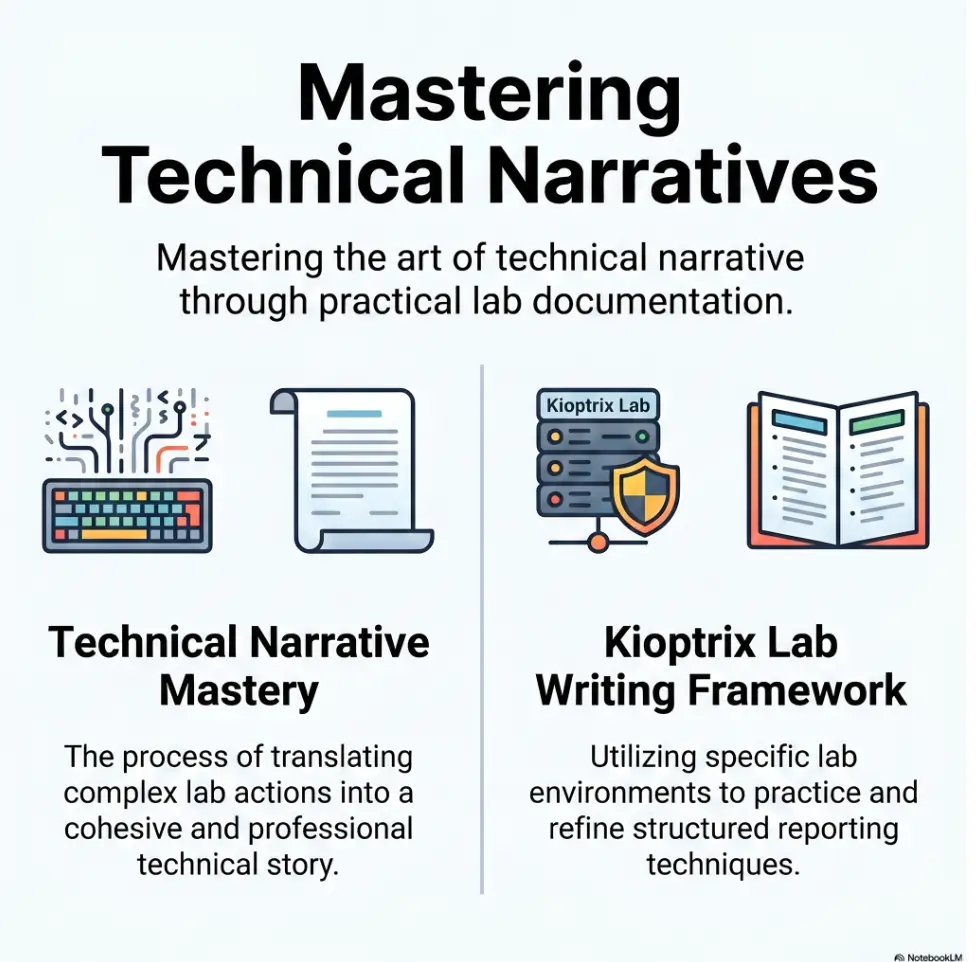
Safety and Scope: Keep the Lab Inside the Fence
Kioptrix and similar vulnerable machines belong in a private, authorized learning environment. That means your own lab, your own virtual network, and a clear boundary between practice and the public internet.
This article treats Kioptrix as a documentation and communication exercise. It does not provide live-target instructions, exploit copy-paste guidance, credential abuse steps, or operational shortcuts against real systems.
That boundary matters. In security work, authorization is not a decorative ribbon tied around the “real” activity. It is part of the work. It is also part of the writing. A good lab write-up should make the learning environment clear before it describes any findings.
NIST publications often emphasize repeatable process, risk language, and documentation as part of security practice. That spirit is useful here. You are not just proving that you can operate tools. You are proving that you can communicate risk without setting the room on fire.
- Use only private, authorized lab machines.
- Avoid live targets, real IPs, client data, and reusable attack recipes.
- Frame findings around learning, documentation, and defense.
Apply in 60 seconds: Add one sentence at the top of your notes that states the lab was isolated and authorized.
Eligibility Checklist: Is This Safe to Publish?
- Yes / No: Was the work done only on a machine you were authorized to test?
- Yes / No: Did you remove real IP addresses, credentials, tokens, and personal data?
- Yes / No: Did you explain concepts without giving copy-ready misuse steps?
- Yes / No: Did you include defensive lessons or remediation?
- Yes / No: Would an instructor, mentor, or hiring manager see judgment rather than bravado?
Neutral action line: If any answer is “No,” revise before publishing.
Why Kioptrix Makes Technical Writing Less Foggy
Technical writing gets foggy when the writer remembers the work as a blur. Kioptrix helps because the lab has edges. There is a starting state. There are observations. There are choices. There is a result. There is a lesson.
The lab gives you a beginning, middle, and end
A contained vulnerable VM creates a natural story shape. First, you prepare the environment. Then you observe what the machine exposes. Then you investigate. Then you decide what the evidence means. Finally, you write what a safer version of that system would require.
That shape is valuable because beginners often write in tool order, not reader order. Tool order says, “I ran this, then this, then this.” Reader order says, “I needed to answer a question, so I gathered evidence, interpreted it, and chose the next step.”
The second version breathes. The first version wheezes into a paper bag.
The hidden skill is translation
The strongest Kioptrix write-up is not the one with the most screenshots. It is the one that translates terminal activity into human meaning. A peer should understand the reasoning. A manager should understand the risk. Your future self should understand why you made the decision.
That is why a Kioptrix technical journal is more than a notebook. It is a rehearsal room for calm explanation.
Curiosity gap: Why a “simple” lab can expose unclear thinking
Simple labs are sneaky teachers. Because the task feels obvious, the learner often skips the explanation. That is exactly where unclear thinking shows itself.
When you write, “Found open ports,” the reader gets a crumb. When you write, “I checked exposed services to understand the system’s attack surface and prioritize which services deserved closer review,” the reader gets a map.
The work did not change. The usefulness did.
Who This Is For, And Who Should Skip It
This approach is for learners who want their lab work to become evidence of judgment. Not noise. Not a trophy shelf. Not a dramatic fog machine with a terminal prompt inside it.
For cybersecurity beginners who can run a lab but struggle to explain it
If your notes say, “ran scan, found stuff, got root,” you are not alone. Many beginners can perform steps before they can explain decisions. That is normal. It is also fixable.
Kioptrix is useful because you can practice explanation without the pressure of a client environment. You can pause. Rewrite. Compare your old notes with your new ones. The VM does not sigh at you from across a conference table.
For IT professionals building a portfolio
If you work in help desk, sysadmin, cloud support, QA, or junior security, a clear lab write-up can show that you understand systems as systems. You are not only clicking around. You are asking structured questions.
A portfolio post should make your reasoning visible. It should show setup discipline, evidence grouping, ethical scope, and remediation awareness. If you are building that habit, a Kioptrix report writing tips workflow can help turn raw notes into readable proof of skill.
Not for anyone looking for real-world attack shortcuts
This topic is not for people hunting for shortcuts against systems they do not own or have explicit permission to test. Do not use lab concepts against real targets. Do not publish reusable attack details that could be lifted out of context. Do not confuse curiosity with authorization.
Let’s be honest: the audience is not impressed by chaos
Screenshots and commands can support a write-up, but they cannot replace explanation. A reader does not want to watch your terminal sprint through a hallway wearing socks. They want to know what happened, why it mattered, and what should be done next.
Decision Card: Publish a Walkthrough or Publish a Learning Report?
| Choose this | When it fits | Trade-off |
|---|---|---|
| Learning report | You want to show reasoning, ethics, and communication skill. | Takes more reflection, but ages better. |
| Command transcript | You need private reference notes for yourself. | Fast to write, hard for others to learn from. |
| Portfolio post | You want hiring readers to see structured thinking. | Requires careful redaction and a defensive frame. |
Neutral action line: Before writing, choose the reader you are serving.
Start With the Reader’s Problem, Not the Tool
The fastest way to make a technical article feel cold is to begin with a tool name and no purpose. The reader is dropped into the machinery before they know what problem the machine is supposed to solve.
Bad opening: “First I ran a scan”
“First I ran a scan” is not wrong. It is just incomplete. It tells the reader what happened, but not why it happened. It is a receipt line, not an explanation.
A beginner may understand the command but miss the decision. A non-specialist may see the sentence and quietly float away like a leaf in a storm drain.
Better opening: “I needed to identify what services were exposed”
That sentence gives the reader a reason to care. It names the goal before naming the action. It also creates a clear question: what is visible from the outside?
Once the question is visible, the tool becomes understandable. You are not using a scanner because scanners are shiny. You are using it to answer a defined question about exposure.
The reader needs a map before the maze
Use a simple pattern before any technical detail:
- Question: What was I trying to learn?
- Evidence: What did I observe?
- Interpretation: Why did it matter?
- Next move: What did I test or document next?
This pattern is small enough to remember and strong enough to rescue a messy lab note. It is also friendly to readers scanning on a phone during lunch, which is how much technical learning happens in the wild.
- Open each lab section with the question you were answering.
- Use the tool as supporting evidence, not the main character.
- Explain how each result changed your next decision.
Apply in 60 seconds: Rewrite one “I ran…” sentence as “I needed to learn…”
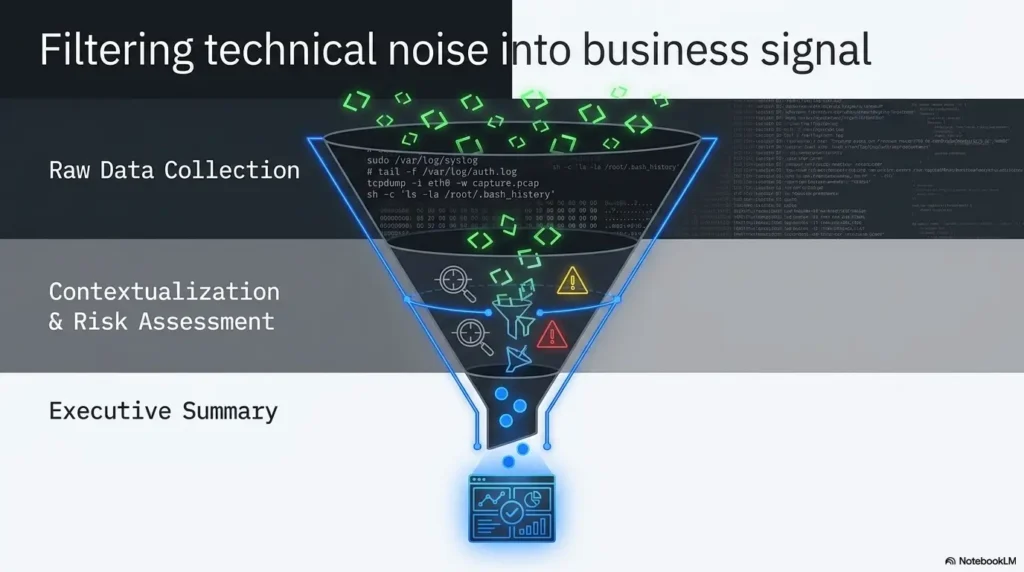
The Five-Sentence Lab Note Framework
Long technical writing often improves when the writer first practices short technical writing. The five-sentence lab note framework is a compact way to force clarity without sanding away useful detail.
Sentence 1: What I was trying to learn
Start with the learning goal. For example: “I used Kioptrix to practice explaining service enumeration in plain English.”
This sentence gives the reader the lens. It also protects you from wandering into command-by-command narration too early.
Sentence 2: What I observed
Write the observation without theatrical smoke. “The system exposed several network services in the lab environment” is clearer than “The box was wide open,” unless you are writing a pirate newsletter.
Evidence should be plain, specific, and restrained. Your goal is credibility, not cymbals.
Sentence 3: Why the observation mattered
This is the sentence beginners skip most often. It is also the sentence that proves you understand the work.
Do not just say a service was present. Explain what the presence of that service suggested about the system, the likely age of the stack, the possible administrative choices, or the next safe line of inquiry.
Sentence 4: What I tested next
Keep cause and effect visible. The reader should be able to follow your reasoning without guessing.
Instead of “Then I tried another tool,” write, “Because the exposed service suggested a possible configuration issue, I reviewed it more closely inside the lab.” That gives the next move a spine.
Sentence 5: What I would recommend or document
The final sentence should bring the lesson back to professional communication. What would you document? What defensive action would matter? What uncertainty remains?
A good ending might say, “In a real environment, I would verify ownership, confirm version data through approved methods, and recommend patch review or service reduction based on business need.”
Mini Calculator: How Much Writing Time Does One Lab Need?
Use this tiny calculator to estimate how much reflection time to reserve after a Kioptrix session. It stores nothing.
Suggested writing time: about 30 minutes for clean notes, summaries, and redaction.
Neutral action line: Block writing time before the lab session starts.
Show me the nerdy details
The five-sentence framework works because it separates observation from interpretation. In security documentation, that separation reduces ambiguity. “Port X appeared open” is an observation. “This may indicate an exposed service that deserves verification” is interpretation. “I tested it next because it could affect attack surface” is reasoning. Keeping those layers apart helps readers audit your logic, challenge assumptions, and reuse the method in a different lab.
Don’t Write a Walkthrough That Reads Like a Receipt
A receipt is useful when you want proof that you bought batteries. It is less useful when you want someone to understand your thinking. Many lab write-ups accidentally become receipts: command, output, screenshot, command, output, screenshot.
The reader gets quantity. They do not get clarity.
Mistake: listing commands without decisions
Commands are not self-explanatory to every reader. Even technical readers benefit from knowing why a command was chosen, what question it answered, and what changed afterward.
Instead of listing every routine action, summarize routine actions and expand only on meaningful decisions. A Kioptrix recon log template can help you separate raw capture from polished explanation.
Mistake: treating screenshots as proof of understanding
Screenshots are helpful evidence. They are not the article’s skeleton. A screenshot without interpretation is a postcard from a place the reader has never visited.
Use screenshots only when they clarify a turning point, preserve a finding, or support a claim. Then write the sentence the screenshot cannot write for you.
Mistake: skipping uncertainty
Good technical writing includes uncertainty. It says what was known, unknown, assumed, and verified. That is not weakness. That is adult supervision wearing sensible shoes.
For example, “The service banner suggested an older component, but banners can be misleading, so I treated it as a clue rather than proof.” That sentence shows caution. It also sounds much more professional than declaring victory because one line of output winked at you.
Short Story: The Screenshot That Lied
Maya, a junior analyst practicing on a local lab, once wrote a Kioptrix note that looked beautiful. Every step had a screenshot. Every screenshot had a filename. The folder was so tidy it could have passed a white-glove inspection. Then her mentor asked one question: “Why did this result matter?” The room went quiet. Maya could name the tool. She could not name the decision.
So she rewrote one section. First, she stated the question. Then she described the evidence. Then she explained why the evidence changed her next move. The screenshots stayed, but they were no longer dragging the article like a tired mule. They became witnesses. The practical lesson was simple: proof is not the same as explanation. A screenshot can show what appeared on screen. Only the writer can explain why a reader should care.
Turn Enumeration Into Plain-English Evidence
Enumeration is where many Kioptrix notes become alphabet soup. The learner sees a lot. The reader receives a lot. The meaning, meanwhile, slips out the side door carrying a tiny suitcase.
The fix is to treat enumeration as evidence gathering, not output dumping.
Say what the scan was meant to answer
Before presenting results, name the question. Were you identifying exposed services? Checking whether a service deserved deeper review? Comparing what the system revealed from different angles?
A helpful sentence might be: “This step was meant to identify which services were visible inside the lab network so I could prioritize review without guessing.”
That one sentence changes the tone from tool-chasing to method.
Group findings by service, risk, and relevance
Raw output can be overwhelming. Grouping makes it readable. You might group by service type, evidence quality, possible relevance, and defensive concern.
For example:
- Service: What appeared exposed in the lab?
- Evidence: What did the approved tool report?
- Interpretation: What might this suggest?
- Confidence: Is this verified, tentative, or noisy?
- Defensive lesson: What would a safer configuration consider?
If you need a deeper companion workflow, Kioptrix enumeration report guidance can help turn scattered recon into a readable document.
Curiosity gap: The important finding may not be the loudest one
Tool output often shouts. Good documentation listens. A bright warning, a version string, or an exposed service may look important, but the writer still has to explain relevance.
The clearest writers separate “interesting” from “actionable.” Interesting means it caught your attention. Actionable means it changes what you test, document, or recommend.
What am I trying to learn?
What did the lab show?
Why does it matter?
What did I verify next?
What would reduce risk?
Explain Vulnerabilities Without Turning the Article Into an Exploit Manual
A security article can be educational without becoming a portable misuse kit. The key is to explain weakness, impact, and remediation at the right level for the setting.
Describe the weakness at the concept level
Use safe, general language. You can describe an outdated service, a risky exposure, a weak configuration, insufficient patching, or a fragile trust assumption without handing readers a step-by-step recipe.
This is especially important when writing for a public blog. The point is not to hide that vulnerabilities exist. The point is to avoid packaging technique in a way that invites misuse.
Explain impact before technique
Readers should understand why a weakness matters before they see any technical detail. Does the issue increase attack surface? Could it expose sensitive information? Could it allow unauthorized access in the wrong environment? Could it signal poor patch management?
Impact gives the finding weight. Technique gives it mechanics. Put weight first.
Keep remediation visible
Every finding should point toward a safer system. That might mean patching, disabling unneeded services, reducing exposure, improving segmentation, strengthening authentication, hardening configuration, monitoring logs, or documenting ownership.
CISA often frames security guidance around reducing known risk and improving resilience. That mindset fits lab writing nicely: do not end with “I got in.” End with “Here is what the finding teaches about defense.”
- Use concept-level descriptions for sensitive steps.
- Prioritize impact, evidence, and defensive lessons.
- Remove details that could be copied against systems outside the lab.
Apply in 60 seconds: Add a “Defensive lesson” sentence under one vulnerability note.
Coverage Tier Map: How Much Detail Belongs in Public?
| Tier | Use this level | Best fit |
|---|---|---|
| Tier 1 | Plain-English concept only | Public beginner post |
| Tier 2 | Concept plus defensive impact | Portfolio summary |
| Tier 3 | Evidence snippets with redaction | Instructor-reviewed lab report |
| Tier 4 | Detailed internal notes | Private study archive |
| Tier 5 | Sensitive reproduction steps | Do not publish publicly |
Neutral action line: When unsure, publish one tier safer.
Build a Before / During / After Structure
Readers love structure because structure reduces cognitive load. They do not need every pebble on the trail. They need the trail.
A before / during / after format turns a lab session into a clean progression.
Before: what the system looked like from the outside
Describe the initial view. What was visible in the authorized lab? What assumptions did you start with? What limits did you set?
This is where setup discipline matters. If your lab networking is shaky, your notes become shaky too. For beginners, a Kioptrix network setup guide can prevent half the confusion from entering the room in muddy boots.
During: what changed as evidence appeared
The “during” section is where you show how evidence changed your thinking. Did one service deserve closer review? Did a banner create a clue but not proof? Did a false lead waste time?
Do not hide dead ends if they taught something. A clean write-up can say, “This looked promising, but it did not produce reliable evidence, so I moved back to the service inventory.” That line is useful. It shows judgment.
After: what the learner can now explain better
End each major section with the communication lesson. What can you now explain better than before?
For example, after an enumeration section, the lesson might be: “I can now explain the difference between exposed services, confirmed vulnerabilities, and defensive priorities.” That is portfolio gold. Not flashy. Durable.
Here’s what no one tells you: clarity is a security control
Bad documentation creates risk. It causes missed handoffs, confused audits, repeated work, and recommendations that nobody trusts enough to act on.
Clear writing helps teams make safer decisions. It is not just “soft skill” frosting. It is part of the cake.
- Before explains scope and starting evidence.
- During explains how findings changed your decisions.
- After explains the communication and defense lesson.
Apply in 60 seconds: Add “Before,” “During,” and “After” labels to your rough notes before polishing them.
Common Mistakes That Make Kioptrix Write-Ups Hard to Read
Most unclear Kioptrix write-ups are not unclear because the writer is lazy. They are unclear because the writer is still standing too close to the work. The terminal glow makes everything feel obvious.
Readers do not have that glow. Give them a lamp.
Mistake 1: “I found a vulnerability” without explaining how you knew
A claim needs evidence. It also needs confidence level. Did you confirm it? Infer it? Suspect it? See a clue that requires validation?
Better writing separates those layers. “The evidence suggested a possible outdated component” is different from “I confirmed a specific weakness in the lab.” Precision protects your credibility.
Mistake 2: writing only for people who already understand the lab
Layer your explanation. Start with a plain-English summary. Then add technical detail. This lets beginners learn, peers audit, and non-specialists understand the business meaning.
A helpful rhythm is: summary first, evidence second, technical nuance third. Like a good dinner service, not a drawer full of forks.
Mistake 3: turning the write-up into a victory lap
Security learning is not wrestling a dragon for applause. A victory-lap tone can make the writer sound less careful than they are.
Use a learning tone instead. Describe decisions, errors, corrections, and defensive lessons. That shows maturity.
Mistake 4: forgetting the ethical frame
Ethics should not appear only in a disclaimer. It should shape the article. Scope, authorization, redaction, defensive recommendations, and careful language all belong in the write-up.
If you are unsure whether a detail belongs in public, treat that uncertainty as a signal. Ask a mentor. Rewrite at a higher level. Publish safer.
Add a Mini Executive Summary to Every Lab Write-Up
A mini executive summary is one of the fastest ways to make a lab post feel professional. It tells readers what they are about to see and why it matters.
It also keeps you honest. If you cannot summarize the point, the article may still be a pile of lumber rather than a house.
One paragraph for non-technical readers
This paragraph should answer four questions:
- What was tested?
- What was found?
- Why does it matter?
- What would reduce the risk?
Example: “I reviewed a vulnerable lab machine to practice identifying exposed services and explaining their security relevance. The exercise showed how older or unnecessary services can increase risk if left unmanaged. In a real system, the defensive focus would be patch review, service reduction, and clearer ownership of exposed components.”
One paragraph for technical peers
This paragraph can include more detail, but it should still avoid becoming a transcript. Mention the evidence categories, validation limits, and reasoning path.
If your peer wants the full raw notes, keep those in a private technical appendix or a separate internal file. For public writing, clarity beats volume.
One paragraph for your future self
Your future self is a strange creature. It forgets obvious things. It loses folder names. It wonders why you saved a screenshot called “hmm.png.”
Write setup notes, assumptions, dead ends, redactions, and lessons learned. A Kioptrix session summary can preserve context before memory turns into soup.
Quote-Prep List: What to Gather Before Comparing Tools or Training
If you are using Kioptrix writing practice to choose a course, mentor, bootcamp, or documentation tool, gather these items first:
- Your current lab note sample, including one messy section.
- Your target reader: recruiter, instructor, peer, manager, or future self.
- Your preferred format: blog post, private notes, PDF report, or portfolio page.
- Your safety boundary: what details you will never publish.
- Your weekly time budget for lab work and writing review.
Neutral action line: Compare options only after you know what kind of writing you are trying to improve.
When to Seek Help Before Publishing
Some lab notes should not go straight from keyboard to public blog. A pause can save you from legal trouble, privacy mistakes, and the unique sting of realizing the internet copied your bad draft before breakfast.
If the write-up includes live targets, real IPs, or third-party systems
Do not publish those details. Remove them, anonymize them, or rewrite the section at a concept level. If the work was not clearly authorized, stop and get guidance.
If exploit steps could be copied against real systems
Rewrite the article around concepts, impact, and remediation. Public writing should educate without enabling misuse.
If the learner is unsure about legality or authorization
Ask an instructor, mentor, employer, or lab provider before publishing. The FTC and other agencies often remind organizations that security claims, privacy practices, and data handling need care. Your personal blog should be careful too.
If the article includes credentials, private screenshots, or client data
Stop before publishing. The internet has a long memory and a very large filing cabinet. Redact secrets, crop sensitive screenshots, and remove identifiers.
- Remove sensitive details before public release.
- Ask for review when scope or legality is unclear.
- Favor defensive education over reusable exploitation detail.
Apply in 60 seconds: Search your draft for IP addresses, passwords, tokens, names, screenshots, and commands that reveal too much.
FAQ
Is Kioptrix good for beginners learning cybersecurity writing?
Yes. Kioptrix gives beginners a contained lab where they can practice explaining observations, decisions, findings, and remediation without touching real systems. The best value comes from writing about why each step mattered, not merely recording that a step happened.
Should my Kioptrix article include every command I used?
Not usually. Public articles should include the reasoning behind important actions, summarize routine steps, and avoid turning the post into a terminal transcript. Keep raw commands in private notes when they are only useful to you.
How technical should a Kioptrix write-up be?
Use layers. Start with plain-English purpose and impact. Then add technical evidence for readers who want the deeper trail. This structure helps beginners, peers, hiring managers, and your future self all get value from the same article.
Can I publish a Kioptrix walkthrough on my blog?
You can publish a Kioptrix learning article when it is based on an authorized private lab, avoids sensitive real-world details, and frames findings around education and defense. Be cautious with step-by-step exploit detail in public posts.
What makes a cybersecurity write-up clear?
A clear write-up explains the question, evidence, interpretation, decision, and defensive lesson. The reader should never wonder why a step happened or how a finding connects to risk reduction.
How do I make a Kioptrix write-up useful for employers?
Show structured thinking, clean documentation, ethical boundaries, remediation awareness, and calm risk communication. Employers usually care less about drama and more about whether you can explain evidence responsibly.
Should I include remediation in a lab write-up?
Yes. Remediation turns a lab post from a puzzle solution into a professional security explanation. Even in a vulnerable VM, you can discuss patching, service reduction, segmentation, configuration hardening, and monitoring at a safe concept level.
What is the biggest writing mistake beginners make?
They describe what they did but not why they did it. The missing “why” is where clarity quietly escapes through the window. Add purpose before tools and interpretation after evidence.
How long should a Kioptrix writing session take after the lab?
For a short practice session, reserve at least 20 to 40 minutes for cleanup, redaction, summary writing, and lesson extraction. The exact time depends on how many findings you document and whether the post is private or public.
Conclusion: Rewrite One Lab Moment in Five Lines
That messy lab note from the introduction does not need to stay messy. Kioptrix can still be a technical lab, but it can also become a small workshop for disciplined explanation.
The real skill is not making the terminal look impressive. The real skill is turning evidence into a decision trail another person can trust. That means naming the question, describing the observation, explaining the meaning, showing the next move, and ending with a defensive lesson.
Your concrete next step is simple and doable within 15 minutes: choose one confusing part of your Kioptrix notes and rewrite it in five lines. Goal. Observation. Meaning. Next action. Defensive lesson.
Save the before-and-after version. That tiny contrast may become your reusable template for lab reports, portfolio posts, interviews, and technical documentation. Small hinge, heavy door.
For continued practice, pair that rewrite with a track Kioptrix progress habit so your writing improves alongside your technical work.
Last reviewed: 2026-05.
Tags: Kioptrix, cybersecurity writing, technical documentation, lab reports, security communication
Meta description: Learn how to use Kioptrix Level to write clearer, safer, more professional cybersecurity lab notes and reports.