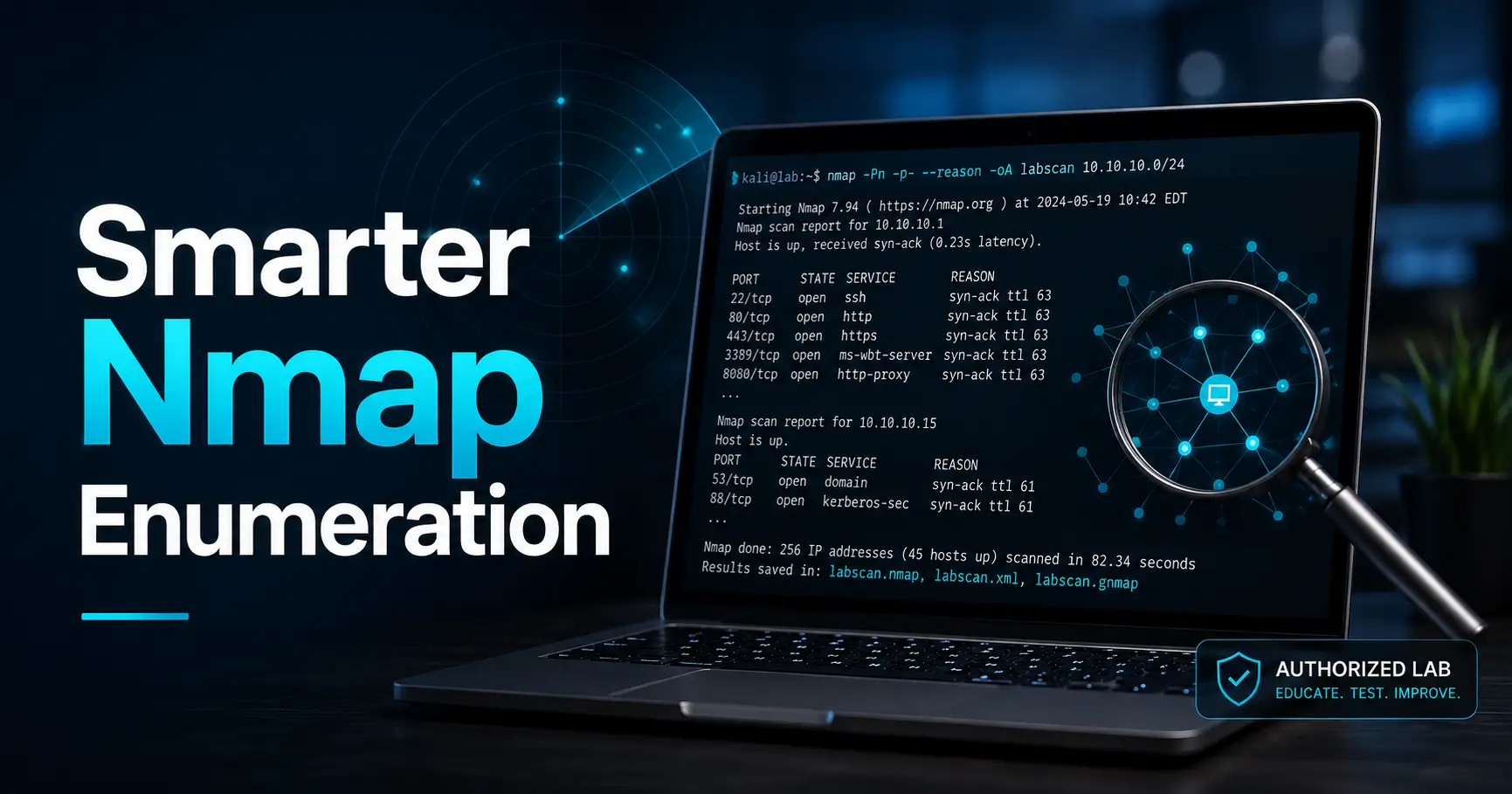
Choose Nmap options in layers: target, discovery, port coverage, service identification and evidence output. A long command is useful only when you can explain the work each option adds and the work it leaves out.
This reference is for an identified target in your own isolated lab. Replace uppercase placeholders before running an example. The examples are command patterns, not captured Kioptrix results.
A flag reference organized by the question
| Question | Option | Meaning and limit |
|---|---|---|
| Which addresses did I specify? | -sL -n | List target expansion without host probes or reverse DNS. It does not establish reachability. |
| Which targets respond to discovery? | -sn | Disable normal port scanning; retain host discovery. This is not an ICMP-only promise. |
| Should discovery be a gate? | -Pn | Attempt the requested work for every specified target without ordinary discovery. Local ARP/ND may still occur. |
| Which TCP technique is intended? | -sT | TCP connect scan. Explicitly selecting it avoids silently changing to a SYN scan when privileges differ. |
| Which ports? | -p, --top-ports, -p- | Choose a list, a frequency-ranked subset, or ports 1–65535 for the selected protocol. |
| What may be listening? | -sV | Service probes and matching; output still needs interpretation. |
| Why this state? | --reason | Display the basis for host/port states, not a complete causal explanation. |
| How will I save it? | -oA BASENAME | Normal, XML and grepable files. Choose a new basename to preserve earlier evidence. |
Read the official references for discovery controls, port selection, scan techniques and output options. Your installed version and privileges belong in the record.
Build a command ladder for one confirmed target
Use a fresh evidence directory or unused filenames. TARGET_IP is the VM address verified against its identity; OPEN_PORTS is your own selected comma-separated TCP port list.
1. Preserve a small baseline
mkdir -p evidence
nmap --version
nmap -sT -n --top-ports 100 --reason -oA evidence/E001-top100 TARGET_IP
This asks about a common TCP subset. It does not cover every TCP port or any UDP ports. If the target is skipped as down, inspect identity and the network before changing discovery. The -Pn versus -sn guide explains that decision.
2. Expand TCP coverage when the question requires it
nmap -sT -n -p- --reason -oA evidence/E002-alltcp TARGET_IP
This changes the selected TCP port range, not the target identity, version-detection depth or UDP coverage. Note whether the run completed. A timeout or interrupted run leaves coverage incomplete; a large requested range is not proof that every probe finished.
3. Identify selected services
nmap -sT -n -sV -p OPEN_PORTS --reason -oA evidence/E003-services TARGET_IP
Read the version output as a reported match, then corroborate important details using protocol behavior. A high port can carry HTTP; a familiar port can carry something else. Record “Nmap reported…” separately from a directly observed application response.
These are optional stages, not three mandatory scans for every session. Stop when you have answered the current question or need to resolve an environment problem. Continue with the service inventory workflow rather than rerunning the same discovery with more flags.
Add specialized probes deliberately
Version intensity
--version-light reduces the version probe set; --version-all requests all version probes. Use deeper probing for a particular unresolved service when warranted. More probes do not guarantee a correct identity. Consult version detection documentation before adjusting intensity.
Scripts
nmap --script-help http-title
Inspect an individual script’s behavior, categories and arguments before choosing it. -sC selects default scripts; it does not promise harmless behavior. --script all includes very different testing methods and is unsuitable as a routine enumeration shortcut. The NSE reference explains these selections.
UDP and OS detection
-sU is a separate scan method. Pick UDP ports for a stated reason; TCP results do not substitute for UDP coverage. Silence may leave an open|filtered result unresolved. OS detection with -O is fingerprint-based and can remain uncertain. Check privilege requirements and record weak matches rather than declaring a guest OS from a guess.
The -A bundle
-A enables OS detection, version detection, default script scanning and traceroute where supported. It does not mean “all ports,” and it does not set a timing template. The official -A description lists the features. Prefer separate options while learning so an unexpected result is easier to diagnose.
Do not let tidy output hide your evidence
--open filters displayed results; it does not enlarge coverage or make saved output a complete record of omitted states. It also implies --defeat-rst-ratelimit in modern Nmap, which can affect closed-versus-filtered distinctions. Omit it when those distinctions matter, and keep the exact command with the files.
Use XML for structured processing when needed; grepable output is deprecated. Preserve errors and completion status in your session journal. Repeating an identical basename can overwrite earlier output; output format choices do not fix that.
A five-question review before a rerun
- Is the target still tied to the intended VM identity?
- Which phase will run, and does discovery gate the work?
- Which transport and port range will actually be tested?
- Which optional probes, scripts or timing changes did I add, and why?
- Will the output preserve the comparison with the previous run?
Write the difference in one sentence: “I expanded TCP coverage because the first pass tested only common ports.” If you cannot name the changed question, read the existing result before launching another scan.