Compare Nmap Scans with Ndiff: 7 Kioptrix Lab Checks

Compare Nmap scans with Ndiff using completed XML files, seven comparison checks, exit-code handling, a three-run baseline and worked interpretation exercises.
Practical cybersecurity guides, labs & compliance
Compare Nmap scans with Ndiff using completed XML files, seven comparison checks, exit-code handling, a three-run baseline and worked interpretation exercises.
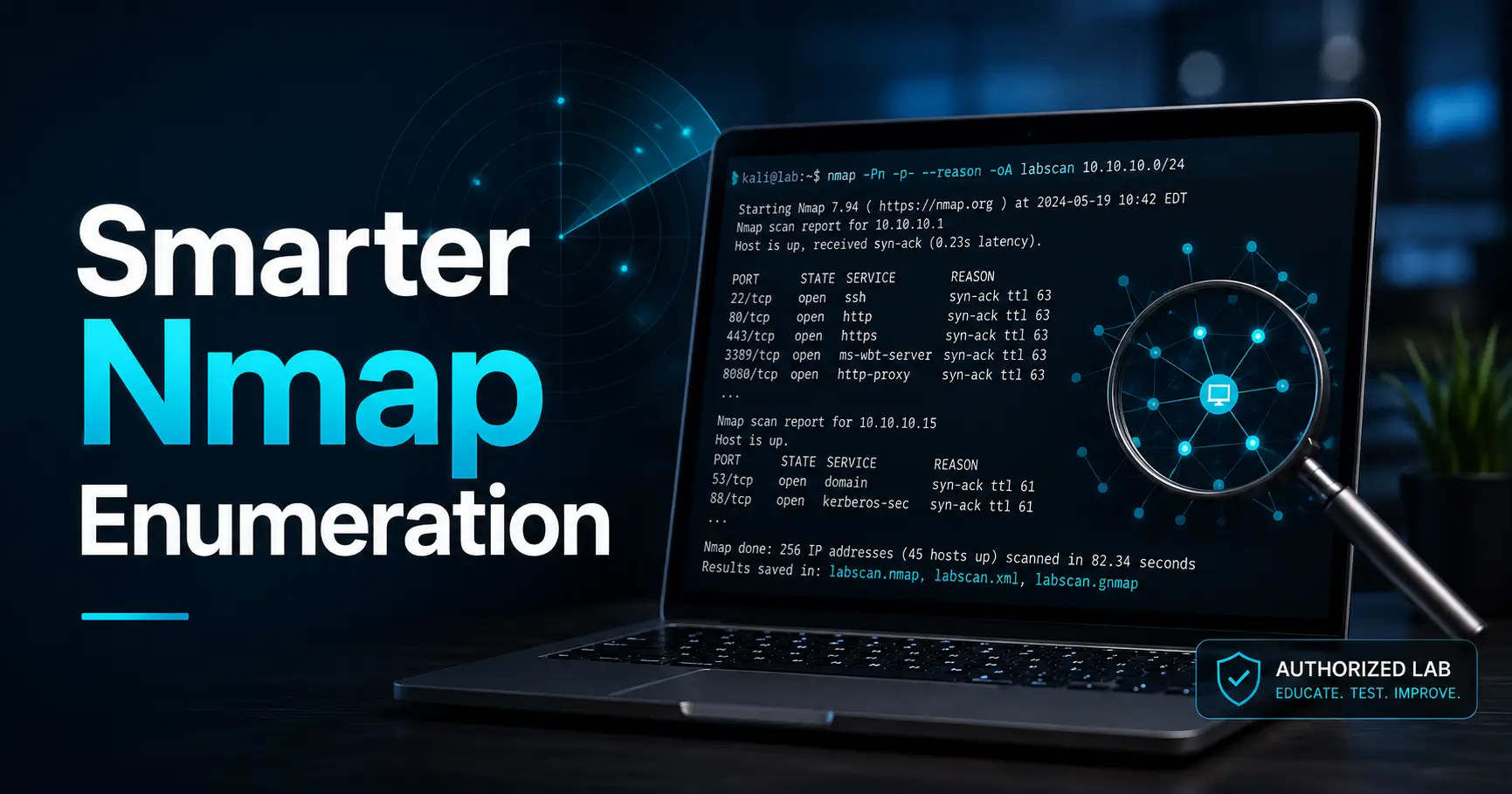
Build an Nmap command you can explain: targets, discovery, ports, service probes and saved output. Includes a flag reference, isolated-lab command ladder and five review questions before rerunning a scan.

Compare Nmap -sn and -Pn on the same identified lab VM. Follow the paired command patterns, account for local-network behavior, and save a comparison record showing requested work and limits of non-response.
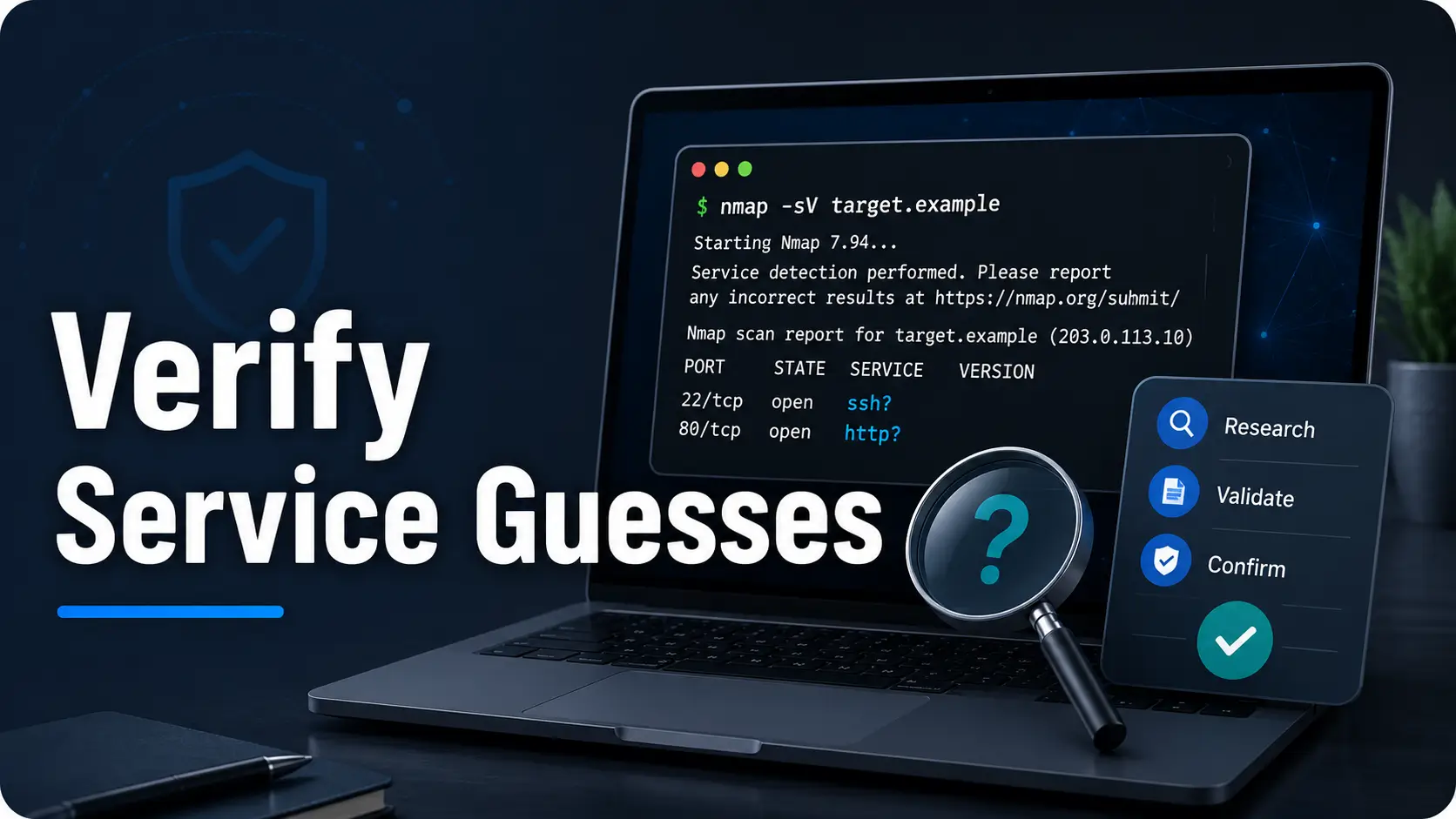
Check a suspected Nmap version false positive using probe context, XML output and authorized package evidence. Use the verification record to separate a service clue from confirmed vulnerability prerequisites.

Compare Nmap and RustScan using the same target context, TCP port scope and pacing record. Separate port discovery from service identification and retain the Nmap handoff arguments before interpreting differences.

Compare Nikto and Nmap NSE by the specific permitted question and checks selected. Record tool revisions, request scope and potential side effects, then review the evidence each run actually produces.

Turn a port scan into a reviewable service inventory. Record scan coverage, distinguish labels from service identity, observe application behavior and check vulnerability prerequisites before choosing the next step.

Plan a first Kioptrix session around one permitted question and an explainable observation. Use the session agreement to preserve input, result, limits and a stopping point, including unresolved setup as a valid outcome.

After finding the Kioptrix Level 1 address, verify target identity and define a bounded first scan. Preserve coverage and raw evidence, then choose the next question without assuming the scan describes the whole host.

Troubleshoot a Kioptrix session by checking target identity, VM networking and the local Kali environment. Preserve the exact failure and compare one setup layer before retrying or reverting the target.