Track Kioptrix Progress: Compare Attempts With Evidence
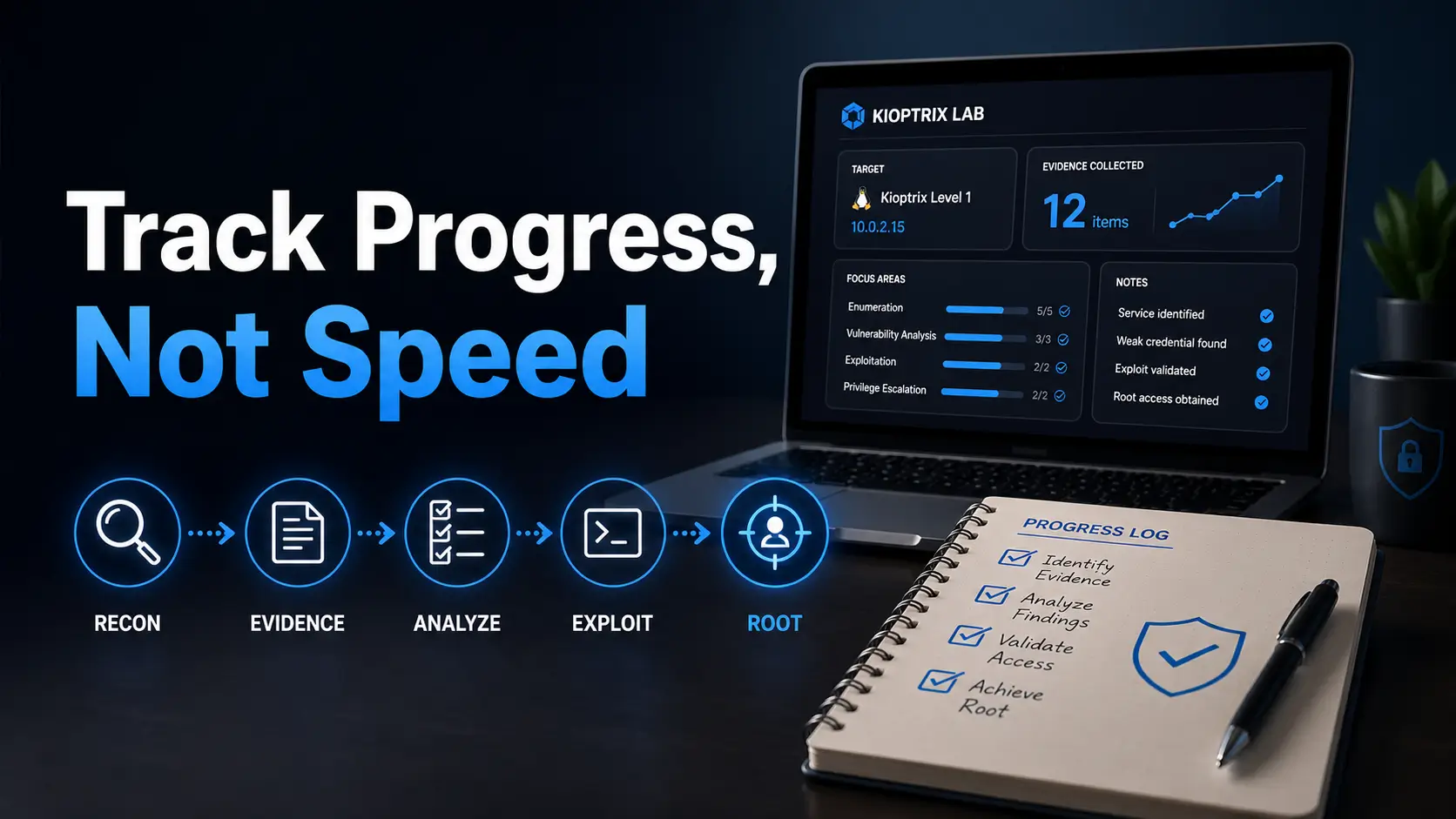
Use a Kioptrix progress table to compare the same task, saved artifacts, assistance and changed conditions without a speed-based skill score.
Practical cybersecurity guides, labs & compliance
Use a Kioptrix progress table to compare the same task, saved artifacts, assistance and changed conditions without a speed-based skill score.
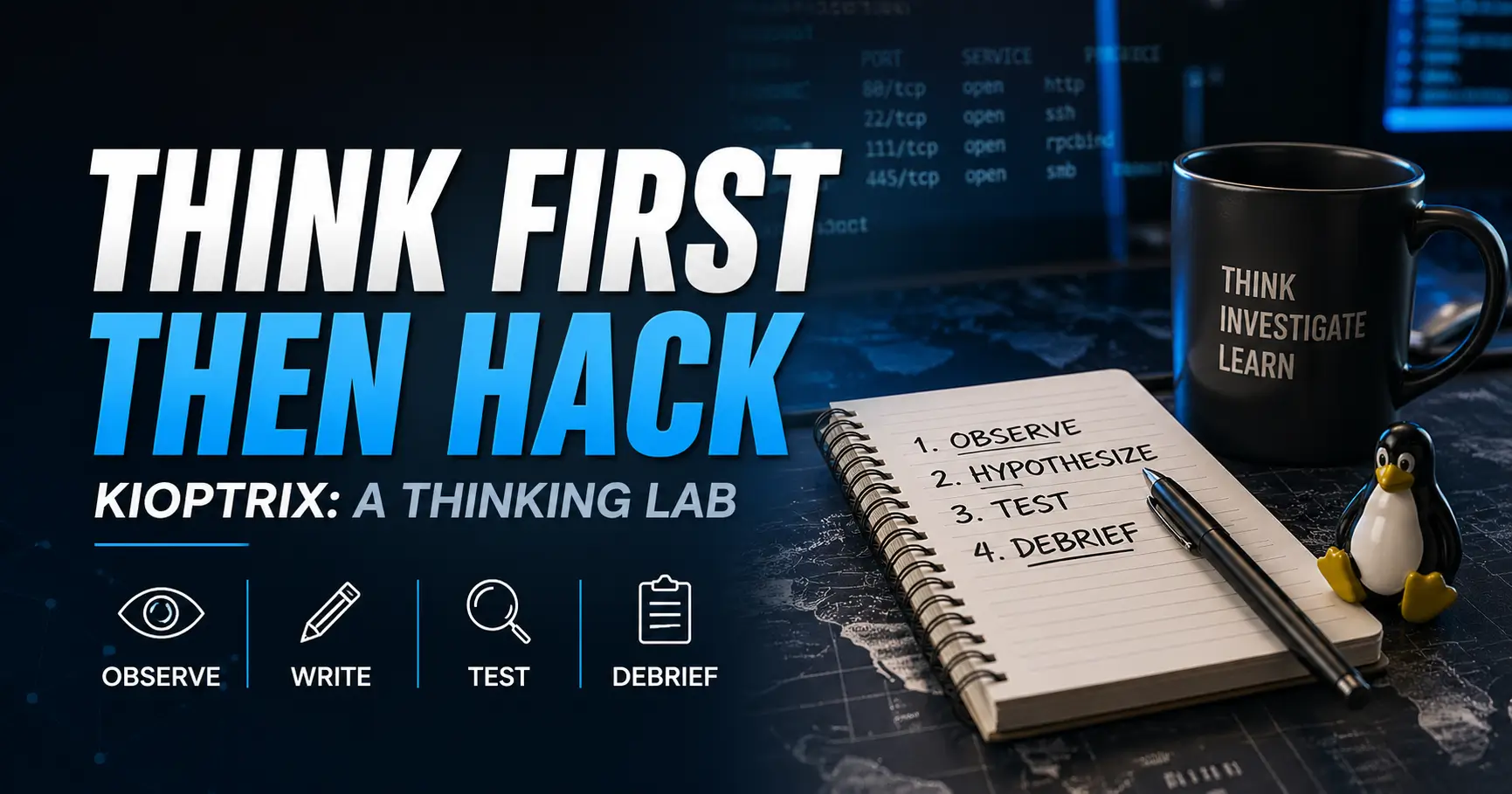
Use a named Kioptrix release for selected investigation and documentation tasks while recording its limits. Complete the coverage map to distinguish a reusable method from legacy behavior and choose a separate current-technology exercise.
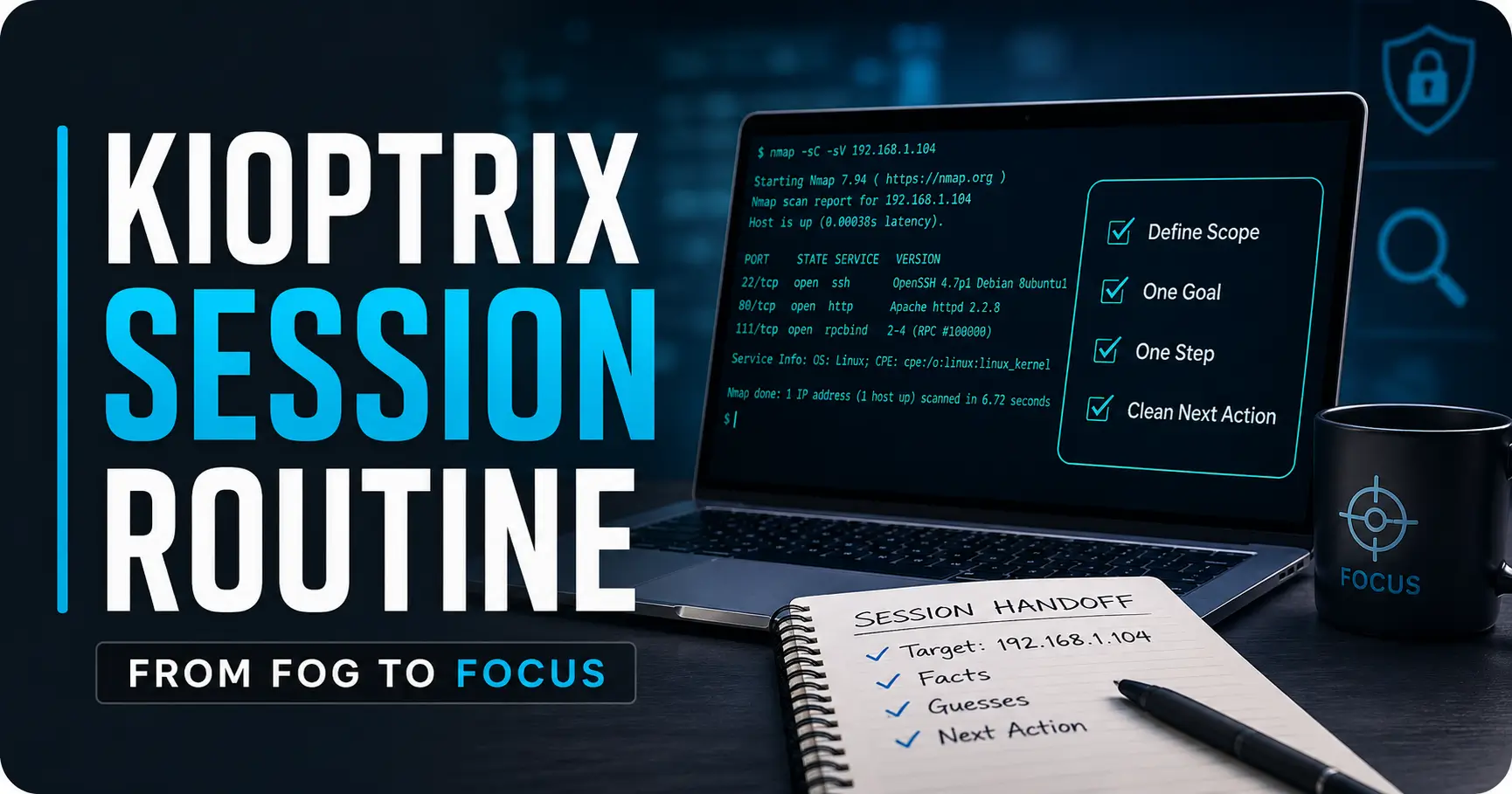
Start a Kioptrix session by reading the closing note, confirming the target and checking state changes. Use the startup record to identify stale observations and write the next question before selecting a tool.
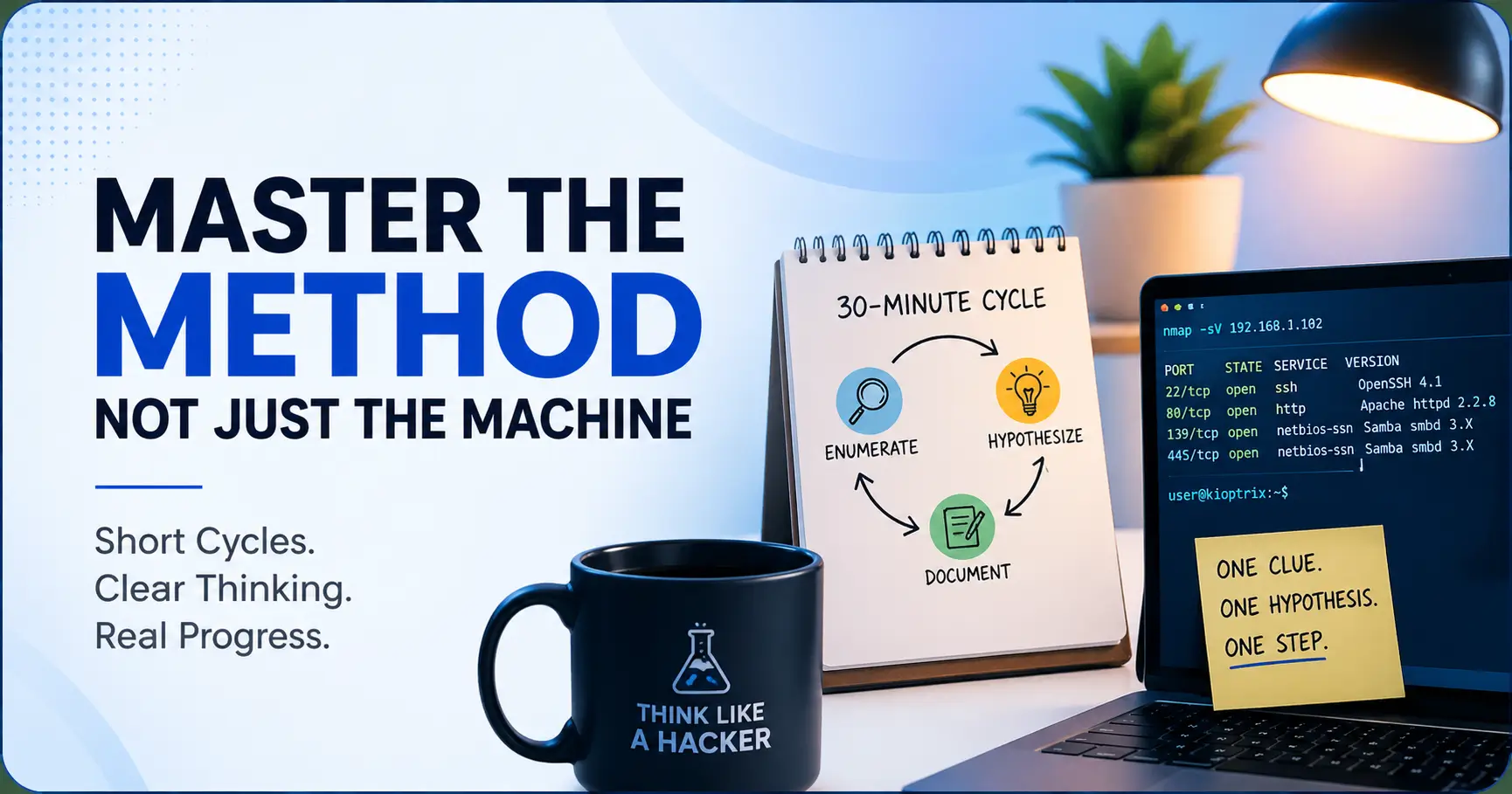
Plan a short Kioptrix cycle around one bounded question and time to retain evidence. Use the scheduling review to check whether the next session can resume and adjust the block to the actual setup or validation work.
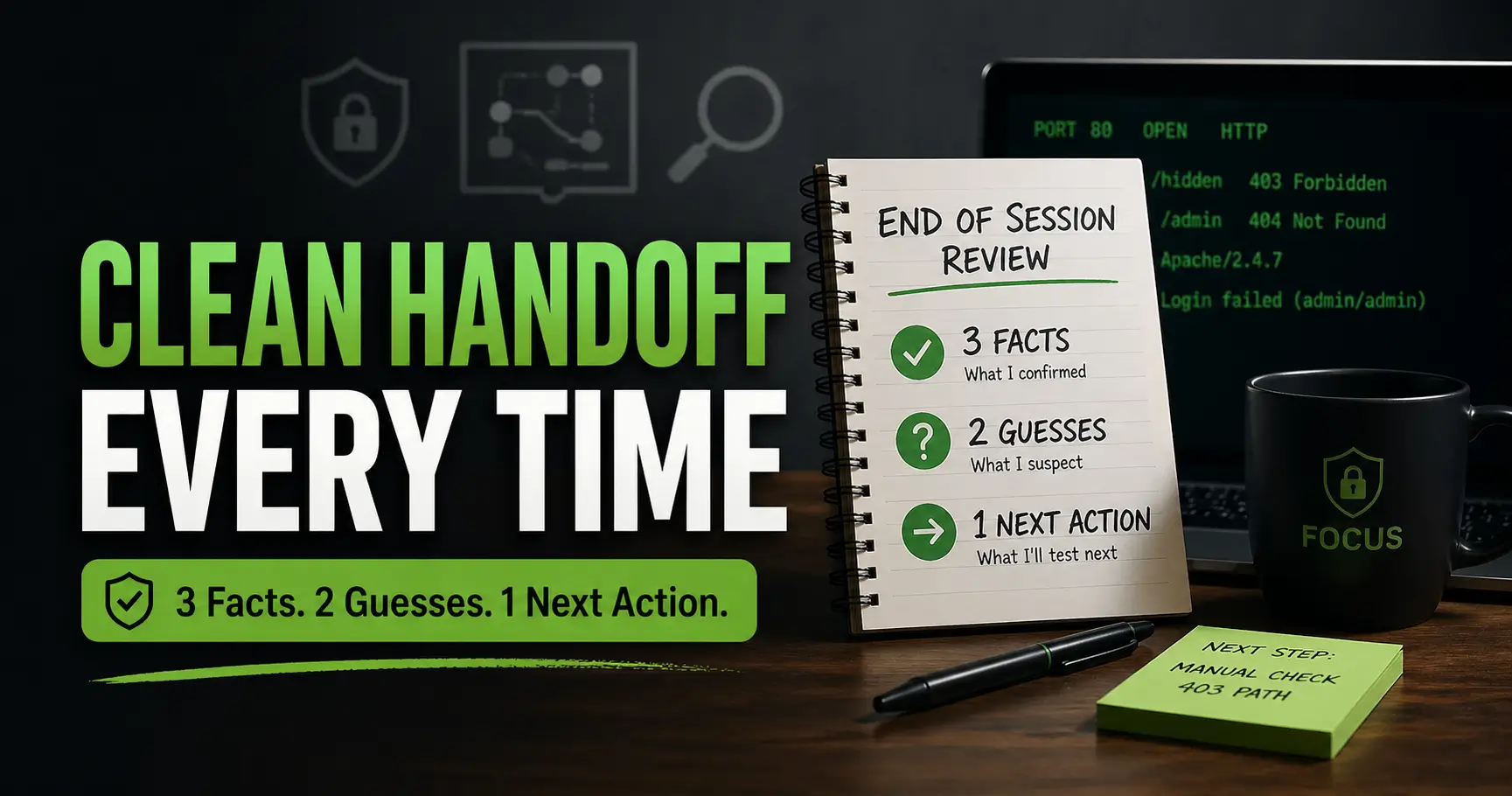
Leave a Kioptrix restart note connecting current state, latest evidence, an open question and the next permitted action. Use the four-field template without inventing facts or guesses to meet a fixed quota.

Keep a Kioptrix learning log that shows how interpretations changed across real sessions. Use the correction-trail note to link dates, evidence and assistance while distinguishing consistent attendance from demonstrated work.
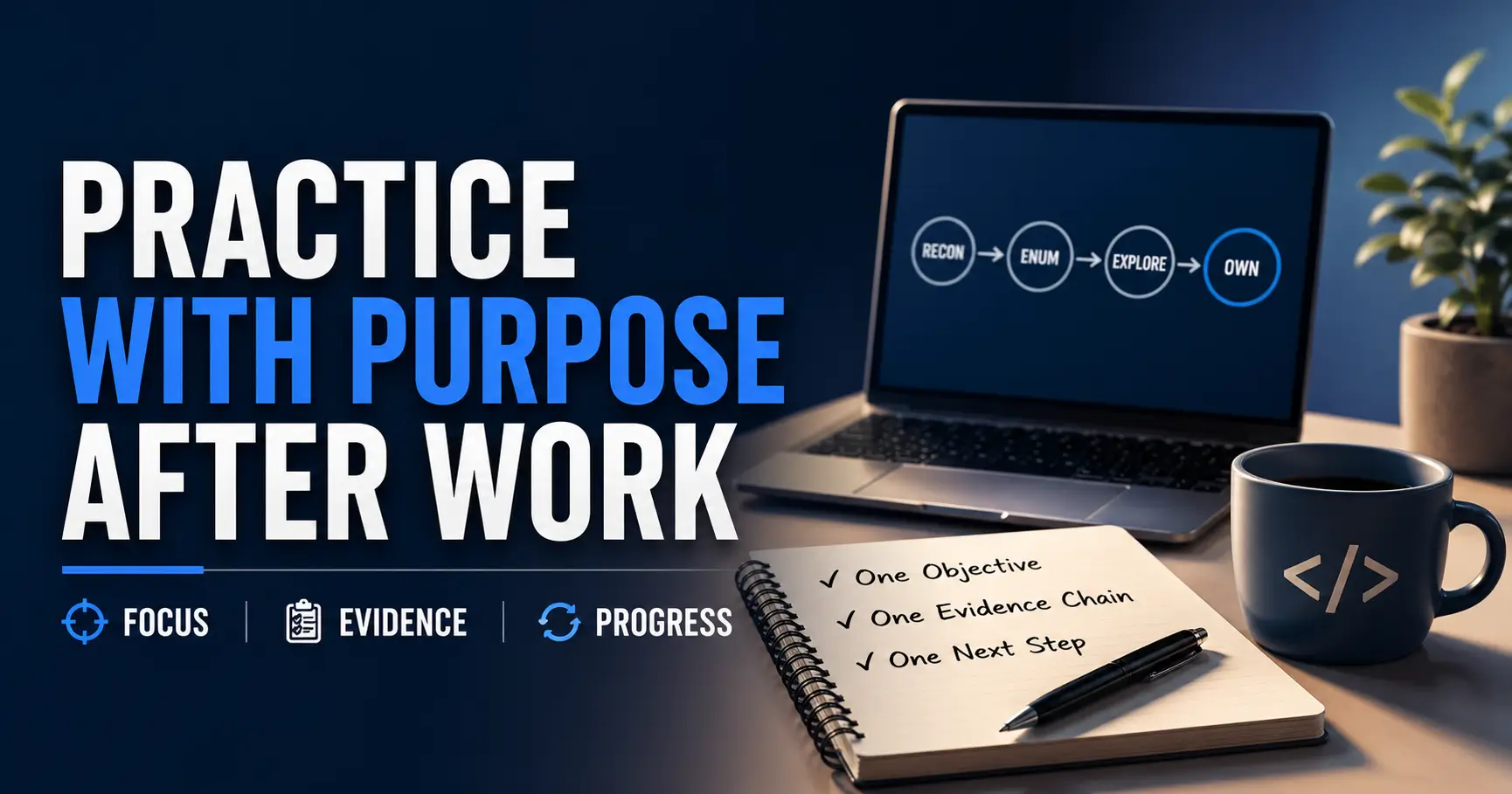
Plan a Kioptrix task for the time and attention available after work. Use the planning card to define a useful output, evidence destination, interruption note and stopping condition before beginning.
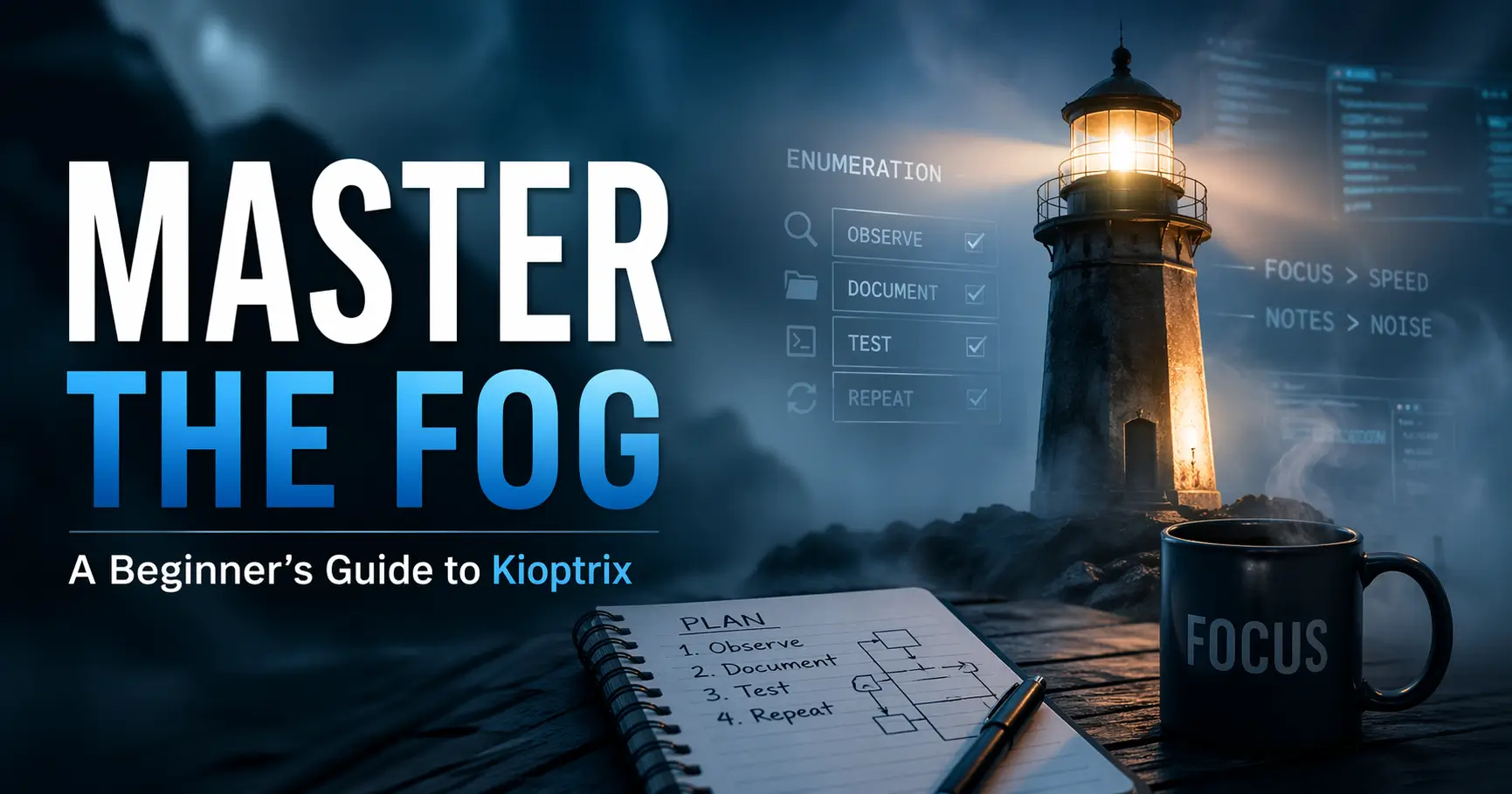
Use a Kioptrix walkthrough to address one named gap. Complete the assistance record to distinguish your own explanation, the borrowed method, environment differences and what the hint helped you understand.

Plan a Kioptrix weekend with setup, practice and review blocks. Use the fallback map to define a minimum artifact, optional extension and recoverable stopping state when installation or investigation takes longer than expected.
Write a Kioptrix summary that can pass a restart test. Use the retrieval template to retain environment, question, action, result, artifact path and next check, then open the referenced file before closing.