Sources, review date and section shortcuts
Editorial review: October 20, 2026. Turn one lab task into a case study with scope, method, evidence and stated limitations.
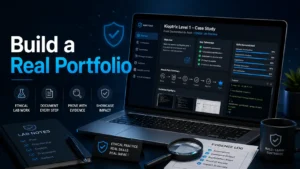
Reference documentation · Related practical guide
Go straight to: Decision check · Main workflow · Further detail
Open the Case-study claim map for this guide’s task-specific fields and next action.
Select evidence that supports a reviewable claim
Choose a small question and show how the artifacts support the conclusion. Include a failed or inconclusive check only if it occurred and helps explain the decision. Record assistance and untested remediation. A portfolio can make work inspectable, but this guide establishes no measured recruiter response or employment benefit. Reference and scope.
Building a Cybersecurity Portfolio with Substance
Turn one lab task into a case study with scope, method, evidence and stated limitations.
Kioptrix Level helps solve that problem. Used properly, it gives beginners, career changers, help desk technicians, and junior IT learners a controlled vulnerable-machine target for practicing enumeration, vulnerability research, evidence collection, reporting, and remediation thinking.
The real win is showing how you investigated, verified, documented, respected scope, and explained risk in plain English. That is the part many beginners miss. And it is fixable.
The Portfolio Lens
Kioptrix is not a trophy shelf. It is a small courtroom for your reasoning. Your write-up should make a clear case: what you were allowed to test, what you observed, what you verified, what you learned, and how a defender could reduce the same risk in a real environment.
Think of the project as a compact professional report wearing beginner-friendly shoes. Clean scope. Clear evidence. Calm conclusions. No fog machine required.
Safety And Authorization First
A strong beginner portfolio should show ethics before ambition. In real security work, authorization is not decorative paperwork. It is the fence around the garden. Without it, the same technical activity can become harmful, unlawful, or professionally radioactive.
For US readers, the safest practical framing is simple: keep lab targets local, isolated, and documented. If you use VirtualBox, VMware, or another hypervisor, make sure the vulnerable machine and attacker VM are on a controlled lab network. When in doubt, pause and tighten the scope.
- Name the lab environment.
- State that the target is intentionally vulnerable.
- Explain what systems were excluded from testing.
Apply in 60 seconds: Add one sentence to your project: “All testing was performed inside an isolated, owned lab network.”
Portfolio Signal, Not Trophy Hunting: Why Kioptrix Still Works
The real employer takeaway is your method
Kioptrix Level still works for beginners because the machine forces a useful rhythm: discover, observe, research, test, verify, document, and reflect. That rhythm matters more than the age of the target. Modern environments change constantly, but method ages slowly, like a good cast-iron pan.
A hiring manager or technical interviewer does not need you to pretend that an old vulnerable VM is the same as a modern enterprise network. They need to see whether you can think in a straight line under uncertainty.
That means your write-up should show the method behind each move. Why did you start with host discovery? Why did one open port deserve more attention? What made a version string worth researching? What evidence changed your mind?
If your answer is “because the walkthrough did it,” the portfolio is not ready yet. If your answer is “because the exposed service suggested a likely attack surface, and I verified it with two pieces of evidence,” now the page has bones.
“Rooted” is less impressive than “explained clearly”
“I got root” is a result. It is not a report. It tells the reader you reached the finish line, but not whether you sprinted, wandered, copied someone’s map, or accidentally fell through a trapdoor into the trophy room.
Clear explanation is the hiring signal. It shows patience, judgment, and communication. Those are not soft skills in security. They are operational skills with quieter shoes.
Use your Kioptrix case study to explain what you found, why it mattered, and how you handled uncertainty. If you already keep structured Kioptrix lab notes, your write-up becomes much easier because the story is already waiting inside your notes.
The open loop: what does a beginner write-up prove?
One strong Kioptrix case study can prove more than ten vague résumé bullets. A résumé bullet says you practiced enumeration. A case study shows the exact evidence you collected, how you interpreted it, and how you explained the business risk without turning the page into a thunderstorm.
For a beginner, that is powerful. It shows you can convert practice into a professional artifact. The artifact is the bridge.
Decision Card: Trophy Post vs Portfolio Case Study
| Choose This | When It Fits | Trade-Off |
|---|---|---|
| Trophy post | You only want a personal diary entry. | Fast to write, weak for hiring. |
| Portfolio case study | You want recruiters, mentors, or interviewers to see your process. | Slower to write, much stronger signal. |
Neutral action line: Choose the case study format if the project might appear on LinkedIn, GitHub, a résumé, or an interview handoff.
Who This Is For, And Who Should Skip It For Now
Best fit: beginners building proof before their first security role
Kioptrix Level is a practical fit for learners who already have some comfort with Linux basics, networking concepts, IP addresses, ports, command-line tools, and patient troubleshooting. It is especially useful for help desk workers, junior system administrators, IT students, Security+ learners, and career changers who need something more concrete than “interested in cybersecurity.”
If you are moving from password resets, ticket queues, printer ghosts, and “my VPN is broken” mornings into security practice, Kioptrix can become a small but credible stepping stone. Help desk experience gives you more than you think: user empathy, troubleshooting habits, and the sacred ability to read error messages without immediately blaming the universe.
For a more career-specific angle, pairing this project with Kioptrix practice for help desk workers can help you translate support experience into security language without exaggerating your role.
Not ideal: people chasing advanced exploit development
Kioptrix is introductory and older by design. That is part of its usefulness. It gives beginners a target where the basics are not hidden under five layers of cloud identity, container orchestration, and procurement meetings.
But it is not the final boss. If your goal is advanced exploit development, modern Active Directory abuse, cloud security engineering, or malware reverse engineering, Kioptrix should not be your whole portfolio. It can be the first chapter, not the entire bookshelf.
Let’s be honest: no lab box replaces real-world judgment
A lab target is controlled. Real systems are messy. Real work includes scope, stakeholders, change windows, business impact, uptime, compliance, logging, incident response, and people who reply to tickets with screenshots of screenshots.
That does not make lab work useless. It means your portfolio should be modest and precise. “Controlled lab assessment” sounds less dramatic than “penetration test,” but it is more honest. Honest work travels better.
Scope First: The Portfolio Detail Beginners Forget
Add a “Lab Boundary” box to every project
Before you describe tools, findings, screenshots, or lessons, explain the boundary. A lab boundary box tells the reader what you tested, what you owned, what was isolated, and what was intentionally out of scope.
This small detail changes the tone of the whole page. It says, “I understand that security work happens inside authorization.” That is a serious signal for a beginner.
Eligibility Checklist: Is This Kioptrix Project Safe To Publish?
- Yes / No: Was the target machine downloaded from a legitimate vulnerable-lab source?
- Yes / No: Was all testing performed on systems you own or control?
- Yes / No: Was the lab network isolated from real third-party systems?
- Yes / No: Did you avoid public IP scanning?
- Yes / No: Did you remove unnecessary secrets, hashes, and credentials from the write-up?
Neutral action line: If any answer is “No” or “I’m not sure,” revise the scope before publishing.
Why scope makes you look more professional
Scope language signals maturity. It tells the reader you know the difference between practice and permission. It also protects the story from sounding reckless.
In professional security, scope is not just legal padding. It shapes what tools you use, when you run them, how aggressively you test, and what evidence you preserve. Even in a home lab, using scope language trains the habit.
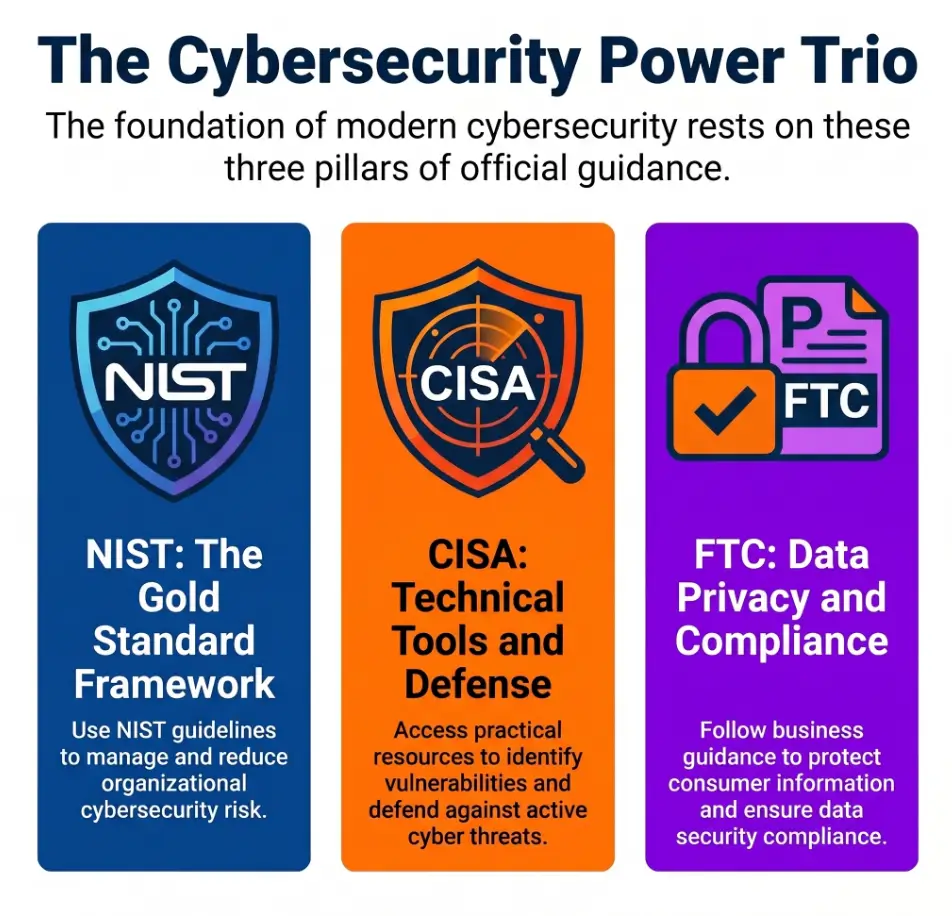
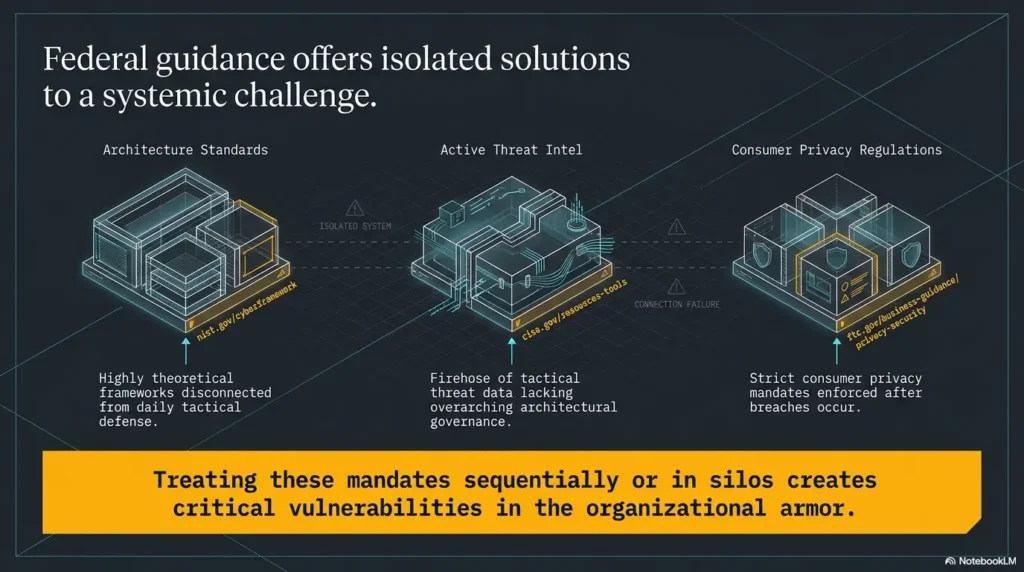
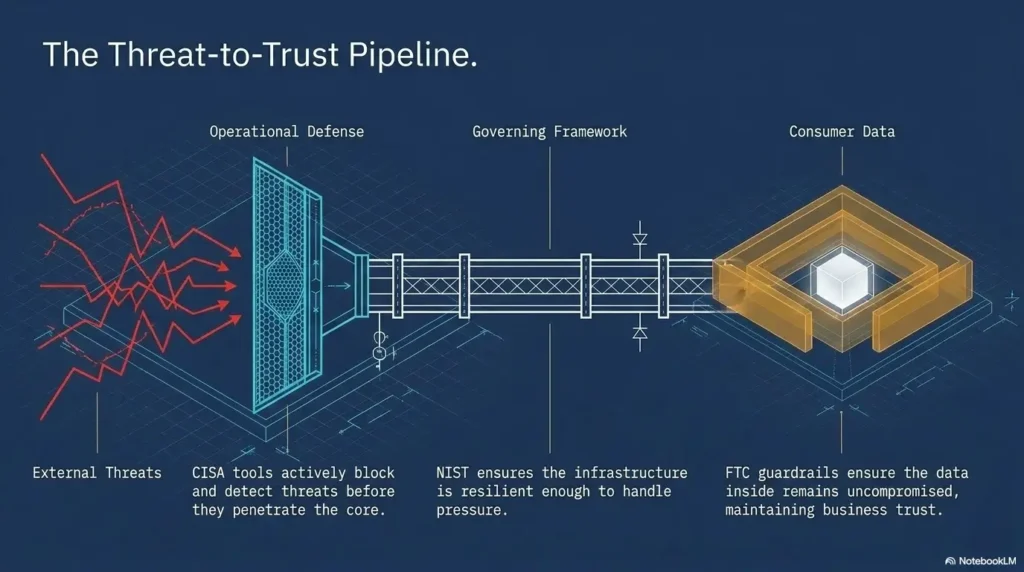
The National Institute of Standards and Technology publishes widely used cybersecurity guidance, including frameworks and controls that emphasize organized risk management. You do not need to quote a framework in every beginner project, but you should absorb the spirit: define the system, understand the risk, document decisions, and improve controls.
Don’t do this: vague “pentesting practice” claims
Vague claims create risk. “I practiced pentesting a Linux server” sounds bigger and blurrier than necessary. “I documented a controlled Kioptrix lab assessment inside an isolated host-only network” sounds cleaner, safer, and more professional.
You do not need to puff up the project. Good scope is enough. In fact, puffery often makes beginner work look smaller because the reader starts looking for the costume zipper.
- Use “controlled lab” language.
- State your target and network boundary.
- Avoid claims that imply real-world authorization you did not have.
Apply in 60 seconds: Create a reusable “Lab Boundary” paragraph for every future vulnerable-machine report.
Build The Case Study Around The Attack Path, Not The Tool List
Start with the question you were trying to answer
Many beginner write-ups begin with a pile of commands. That feels productive, but it often reads like a drawer full of cables. Instead, start with a question:
What services are exposed, which ones matter, and what evidence supports that conclusion?
That question creates structure. It turns command output into reasoning. It also helps you decide what to omit. A portfolio is curated, not scraped from the terminal floor.
Turn each step into a decision point
For each phase, use a four-part rhythm:
- Observed: What did the scan, page, banner, or error message show?
- Inferred: What might that evidence suggest?
- Tested: What safe, authorized check did you run next?
- Changed: How did the result alter your plan?
This turns the write-up from “then I ran this” into “here is how I reasoned.” That one change can make a beginner page feel dramatically more mature.
If you need a deeper structure for this habit, documenting the Kioptrix decision process is a strong companion skill. It helps turn little observations into a coherent trail.
The breadcrumb test: can someone follow your reasoning?
After drafting, read your project as if you were a tired interviewer on coffee number three. Can you follow the logic? Does each finding connect to the next action? Are there missing steps where the story teleports across the room?
If the path feels like scattered crumbs in a windstorm, rewrite it. The best write-ups do not show everything. They show enough for trust.
Kioptrix Portfolio Workflow
Define lab boundary, target, and exclusions.
Collect service evidence without drowning the reader.
Test hypotheses and explain why they matter.
Show evidence, impact, and remediation.
Name lessons, dead ends, and next improvements.
Enumeration Is The Star: Make Your Notes Look Hireable
Show service discovery without dumping screenshots
Enumeration is where beginners often prove the most. Not because the commands are rare, but because disciplined observation is rare. Anyone can paste a scan. Fewer people can explain what it means, what confidence level they have, and what action should come next.
A simple table can do more than a wall of screenshots:
| Port | Service | Evidence | Confidence | Next Action |
|---|---|---|---|---|
| Example | Web service | HTTP response, title, headers | Medium | Review pages, directories, versions |
| Example | File sharing | Service probe, access attempt result | Low to medium | Check anonymous access safely |
For more structure, build from a reusable Kioptrix enumeration report. It keeps your notes from turning into a haystack wearing a terminal prompt.
Explain false starts without embarrassment
False starts are not failures if you explain them. They show how your assumptions changed. That is the heartbeat of technical learning.
For example, you might investigate one service because it looks promising, then decide the evidence is weak and move elsewhere. That is useful. The portfolio sentence could be:
“I initially prioritized the web service because it exposed a recognizable application pattern, but after reviewing the available pages and version clues, I found stronger evidence in another exposed service and shifted my testing plan.”
That sentence shows discipline. It also shows you are not hypnotized by the first shiny thing in the scan results.
Here’s what no one tells you: boring notes get interviews
Boring notes are not boring to people who hire for reliability. Clean notes show that you can work without turning every task into a bonfire.
If your notes include timestamps, command purpose, observed result, confidence, and next action, you are building a habit that maps directly to security operations, incident response, vulnerability management, and audit-friendly reporting.
When you hit dead ends, do not hide all of them. Curate them. A short section based on Kioptrix dead ends can demonstrate troubleshooting without making the reader watch every wrong turn in slow motion.
Show me the nerdy details
A useful beginner enumeration method separates raw output from interpretation. Raw output is the command result. Interpretation is what you believe the result means. Action is what you plan to do next. Keeping those three layers separate reduces confirmation bias. It also makes your report easier to audit because a reader can see whether your conclusion actually follows from the evidence.
Evidence Hygiene: Screenshots, Commands, And Redaction
Use screenshots only when they prove something
Screenshots are evidence, not wallpaper. A screenshot should answer a question: What does this prove? If it does not prove scope, service exposure, successful validation, error behavior, or a key finding, consider leaving it out.
A clean portfolio might include only a few screenshots: the target environment, a concise service summary, a finding validation, and a sanitized final proof for the lab. That is enough. Nobody needs a 47-image slideshow of your terminal discovering its personality.
Use consistent naming. A page about Kioptrix screenshot organization can help you keep files tidy, especially if you plan to reuse the project as a PDF or interview artifact.
Keep commands readable and minimal
Include commands that support the narrative. You do not need every keystroke. The reader needs enough to understand your method and reproduce the logic inside a legal lab.
For each command you include, add one sentence explaining the purpose. That single sentence often does more for the portfolio than the command itself.
Good example:
mkdir -p scans
nmap -sV -sC -oN scans/initial-service-scan.txt TARGET_IP
Purpose: Identify exposed services and default-script results on the explicitly authorized lab target. Create the scans directory first and replace TARGET_IP with that verified target. The -sC option runs default NSE scripts; some may be intrusive, so review their behavior and scope rather than assuming “default” means harmless.
Don’t do this: publish secrets, hashes, or unnecessary sensitive data
Even in a lab, model professional handling of sensitive material. Redact unnecessary passwords, hashes, tokens, private keys, and exploit artifacts. If you display a hash only because it looks dramatic, remove it. Drama is not evidence. It is eyeliner for weak documentation.
The FTC regularly warns consumers and businesses about the risks of exposed personal information and poor data handling. While a Kioptrix lab is not a customer-data environment, your portfolio should train the same instinct: do not publish what you do not need to publish.
- Use screenshots sparingly.
- Explain why each command appears.
- Redact sensitive or unnecessary artifacts.
Apply in 60 seconds: Rename your screenshots with a simple pattern: step-number, purpose, date.
Remediation Thinking: The Section That Separates You From Script Runners
Translate each finding into defensive language
Remediation thinking is where your Kioptrix portfolio starts sounding like workplace value. Exploitation proves the weakness can matter. Remediation explains what someone should do about it.
For each finding, include four plain-English parts:
- Impact: What could happen if this existed in a real environment?
- Likely cause: Misconfiguration, outdated service, weak credential control, exposed functionality, or missing hardening.
- Affected area: Which service, application, or configuration appears involved?
- Practical fix: Patch, disable, restrict, monitor, harden, or replace.
If you want a stronger report shape, connect the lab finding to a more general vulnerability remediation SLA mindset. Even a beginner can explain why some fixes are urgent and others belong in a planned hardening queue.
Add a mini “blue team note”
A blue team note shows that you can think beyond access. It does not need to be long. One or two lines is enough.
Example:
“A defender might monitor repeated service enumeration, unexpected authentication attempts, or unusual web requests against legacy paths. In a production environment, centralized logs and alert thresholds would help confirm whether similar activity is benign testing or suspicious behavior.”
That sentence says: I understand both sides of the glass.
The quiet flex: explain risk without melodrama
Good remediation language is calm. It does not need sirens. A controlled lab finding can be serious without becoming theatrical.
Instead of “This vulnerability completely destroys the system,” write: “If this weakness existed in a production environment, it could allow unauthorized access under certain conditions. The recommended action would be to patch the affected service, restrict exposure, and review logs for related activity.”
Calm is not boring. Calm is what risk sounds like when it has a job.
Coverage Tier Map: How Mature Is Your Finding?
| Tier | What It Includes | Portfolio Signal |
|---|---|---|
| Tier 1 | Finding name only | Weak |
| Tier 2 | Finding plus screenshot | Basic |
| Tier 3 | Finding, impact, evidence | Useful |
| Tier 4 | Finding, evidence, remediation | Strong |
| Tier 5 | Finding, remediation, detection idea, lesson learned | Interview-ready |
Neutral action line: Aim for Tier 4 on every major finding and Tier 5 on your strongest one.
Beginner Mistakes That Make Kioptrix Write-Ups Look Weak
Mistake 1: writing only a victory lap
A victory lap write-up says, “I did the thing.” A portfolio case study says, “Here is how I understood the thing.” That distinction matters.
If your post jumps from scan to exploit to root with no reasoning, it reads thin. Add context. Add evidence. Add the decision points that made the path believable.
Mistake 2: copying walkthrough language too closely
Walkthroughs are useful learning tools. They are not your voice. If your write-up copies phrasing too closely, it starts sounding like a mirror wearing a hoodie.
Use walkthroughs to learn after you have tried the machine or when you are truly stuck. Then rewrite the explanation in your own words. Better yet, write what you misunderstood before you learned the correct path.
Mistake 3: ignoring what failed
Selected failure is valuable. It shows troubleshooting. It shows you tested assumptions. It shows you did not simply ride a script downhill.
Do not include every dead end. Include the ones that changed your method. A concise “What I ruled out” paragraph can make the project feel honest and sharp.
Mistake 4: skipping remediation entirely
Skipping remediation keeps the project trapped in attacker mode. Beginner portfolios improve quickly when they add defensive value. Even one practical fix per finding helps.
Use plain language. “Restrict service exposure” is often clearer than a dense sentence full of acronym confetti.
Resume Translation: Turning Kioptrix Into One Strong Bullet
Use outcome-plus-method phrasing
A résumé bullet should be honest, compact, and specific. It should not pretend the lab was paid client work. It should not inflate your title. It should show method.
Weak bullet:
“Performed penetration testing and rooted Kioptrix.”
Stronger bullet:
“Documented a controlled Kioptrix lab assessment, including service enumeration, vulnerability validation, evidence tracking, remediation recommendations, and lessons learned.”
The second bullet is less flashy and far more useful. It tells the reader what you actually practiced.
Avoid inflated titles and fake client language
Do not call yourself a penetration tester because you completed one vulnerable VM. You can say you completed a controlled lab project. You can say you practiced enumeration and reporting. You can say you built a technical write-up. That is enough.
Inflation creates distrust. Honest phrasing creates a path for conversation.
Better phrasing: “Documented a controlled lab assessment”
“Documented a controlled lab assessment” is a sturdy phrase. It covers the project without overclaiming. It leaves room for interview discussion. It also signals that you understand the difference between learning activity and professional engagement.
If you publish on LinkedIn, combine that phrasing with a short summary and a link to the full case study. For a more targeted approach, review how to present Kioptrix Level on LinkedIn without sounding inflated.
- Use “controlled lab assessment.”
- Mention documentation and remediation.
- Avoid fake client or job-title language.
Apply in 60 seconds: Rewrite one résumé bullet using outcome-plus-method phrasing.
GitHub, Blog, Or PDF: Where The Project Should Live
GitHub works best for reproducible notes and sanitized artifacts
GitHub is a good home if your project includes a clean README, sanitized screenshots, report structure, and repeatable notes. It is especially useful when you want to show organization.
A simple repository might include:
README.mdfor the executive summary and report./screenshotsfor selected evidence images./notesfor sanitized supporting notes./templatesfor reusable reporting structure.
Keep the repository tidy. A messy GitHub repo is a desk drawer with a URL.
A blog post works best for storytelling and SEO
Present the actual lab scope, your contribution, assistance used and a reviewed evidence example. Readers and employers differ in what they require. No measured hiring advantage or universal reviewer preference is established here; a home-lab artifact does not become client experience or a qualification by itself.
If you are building a broader learning site, connect the article naturally to related resources such as Kioptrix documentation habits, Kioptrix evidence tracking, and technical write-up structure. Internal links help readers move from one problem to the next without feeling dropped in a hallway.
A PDF works best for interview handoffs
A PDF is useful when you want a polished artifact to share during applications or interviews. Keep it short. Aim for clarity, not a stone tablet.
A good PDF version can be 3 to 6 pages:
- One-page executive summary.
- Scope and methodology.
- Findings table.
- Selected evidence.
- Remediation notes.
- Lessons learned.
Quote-Prep List: What To Gather Before Choosing A Format
- Your intended audience: recruiter, mentor, peer, or interviewer.
- Your strongest evidence: screenshots, tables, findings, or lessons.
- Your privacy needs: what must be redacted or omitted.
- Your maintenance plan: whether you will update the project later.
- Your sharing channel: résumé, LinkedIn, GitHub, blog, or email attachment.
Neutral action line: Choose the format that makes your strongest evidence easiest to understand.
Portfolio Structure: A Kioptrix Project Page Recruiters Can Skim
Use a one-screen executive summary
The top of your project should work even if the reader only gives you one screen. That is not cynicism. That is web reality with shoes on.
Include:
- Project: Controlled Kioptrix lab assessment.
- Goal: Practice enumeration, validation, documentation, and remediation thinking.
- Scope: Owned isolated lab environment only.
- Key findings: Summarized without exploit drama.
- Skills demonstrated: Linux basics, networking, service enumeration, reporting.
- Tools used: Only the tools relevant to the narrative.
This lets a recruiter skim quickly while giving a technical reader enough structure to continue.
Add a “skills demonstrated” panel
A skills panel helps translate lab activity into job language. Use categories that match entry-level roles:
- Linux command-line comfort.
- Networking and service discovery.
- Web and SMB enumeration basics, when relevant.
- Vulnerability validation in an authorized lab.
- Evidence handling and screenshot discipline.
- Remediation recommendations.
- Ethical scope control.
If you are following a longer plan, link the project to your Kioptrix progress tracking so readers can see growth across multiple sessions rather than a single lucky afternoon.
End with lessons learned, not just results
Lessons learned are the quiet closing chord. They show growth. They also give you interview material.
Use prompts like:
- What did I misunderstand at first?
- Which evidence changed my plan?
- What would I do faster next time?
- Which skill needs more practice?
- How would I explain the risk to a non-technical stakeholder?
For repeatable reflection, a Kioptrix session review habit helps capture learning while the details are still warm.
When To Seek Help Before Publishing
Ask for review if your write-up includes exploit code
If your write-up includes exploit code, detailed weaponized steps, or material you do not fully understand, ask for review before publishing. A mentor, instructor, or responsible security community can help you keep the post educational and properly framed.
Responsible publishing is a skill. It is not just about avoiding trouble. It is about being useful without handing out sharp objects in a crowded room.
CISA provides public cybersecurity guidance for organizations and individuals, and its materials can help beginners understand defensive framing, vulnerability awareness, and responsible security communication.
Get help if you are unsure about authorization language
If your project mentions real systems, companies, public IP addresses, school networks, employer equipment, third-party services, or cloud assets outside your control, stop and clarify scope before publishing.
When the boundary is fuzzy, the safest portfolio move is to remove the questionable material. Your career does not need a legal cliffhanger.
Remove anything you cannot explain
If a command, exploit, or finding came from a walkthrough and you cannot explain it, study it before publishing. A portfolio should not be a borrowed coat. It should fit your actual understanding.
FAQ
Can Kioptrix Level help me get a cybersecurity job?
Yes, if you present it as proof of process, not proof of mastery. A thoughtful Kioptrix write-up can support entry-level applications by showing curiosity, ethics, documentation, basic technical reasoning, and remediation awareness. It will not replace experience, but it can make your learning visible.
Should I put Kioptrix on my résumé?
You can include it as a controlled lab project, especially if you have limited security experience. Keep the wording honest. Focus on skills demonstrated: service enumeration, vulnerability validation, evidence tracking, reporting, and remediation recommendations.
Is Kioptrix too old for a modern portfolio?
It is older, but still useful for beginners because fundamentals remain valuable. Enumeration, service research, validation, scope control, and reporting are still relevant. Over time, pair Kioptrix with newer labs so your portfolio shows both foundation and current practice.
Do I need to show every command I used?
No. Show enough evidence for the reader to understand your reasoning. A clean portfolio is curated, not dumped from the terminal attic. Include commands that support the story, and explain why each one mattered.
What should I avoid publishing from a Kioptrix lab?
Avoid unnecessary sensitive data, copied walkthrough text, unexplained exploit code, exaggerated claims, and anything that suggests testing outside authorized lab scope. Even in a lab, practice professional redaction and responsible communication.
How long should a Kioptrix portfolio write-up be?
Long enough to show scope, method, evidence, findings, remediation, and lessons learned. For most beginners, a clear 1,500 to 3,000-word case study is more useful than a massive command dump. Structure matters more than length.
Should I include failures in the write-up?
Yes. Selected failures can make the project stronger because they show troubleshooting, critical thinking, and intellectual honesty. Include false starts that changed your plan, not every tiny typo or wandering command.
What is the best format for a beginner Kioptrix report?
A strong format is: executive summary, lab scope, tools used, enumeration findings, attack path, evidence, remediation notes, lessons learned, and next steps. That structure is easy to skim and easy to discuss in interviews.
Should I use Metasploit in a Kioptrix portfolio?
You can, if you explain what it did and why you used it. For beginner portfolios, manual reasoning matters more than tool theater. If you use an automated framework, balance it with clear enumeration, validation, and remediation notes.
Can I publish a Kioptrix walkthrough on my blog?
Yes, as long as it stays within an authorized lab context, avoids unnecessary sensitive material, and adds original explanation. The strongest version is not a copy of someone else’s path. It is your own reasoned case study.
Next Step: Build One Clean Kioptrix Case Study This Week
Choose one machine, one format, one finished artifact
The beginner trap is trying to build a giant portfolio shrine on day one. Do not do that. Choose one machine, one format, and one finished artifact. GitHub README, blog post, or PDF. One clean project beats seven unfinished folders with noble intentions and tragic filenames.
If you are early in the journey, start with a simple path like Kioptrix Level 1 methodology and focus on explaining your reasoning. If your lab setup still feels shaky, review your Kioptrix network setup before you touch the report.
Use a simple report skeleton before touching the keyboard
Create headings first:
- Executive Summary
- Lab Boundary
- Objective
- Enumeration
- Findings
- Validation
- Remediation
- Lessons Learned
Headings are rails. They keep the train from becoming a chandelier.
One concrete action
Before running another scan, write a 150-word lab scope and executive summary. That small beginning turns practice into a portfolio asset. It also forces you to define the story before the terminal starts whispering side quests.
- Pick one machine.
- Pick one format.
- Finish one clean report.
Apply in 60 seconds: Open a blank document and add the eight report headings above.
Kioptrix Level can support a beginner cybersecurity portfolio because it gives you a safe place to practice the whole professional loop: scope, enumeration, evidence, validation, remediation, and reflection. The machine is not the main character. Your method is.
The sharpest beginner portfolio does not shout. It shows its work. It tells the reader what was authorized, what was found, what was verified, what could be fixed, and what the learner understands better now. That is how a lab becomes proof.
Your next step is small enough to do within 15 minutes: write a 150-word executive summary for one Kioptrix project, then add a lab boundary box under it. No tools. No scans. Just the frame. Once the frame is clean, the technical story has somewhere to stand.
Last reviewed: 2026-05.
Technical guidance updated: 2026-10-13. Added the output-directory prerequisite and clarified the scope and behavior of Nmap default scripts.
Case-study claim map
Use this record for the specific task in this guide. Copy the fields into your notes and complete them with the actual conditions, evidence and assistance used in your own work.
Field guidance for this record
| Field | What to record | Your evidence / next check |
|---|---|---|
| Project question | Name the single investigation the case study explains. | To complete |
| Personal contribution | Separate your actions from instructions or assistance. | To complete |
| Selected evidence | Link only artifacts needed to follow the claim. | To complete |
| Publication limit | State untested impact and remediation. | To complete |
Edit the template below with your own dated observations. Bracketed prompts are guidance, not evidence. This page does not automatically save or upload your entry; download it before leaving or reloading.
Template ready. Replace the prompts with your record, then download a copy.
Worksheet usability update — October 23, 2026: added an editable record and a download of its current contents. This does not verify the article’s sources or perform the lab exercise.
Next action: Review the broadest claim against its supporting artifact. Keep the original record so a later correction does not make an earlier assumption look like an established fact.
Related task: Continue with Kioptrix on a Resume: Accurate Project Claims when you need that separate part of the workflow.
Worksheet change record — October 20, 2026
Added four task-specific fields, a next action and a related guide. This is an editorial working aid, not a completed lab result or a validated skill assessment. Existing source-review dates retain their own scope; this addition is not a new fact-check of every statement.
Layout updated: October 20, 2026. Scoped the introduction styling to its own section and adjusted its sizing so it does not widen the mobile page.