Sources, review date and section shortcuts
Editorial review: October 20, 2026. Practice making and explaining decisions while keeping the use of references and hints visible.

Reference documentation · Related practical guide
Go straight to: Decision check · Main workflow · Further detail
Open the Assistance dependency review for this guide’s task-specific fields and next action.
Reduce a specific dependency, not all help
Choose one task you previously needed help with, attempt it under comparable conditions and record the support used. Explain what you could now interpret and what still needs help. Official documentation remains a normal reference. A no-notes attempt is an optional exercise, not the definition of professional independence. Reference and scope.
How to Use Kioptrix to Prepare for More Independent Learning
Practice making and explaining decisions while keeping the use of references and hints visible.
The stakes are practical and ethical. Guessing wastes weekends. Copying builds fragile confidence. Testing outside an authorized lab can cross serious legal lines. This guide helps you use Kioptrix as a safe bridge from guided practice to independent investigation, with cleaner notes, better research habits, stronger boundaries, and less panic-clicking through forums at 1:13 a.m.
Small lab. Clear method. Fewer hints. That is the quiet win.
Fast Answer
Kioptrix Level is best used as a learning bridge, not just a box to “beat.” Set it up only in an authorized local lab, solve it with structured notes, pause before walkthroughs, write your own post-lab report, and turn every stuck moment into a reusable research habit. The goal is not memorizing one exploit path. The goal is learning how to investigate unfamiliar systems without hand-holding.
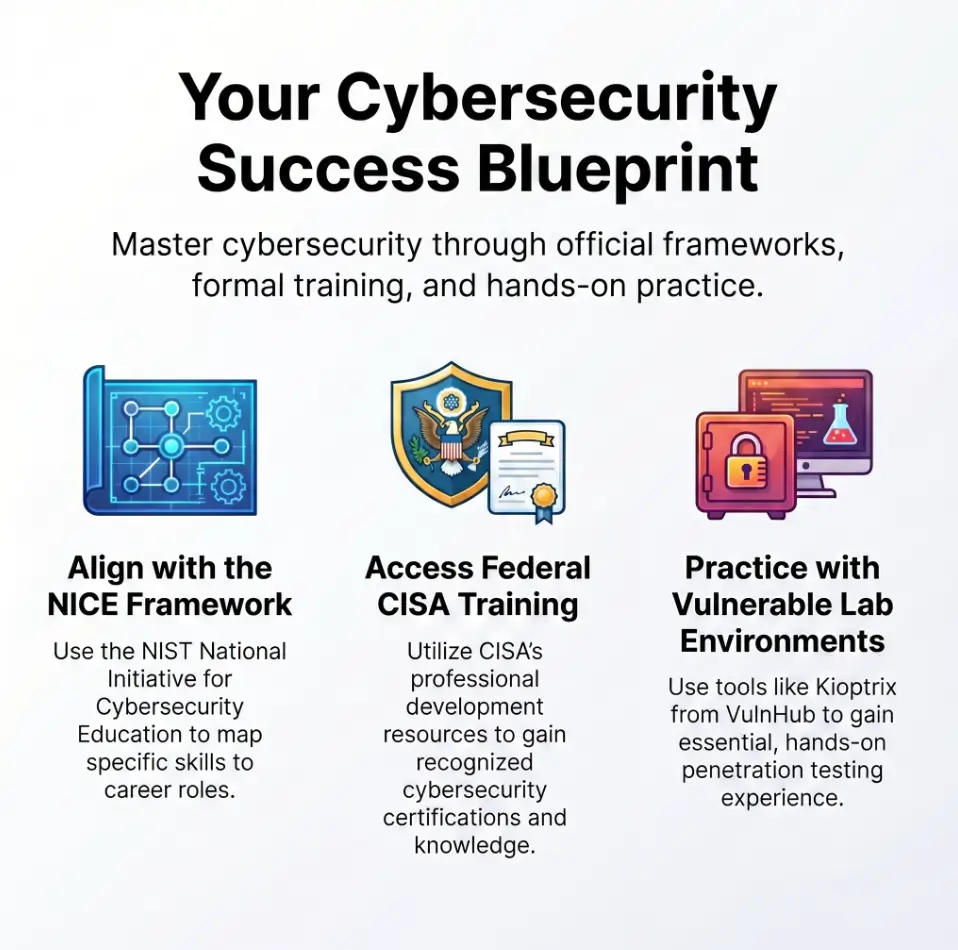
Safety and Legal Boundaries First
Kioptrix is a vulnerable virtual machine intended for hands-on security learning in a controlled lab. It is not a permission slip to scan, probe, test, or “just check” systems you do not own or have explicit written permission to assess.
That distinction matters. Cybersecurity practice can look harmless from the learner’s chair, especially when the screen is full of toy targets, old services, and training language. But the same habits used casually against a work network, school subnet, neighbor’s router, public IP range, or random website can create real harm and real consequences.
Use Kioptrix only inside an authorized environment. Ideally, that means your own local machine, your own virtualization software, an isolated virtual network, and no connection to targets that are not part of the lab. If you are unsure whether something is allowed, treat it as not allowed until you have clear permission.
- Practice only on systems you own or are explicitly authorized to test.
- Keep your Kioptrix lab isolated from work, school, public, and neighbor networks.
- Pause immediately if you are unsure whether a scan or test is permitted.
Apply in 60 seconds: Write one sentence at the top of your notes: “My authorized scope is my local Kioptrix lab only.”
Start With the Real Goal: Independence, Not “Root”
The beginner brain loves a finish line. Root access gives you one. It feels clean, cinematic, and tidy enough to screenshot. But using Kioptrix well means treating root as evidence of a learning session, not the whole purpose of the session.
The real goal is a repeatable method: observe, enumerate, research, test, document, reflect, and repeat. That method is portable. The exact path through one lab is not.
Why finishing the box is not the finish line
Finishing Kioptrix tells you that one route worked in one environment. It does not prove that you can handle a different service mix, a broken tool, a misleading banner, or a rabbit hole wearing a tiny villain cape.
Independent learners build a process they can reuse. They ask, “What do I know?” “What am I assuming?” “What should I verify?” and “What would change my next move?” Those questions matter more than any single command sequence.
If you want a structured starting point, pair this article with a broader Kioptrix Level 1 methodology so your practice has a spine before the terminal starts singing its little metal song.
The Kioptrix mindset shift
Think of Kioptrix as a small training room. It is not a trophy cabinet. It is a place to rehearse how you notice, decide, write, and recover from confusion.
Beginners often ask, “What is the right command?” A stronger question is, “What question am I trying to answer?” That shift turns tool use into reasoning. It also saves you from the classic beginner spiral: scan, paste, fail, search, paste, fail, sigh into a coffee mug.
Your success metric: fewer hints each round
Track reliance on answer-revealing hints or walkthrough steps, and note what each one helped you understand. Compare sessions of similar difficulty; a harder lab may reasonably require more help. Reading official documentation, checking tool help, and using your own notes are normal independent research, not failures of independence.
This does not mean you never use help. It means help becomes a ladder, not an elevator.
Decision Card: “Root Fast” vs. “Learn Slowly Enough to Remember”
| Approach | Best When | Trade-off |
|---|---|---|
| Root fast | You are reviewing a known path after learning it. | You may finish without building judgment. |
| Learn slowly | You are building independent habits. | You will feel stuck more often, but remember more. |
Neutral action: Choose one goal before each session: speed review or skill building.
Who This Is For, and Who Should Pause First
Kioptrix can be generous to beginners, but it is not a magic converter that turns random terminal energy into professional competence. It rewards patience, note-taking, and ethical boundaries.
Good fit: curious beginners with a legal lab
This approach works well for IT students, help desk workers, junior system administrators, homelab builders, career switchers, and early pentest learners. If you already know basic networking terms, can navigate Linux with gentle confidence, and are willing to document your work, Kioptrix can become a tidy little forge.
For newer learners, a guide like Kioptrix for beginners can help you set expectations before you start measuring yourself against people who post perfect write-ups and suspiciously clean screenshots.
Not ideal: shortcut hunters
If you only want copied commands, fast flags, or “real target” tactics, pause. That path builds brittle confidence. It feels shiny for a week and then cracks the first time something unexpected happens.
Security work is full of ambiguous evidence. Good learners learn to sit with ambiguity without turning into a raccoon in a keyboard store.
Before you begin, check your lab boundaries
Your attacker machine, Kioptrix target, and network should be isolated. Do not scan school networks. Do not test your workplace. Do not “just see what responds” on a public IP range. Do not assume a coffee shop network is your playground because the latte has foam art.
If you cannot explain your lab boundary in one plain sentence, fix that before doing anything else.
Eligibility Checklist: Are You Ready to Start?
- Yes/No: I own or control the machines in my lab.
- Yes/No: I know which IP range belongs to my lab.
- Yes/No: I will not scan work, school, neighbor, or public systems.
- Yes/No: I have a notes file ready before I begin.
- Yes/No: I am willing to try before using a walkthrough.
Neutral action: If any answer is “No,” fix that item before starting the session.
Build the Tiny Lab That Keeps You Honest
A clean lab is not glamorous. It is not the part people brag about. Still, it decides whether your learning session becomes a calm workshop or a bowl of cables with emotional damage.
Use a local VM setup, not someone else’s network
A simple conceptual setup is enough: one attacker VM, one Kioptrix VM, an isolated or host-only network, snapshots, and a dedicated notes folder. The details vary by virtualization software, but the principle stays steady: keep the vulnerable machine away from networks that are not part of your practice scope.
If you are still shaping the environment, review a safe Kioptrix network setup and a practical home lab network layout for Kioptrix before you start treating the terminal like a drum kit.
Name your environment like a grown-up
Give things boring, useful names. Boring is beautiful when future-you is tired.
- attacker: your learning workstation or security VM.
- target: the Kioptrix VM.
- notes: your running observations.
- screenshots: evidence images with clear names.
- research: links and concepts you looked up.
- lessons: the short summary you write afterward.
That small naming habit keeps your work searchable. It also protects your confidence. Few things are more humbling than losing the screenshot that proved your point because it was named “Screenshot 2026-05-19 at Something Something.”
Here’s what no one tells you…
The first skill is not exploitation. It is lab hygiene. A messy lab turns every lesson into static.
Use snapshots before major changes. Keep a session folder. Separate raw output from interpreted notes. For screenshot-heavy learners, a Kioptrix screenshot organization system can stop your evidence folder from becoming a tiny haunted attic.
The Kioptrix Independence Loop
Confirm the lab boundary.
Collect services, versions, behavior, and errors.
Separate official docs, community hints, and guesses.
Try one careful idea at a time.
Explain what happened and what you learned.
Make a “No-Walkthrough First Hour” Rule
Walkthroughs are useful. They can also be velvet handcuffs. They feel helpful while quietly removing the part of the work that teaches you how to think.
The first hour is for thinking, not winning
For the first 45 to 60 minutes, do not open a full walkthrough. Use that time to explore the lab, list observations, form hypotheses, and identify unknowns.
Your note file should grow even if your access does not. That matters. A blank note file plus three copied commands is not practice; it is terminal karaoke.
Use hints in layers, not all at once
When you are stuck, avoid jumping straight to the full path. Use help in layers:
- Concept reminder: What category of issue might this be?
- Tool documentation: What does this flag or output mean?
- Service research: What is typical for this exposed service?
- Partial hint: What area should I inspect next?
- Full walkthrough: What did I miss, and why?
This keeps the thinking load on you for as long as possible. That load is where independence grows.
Don’t let a guide steal the lesson
A walkthrough can explain the path, but it cannot build the mental muscle of choosing the next step. After using a guide, write down the exact moment where your process broke.
Did you miss a service? Misread output? Trust a banner too quickly? Search the wrong phrase? Skip notes? Get impatient because the room was too quiet and your snack supply had collapsed?
That answer becomes your next lesson.
- Try independently before opening a guide.
- Use conceptual hints before direct answers.
- Afterward, record what your original process missed.
Apply in 60 seconds: Add a “Hint Used?” line to your notes template.
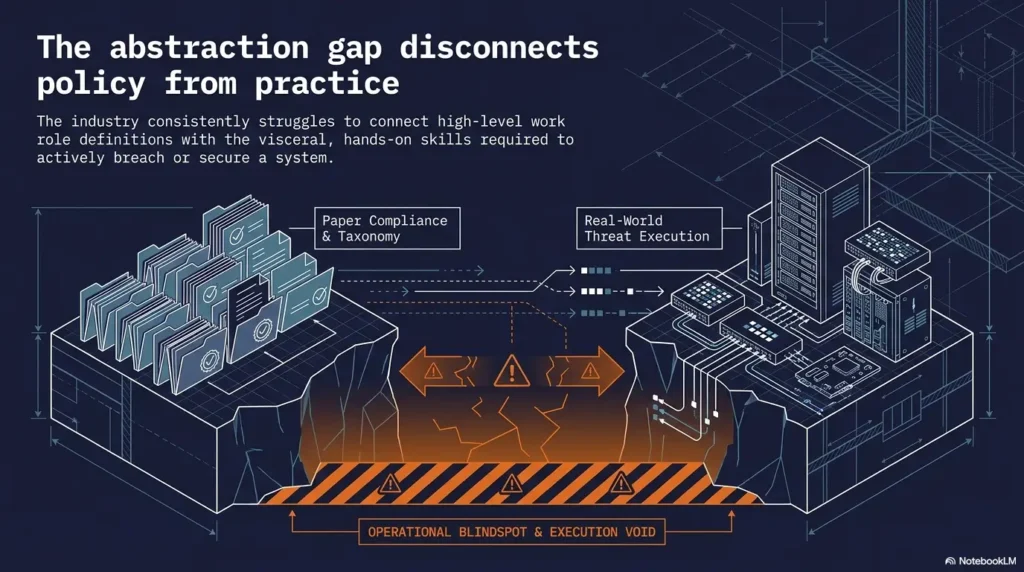
Learn Enumeration as a Conversation
Enumeration is not just scanning. It is careful listening. The target speaks through ports, service banners, web responses, error messages, timing, redirects, authentication prompts, and missing pages.
Ask the machine what it is
Your early task is to understand the target’s shape. What services appear to exist? Which ones are exposed? Which versions are old? Which responses seem ordinary? Which ones are strangely specific?
Do not rush from “open port” to “attack idea.” Open ports are not instructions. They are door labels, and sometimes the label is faded, wrong, or written by someone with the handwriting of a storm cloud.
For deeper practice, use a dedicated Kioptrix enumeration guide and compare it with your own observations only after you have written your first-pass notes.
Turn every finding into a question
Every finding should create a question. This is where beginners become analysts.
- What is this service normally used for?
- Is this version old, unusual, or ambiguous?
- What does this error reveal?
- What should I verify before trusting this result?
- What else would I expect to see if this clue matters?
The question is more valuable than the tool output. Output without interpretation is just confetti with a timestamp.
Pattern interrupt: stop collecting, start interpreting
Many beginners gather output like seashells. The stronger move is sorting evidence into meaning.
Try three labels in your notes:
- Observed: What the lab showed you directly.
- Inferred: What you think it might mean.
- To Verify: What you need to confirm before acting.
This simple framework keeps you from treating guesses as facts. It also makes your later report dramatically easier to write. For a focused companion, keep a Kioptrix recon log template nearby and adapt it to your own style.
Show me the nerdy details
Enumeration becomes stronger when you separate signal quality from signal volume. A large scan result is not automatically better than a smaller, clearer result. In beginner labs, the useful pattern is often: identify exposed services, confirm versions cautiously, inspect default pages or banners, compare behavior across tools, and document uncertainty. Treat every automated result as a lead, not a verdict. This mirrors professional security habits, where evidence quality and repeatability matter more than dramatic output.
Common Mistakes That Keep Beginners Dependent
Most Kioptrix learners do not get stuck because they are “bad at cybersecurity.” They get stuck because their process leaks. A small leak becomes a pond. Then the pond gets a tiny boat. Then the boat has a walkthrough open in another tab.
Mistake 1: copying commands without knowing the purpose
Each command should answer a question. If you cannot name the question, pause.
For example, “I ran this because the guide did” is weak. “I ran this to identify exposed services on my authorized lab target” is stronger. The second version tells you what you expected to learn and what to do with the result.
If this is a recurring problem, study why copy-paste commands fail in Kioptrix. It is one of the fastest ways to stop outsourcing your thinking to someone else’s terminal history.
Mistake 2: treating every error as failure
Errors are often clues. A refused connection, strange response, permission issue, missing page, timeout, or unsupported protocol can narrow the map.
Write errors down. Do not immediately bulldoze over them. The machine may be telling you, “Not that door,” which is annoying but useful. Annoying-but-useful is basically the official fragrance of beginner labs.
Mistake 3: jumping from scan to exploit too fast
New learners often see one old-looking service and leap toward exploit research. Slow down. Verify what you found. Check whether the version is reliable. Confirm the service behavior. Ask what additional evidence would support your idea.
The fastest-looking path can become a fog machine with a keyboard.
Mistake 4: skipping documentation until the end
Notes written afterward become fiction with timestamps. Notes written during the work become evidence.
You do not need a beautiful report during the session. You need clear breadcrumbs: time, observation, question, action, result, next thought. A simple Kioptrix lab notes habit can prevent half your future confusion.
Coverage Tier Map: Your Kioptrix Learning Depth
| Tier | What You Do | What It Builds |
|---|---|---|
| 1 | Follow a walkthrough exactly. | Familiarity, but low independence. |
| 2 | Try first, then compare to a guide. | Basic troubleshooting. |
| 3 | Document questions and decisions. | Analytical habits. |
| 4 | Write a post-lab report. | Communication and evidence handling. |
| 5 | Create a reusable personal playbook. | Transferable independence. |
Neutral action: Identify your current tier and aim for just one tier higher in the next session.
Build a Repeatable Research Loop
Research is not what you do after thinking fails. Research is part of thinking. The trick is learning to search without turning the session into a browser swamp.
Search like an analyst, not a panicked squirrel
Weak searches are vague: “Kioptrix stuck,” “old port exploit,” “how get root.” Stronger searches combine evidence:
- Service name
- Version clue
- Operating system hint
- Exact error message
- Tool behavior
- Official documentation when possible
The goal is not to find the answer fastest. The goal is to understand why a path might apply. That difference is enormous. One builds recall. The other builds fog.
Separate facts from guesses
Use the three-label system every time:
- Observed: “The target responded on a service.”
- Inferred: “This may indicate an older stack.”
- To Verify: “Confirm version and behavior before testing any assumption.”
For longer learning paths, connect this to a personal Kioptrix knowledge base. Your best notes should become reusable, not buried like treasure under a filename called final-final-real-notes.txt.
Let’s be honest…
Most beginners are not stuck because the box is impossible. They are stuck because their notes have no spine.
A strong research loop gives your notes structure. It also keeps your confidence honest. You know what you saw, what you guessed, what you checked, and what still needs work.
- Search from evidence, not panic.
- Record exact terms that helped.
- Mark every unverified assumption before acting on it.
Apply in 60 seconds: Add “Observed / Inferred / To Verify” headings to your current notes file.
Turn Stuck Moments Into Skill Trees
Getting stuck is not a detour from learning. It is where the curriculum introduces itself, usually without knocking.
When you hit a wall, name the wall
Do not write, “I am stuck.” That is emotionally true but operationally thin. Name the category:
- Networking
- Virtualization setup
- Tool syntax
- Linux permissions
- Web basics
- Service enumeration
- Vulnerability research
- Privilege escalation concepts
- Report writing
Naming the wall makes it smaller. It turns “I am bad at this” into “I need 25 minutes on Linux permissions.” Much better. Less thundercloud. More workbench.
Create one mini-lesson per blocker
After the session, study one missing concept separately for 20 to 30 minutes. Do not bury it under another walkthrough.
If your blocker was note quality, review Kioptrix technical notes. If it was session structure, use a Kioptrix session routine. If it was endurance, a practice plan without burnout may be more useful than another tool tutorial.
Keep a “next time I will try” list
This list becomes your personal playbook. Quietly powerful. Slightly nerdy. Very useful.
Examples:
- Next time I will confirm the lab IP range before scanning.
- Next time I will write the question before running the tool.
- Next time I will compare two sources before trusting an exploit claim.
- Next time I will stop after 90 minutes and summarize.
Write the Report Even If Nobody Grades It
A report is where practice becomes professional memory. You do not write it to impress an imaginary hiring manager in a navy blazer. You write it because explaining your work forces your thinking to stand under bright lights.
Use a beginner-friendly report structure
Your Kioptrix report does not need to be fancy. It needs to be clear.
- Scope: What system was authorized for testing?
- Lab setup: What machines and network mode did you use?
- Timeline: What happened in what order?
- Findings: What meaningful observations did you make?
- Evidence: What screenshots or notes support those observations?
- What worked: Which decisions helped?
- What failed: Which assumptions wasted time?
- What next: What will you study or try later?
Use a Kioptrix lab report structure if you want a steadier template. Good reporting is not decoration. It is thinking in public, even if the only public is future-you wearing headphones and judging your old file names.
Explain decisions, not just results
A report that says “I ran X” is thin. A report that says “I ran X because Y suggested Z” shows thinking.
Decision explanations help you spot weak habits. Maybe you trusted one clue too quickly. Maybe you ignored a service because it looked boring. Maybe you followed the loudest result instead of the best-supported one. The report catches these habits before they become permanent furniture.
Save screenshots with context
Screenshots should prove a point. Add captions so future-you does not stare at them like ancient cave marks.
Good screenshot names include date, target, step, and purpose. Better still, connect them to notes. A practical Kioptrix evidence tracking habit helps you defend your conclusions, even in a beginner lab.
Quote-Prep List: What to Gather Before Comparing Tools, Courses, or Mentors
If Kioptrix makes you realize you need more support, gather this before buying a course, booking coaching, or switching platforms:
- Your current skill level and comfort with Linux.
- Three blockers from your last Kioptrix session.
- One sample report or notes file.
- Your weekly study time budget.
- Your goal: help desk growth, pentest basics, OSCP-style prep, or general security fluency.
Neutral action: Use this list to compare options calmly instead of buying the course with the loudest countdown timer.
Know When to Seek Help Without Spoiling the Box
Independent learning does not mean solitary suffering. It means asking better questions and preserving your own effort.
Ask for concept help before answer help
A weak question is: “What command gets root?”
A stronger question is: “How should I think about service enumeration when I have several exposed services and unclear version information?”
The second question teaches you how to reason. It also makes communities more willing to help because you are showing effort, context, and respect for the learning process.
Use communities ethically
When asking for help, include your lab context, what you tried, where you are stuck, and what kind of hint you want. Avoid asking for direct exploit chains or posting details that encourage misuse outside a lab.
CISA and NIST both emphasize structured cybersecurity learning, workforce skills, and responsible practice. That professional direction matters even when you are sitting alone with a vulnerable VM and a half-cold drink.
When to seek help immediately
Get help immediately if your VM setup touches a real network, you are unsure whether a target is authorized, you accidentally scanned outside your lab, or you do not understand the legal boundary.
Do not try to “quietly fix it” by continuing. Stop. Document what happened. Ask a qualified instructor, mentor, or administrator for guidance. Calm beats clever here.
- Ask for concepts before answers.
- Share what you tried and what you observed.
- Stop immediately if scope becomes unclear.
Apply in 60 seconds: Draft one reusable help-request template with context, attempts, blocker, and desired hint level.
Next Step: Run One Clean Kioptrix Session
The best next step is not another giant study plan. It is one clean session. Small enough to repeat. Structured enough to teach. Honest enough to expose what you need next.
Your 90-minute independent learning drill
Use this simple drill:
- First 60 minutes: Explore without a walkthrough. Write observations, questions, assumptions, and verification tasks.
- Next 20 minutes: Research one blocker. Keep it narrow. No browser swamp.
- Final 10 minutes: Write a plain-language summary of what happened.
For busy adults, this is often better than a heroic six-hour spiral. If time is tight, adapt the rhythm from a Kioptrix Level plan for busy adults or a Kioptrix weekend plan.
The one-page rule
After the session, write one page answering:
- What did I observe?
- What did I assume?
- What did I verify?
- What will I try next?
That one page is more valuable than a pile of unsorted output. It becomes your bridge to the next session.
Keep the loop small enough to repeat
A small completed loop beats a heroic spiral. Independence grows by repetition, not drama.
Track your progress over time. A simple Kioptrix progress tracker can show whether your hint dependency is shrinking, your reports are improving, and your blockers are becoming more specific.
FAQ
Is Kioptrix Level good for cybersecurity beginners?
Yes, if the learner uses it as a structured lab rather than a copy-and-paste exercise. It is especially useful for practicing enumeration, research habits, Linux basics, evidence capture, and post-lab reflection. Beginners should keep the lab authorized, isolated, and focused on learning method rather than chasing a dramatic finish.
Do I need Kali Linux to use Kioptrix?
Many learners use Kali because it includes common security tools, but the bigger requirement is understanding what each tool is doing. The toolset matters less than the reasoning process. If Kali setup problems are slowing you down, review a Kioptrix Kali setup checklist before blaming yourself for every strange error.
Should I watch a Kioptrix walkthrough before trying it?
Usually, no. Try first, write down what you find, and use walkthroughs only after you have made a serious attempt. Otherwise, you borrow someone else’s thinking and call it progress. A walkthrough is best used as a comparison tool after your own first pass.
How long should a beginner spend before looking at hints?
A practical rule is 45 to 60 minutes of focused effort before using a hint. If you are stuck on setup, scope, or safety boundaries, seek help sooner. If you are stuck on the lab path, use layered hints: concept first, documentation second, partial clue third, full walkthrough last.
Can Kioptrix help with OSCP-style preparation?
It can help with beginner fundamentals, especially method, documentation, enumeration discipline, and comfort with vulnerable VMs. It should be one part of a broader study path, not the whole map. If OSCP is on your horizon, connect Kioptrix practice with time management, reporting, and independent troubleshooting.
What should I learn after finishing Kioptrix Level 1?
Review your weak spots first. Common next topics include Linux permissions, web server basics, service enumeration, vulnerability research, privilege escalation concepts, and report writing. You can also compare next-step options through a Kioptrix learning path instead of jumping randomly to harder machines.
Is it legal to practice with Kioptrix?
It is legal when used in your own authorized lab environment. The same techniques used against systems you do not own or have permission to test can be illegal and harmful. Keep your scope narrow, document it clearly, and stop immediately if your testing might touch anything outside the lab.
What is the biggest beginner mistake with Kioptrix?
The biggest mistake is treating the walkthrough as the curriculum. The better curriculum is your own trail of questions, wrong turns, notes, and corrections. The second biggest mistake is waiting until the end to document, because memory has a charming talent for rewriting history.
How should I organize Kioptrix notes?
Use simple headings: scope, lab setup, observations, inferred meaning, items to verify, actions, results, screenshots, blockers, and next steps. Keep raw tool output separate from conclusions. For longer-term improvement, use a Kioptrix documentation habit so each session strengthens the next one.
Conclusion
The locked door at the beginning was never the whole story. Kioptrix Level is useful because it gives you a safe, small room where you can practice a bigger professional pattern: define scope, observe carefully, research honestly, test thoughtfully, document evidence, and reflect without pretending confusion is failure.
Root access may be the visible finish line, but independence is the better prize. It shows up quietly. Fewer hints. Cleaner notes. Better questions. A calmer response when the output gets weird. Less terminal theater, more method.
Your concrete next step: spend 15 minutes creating a session folder and notes file with five headings: Scope, Observed, Inferred, To Verify, and Next Time. That small structure will make your next Kioptrix session sharper before you run a single tool.
Original review: 2026-05.
Tags: Kioptrix, cybersecurity beginners, ethical hacking lab, penetration testing practice, cybersecurity learning
Meta description: Use Kioptrix Level safely to build independent cybersecurity learning habits, cleaner notes, better research, and fewer walkthroughs.
Technical guidance updated: 2026-10-13. Distinguished independent research from answer-revealing hints and clarified the limits of the hint score.
Assistance dependency review
Use this record for the specific task in this guide. Copy the fields into your notes and complete them with the actual conditions, evidence and assistance used in your own work.
Field guidance for this record
| Field | What to record | Your evidence / next check |
|---|---|---|
| Previous dependency | Record the precise step that required help. | To complete |
| Reference used | Identify documentation, hint or walkthrough consulted. | To complete |
| Current explanation | Explain what you can now interpret yourself. | To complete |
| Remaining dependency | Keep unresolved parts visible. | To complete |
Edit the template below with your own dated observations. Bracketed prompts are guidance, not evidence. This page does not automatically save or upload your entry; download it before leaving or reloading.
Template ready. Replace the prompts with your record, then download a copy.
Worksheet usability update — October 23, 2026: added an editable record and a download of its current contents. This does not verify the article’s sources or perform the lab exercise.
Next action: Repeat one bounded task and disclose the references used. Keep the original record so a later correction does not make an earlier assumption look like an established fact.
Related task: Continue with Using Walkthroughs: Learn Without Inflating Progress when you need that separate part of the workflow.
Worksheet change record — October 20, 2026
Added four task-specific fields, a next action and a related guide. This is an editorial working aid, not a completed lab result or a validated skill assessment. Existing source-review dates retain their own scope; this addition is not a new fact-check of every statement.